何时停止 DIY 数据恢复并使用专业实验室
DIY recovery tools are excellent - on drives that are electronically alive and mechanically sound. Past a clear line, home attempts do not just fail; they convert a recoverable drive into an unrecoverable one. Knowing where that line is will save the data you care about most.
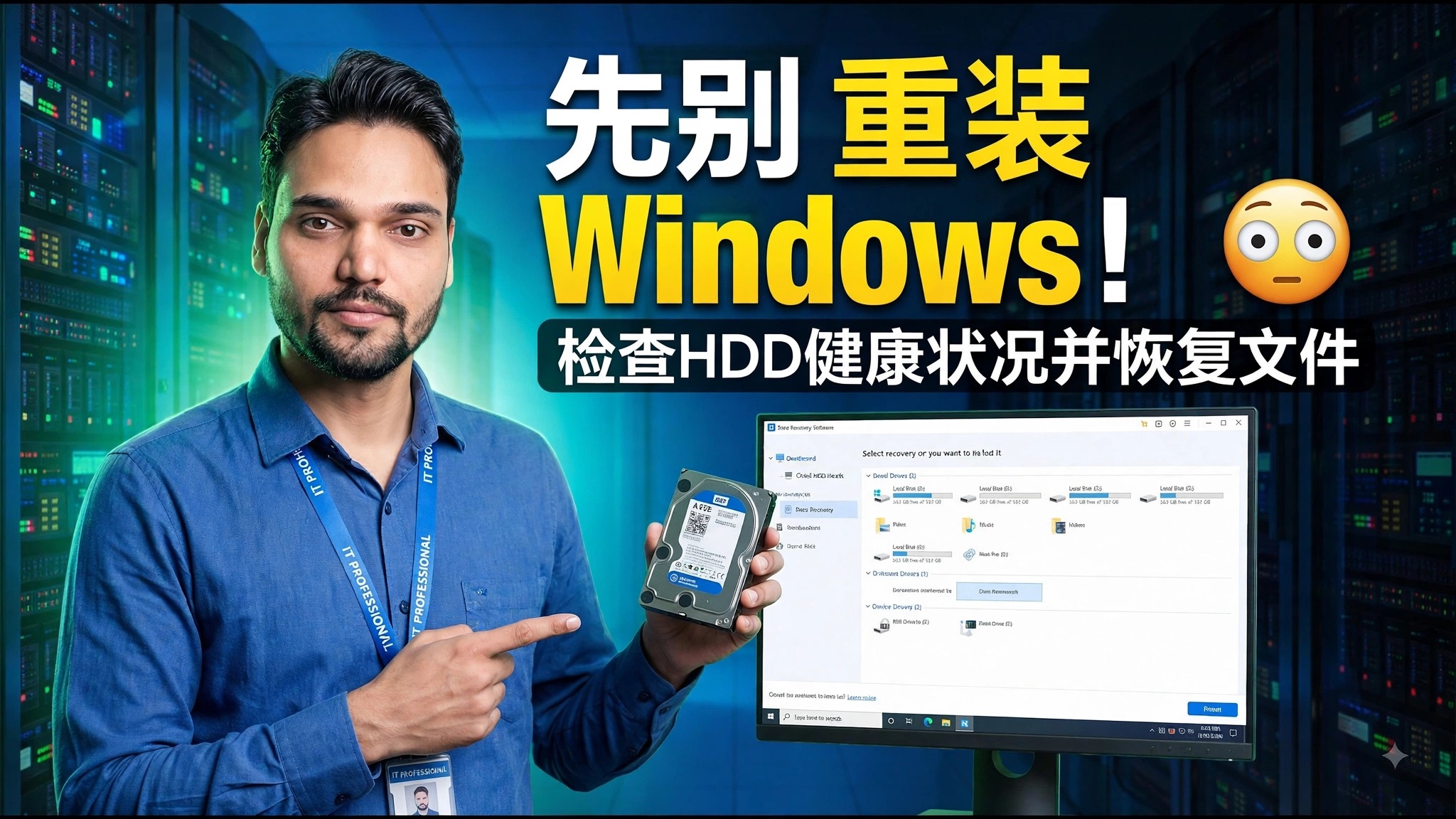
Recovery labs have a saying: they do not compete with other labs;他们与客户的第一次尝试竞争。 A drive that arrives switched-off after its first symptom is usually their easiest job.经过一个周末的冷冻技巧、重复的 chkdsk 运行和 YouTube 指导的盖子拆卸后,同样的驾驶可能超出任何人的能力。本页诚实地划出了界限:您自己可能遇到的失败、每多一分钟就会消耗数据的失败,以及如何选择一个能够公平对待您的实验室。
👆 The honest dividing line — left side rewards careful home work;右侧会永久惩罚它。
停车标志 1 — 机械声音或不旋转
- Clicking, ticking, grinding, scraping, beeping: the heads, motor or platters are physically damaged.软件无法超越损坏的机制
- A drive that does not spin at all — completely silent and undetected with power confirmed — has an electronic or seized-motor fault
- 在这两种情况下,每次通电都会造成进一步的损坏。实验室通过在洁净室(与家庭环境相反)中移植来自匹配供体驱动器的部件来解决这些问题
- 您的正确操作集只有一项:拔掉插头并保持拔出状态,直到您将其移交或认为数据不值得进行实验
停车标志 2 — 创伤、火灾、水和开放的车道
- 开机时掉落是驱动器最糟糕的历史——磁头与盘片高速相遇。即使之后它仍然“有效”,请将任何需要的文件视为实验室优先级
- 烧焦的气味、明显烧焦的板子或水/洪水暴露:请勿为其“检查”。放置期间会发生腐蚀和短路;实验室希望它不被碰触并且不被吹风机吹干
- 有人已经打开顶盖:如实告诉实验室。隐藏的篡改浪费了他们的诊断时间;声明的篡改让他们从正确(较低)的期望开始
- 勒索软件和加密是不同的诚实:如果文件被恶意软件加密,实验室也无法解密它们。实验室从硬件故障中恢复,而不是从数学中恢复——向任何承诺不这样做的人支付费用是第二次损失
一个好的实验室有什么不同之处(以及为什么它的成本)
- 首先评估:他们在恢复工作之前进行诊断和报价,并且许多工作都是在无数据无费用的基础上进行的 - 在移交驱动器之前以书面形式确认这一点
- 洁净室和捐赠者:打开驱动器需要过滤空气的工作台和匹配捐赠者零件的库;头颅移植属于显微外科手术,价格也差不多
- 硬件成像器:实验室工具以 USB 适配器无法做到的方式控制电源、重置和逐头读取,对机械性能较弱的驱动器逐个扇区进行成像,并隔离故障磁头
- 诚实的成本框架:逻辑恢复(健康的驱动器、软件问题)是更便宜的类别;机械/洁净室工作的成本通常要高出几倍,严重损坏的盘片可能会超出任何家庭预算。值得信赖的实验室会在您承诺之前告诉您实际的可能性,并在您拒绝的情况下完好无损地归还您的驱动器
选择实验室,然后准备移交
- 直接问:评估费还是免费?无数据不收费?他们是在洁净室内部打开驱动器,还是将您的驱动器运送到其他地方?您恢复的数据如何返回,其副本保留多长时间?
- 危险信号:电话中承诺保证 100% 恢复,机械工作价格远低于其他人,没有书面报价,有立即决定的压力
- 运送或携带受保护且未通电的驱动器,并附上书面说明:症状、发出的声音、(诚实地)尝试过的操作以及哪些文件夹最重要 - 实验室按您的列表确定优先级
- 在等待的同时,养成一个习惯,让这成为一生一次的事件:在另一台设备或云中复制重要的所有内容。上面的视频准确地涵盖了开车时的早期检查,而家庭救援仍然便宜且容易
Most drives never need a lab at all — they announce themselves early through SMART and the event log. Catching them at that stage is what the video teaches.
🎥 观看视频中的完整过程
Watch the complete diagnosis video - learn the early signs so your drive gets rescued at home while that is still possible.
▶️ Watch Full Video专业数据恢复需要多长时间?
健康驱动器上的逻辑情况可能需要几天的时间。 Mechanical cases depend on donor parts - a common model might be matched in days, a rare one in weeks while a donor is sourced. Labs that quote instant turnaround for a clicking drive before even seeing it are guessing.在评估之后询问时间表,而不是之前。
是否值得为驱动器支付实验室费用,还是我应该接受损失?
这是一个只有您才能回答的价值问题,良好的评估使其成为明智的问题:您在做出承诺之前了解什么是可收回的以及确切的价格。家庭档案和商业记录常常证明这一点是合理的;可重新下载的媒体很少这样做。首先付出驱动器剩余寿命的代价永远是不值得的——失败的 DIY 尝试可能会使机箱从经济实惠的水平变成不可能的水平。
实验室会看到我的私人文件吗?
信誉良好的实验室在保密实践下工作:技术人员对驱动器进行成像并验证文件列表,专业操作人员会根据要求限制访问并在交付后删除其工作副本。选择一个有书面隐私政策的实验室,询问他们保留您的数据多长时间,以及内容是否高度敏感,请提前说明 - 成熟的实验室会例行处理此类案件,并将记录其过程。