Add a LAN Card When Onboard Ethernet Is Not Enough
Every motherboard already has Ethernet, so a LAN card needs a real reason. There are exactly three good ones — more speed than 1 Gbps, a dead onboard port, or a second separate network — and one popular bad one: expecting it to make the internet faster.
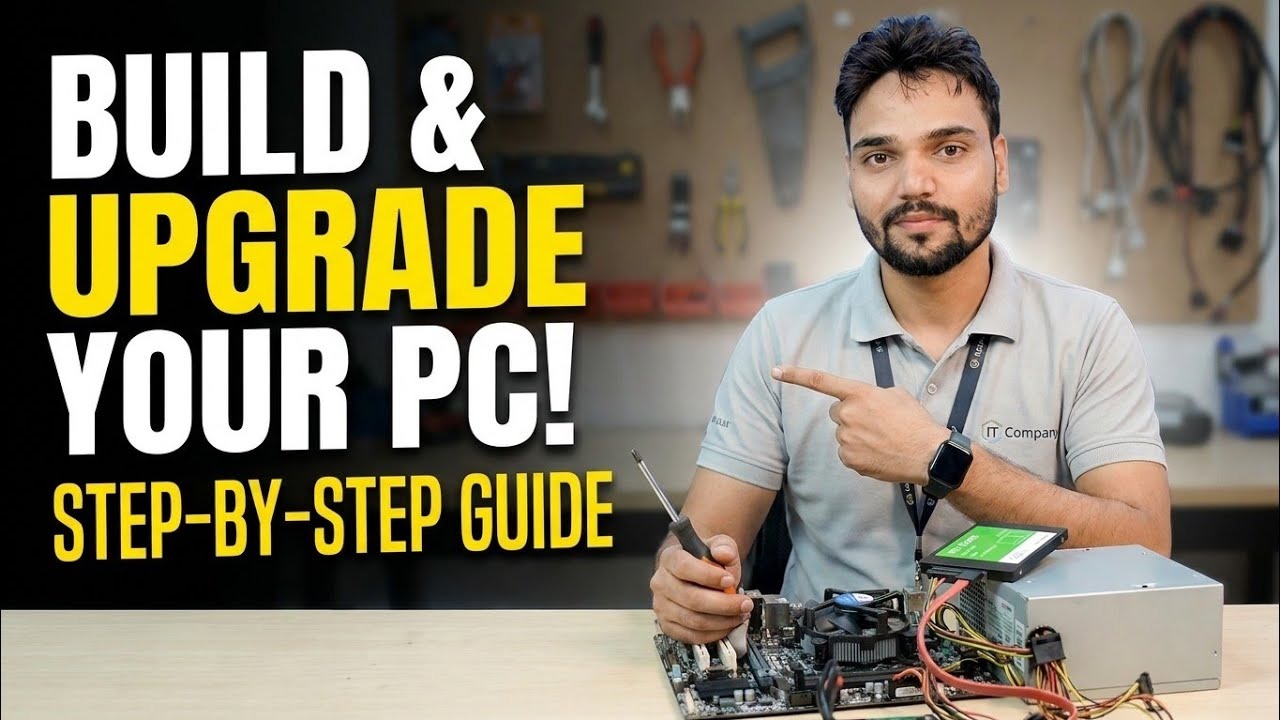
Your broadband plan, not your LAN card, decides internet speed. So why does the video fit one? Because inside the building — PC to NAS, PC to PC, server to two networks — the onboard 1 Gbps port can genuinely be the ceiling. This page covers the three honest reasons to add a LAN card, how to fit one, and the chain rule that decides whether you actually get the speed you paid for.
Reason One — 2.5 Gbps to a NAS or Another PC
Copying large files to a network drive is where gigabit starts to feel slow. A 2.5 Gbps PCIe card roughly doubles-plus that path — but only end to end. The switch port, the NAS and its disks must all keep up; a NAS with a 1 Gbps port or a slow hard disk stays the limit no matter what card the PC has. The realistic setup is a small 2.5G switch joining the PCs and NAS that move big files, while everything else stays on the normal network. Check the result in Windows: the adapter status shows the negotiated link speed, and Get-NetAdapter in PowerShell lists it per adapter.
Reason Two — The Onboard Port Has Died
Onboard Ethernet ports do fail — after lightning season, after years of heat, sometimes for no stated reason. The symptoms are a cable that shows as unplugged on a known-good cable, or a port whose lights never come on. A PCIe LAN card is the standard repair: cheaper than a motherboard, fitted in ten minutes, and Windows treats it as the main adapter once the cable moves over. USB-to-Ethernet adapters also work and suit laptops, but for a desktop kept for years, the internal card is the cleaner, always-connected answer.
Reason Three — A Second, Separate Network
Some PCs honestly need two networks at once: a server PC serving office users on one network while its storage syncs on another; a CCTV recorder PC that keeps cameras on an isolated network away from the office; a technician PC that tests routers without joining the main LAN. A second port gives each network its own cable and its own IP range, which is simpler and safer than clever software arrangements. Windows handles two adapters fine — just set addresses deliberately instead of letting both fight over defaults.
Fitting the Card — Ten Honest Minutes
Power off, unplug, open the panel. The card goes in any free PCIe slot — a x1 card also works in a longer x4 or x16 slot, so use whichever is free and not covered by a thick graphics card. Seat it fully, screw the bracket, close up, move the network cable to the new port, and boot. Windows includes drivers for the common chipsets and usually brings the adapter up by itself; if not, install the driver from the card maker support page. Verify with the link speed and a real file copy, not just the cable light.
What a LAN Card Will Not Do
Honesty section. A LAN card will not speed up your internet beyond your broadband plan. It will not fix Wi-Fi problems — it replaces Wi-Fi for that PC, which is sometimes the point, but it is a cable decision. It will not reach 2.5 Gbps through a gigabit switch or an old Cat5 cable run. And two ports do not combine into double speed for a single file copy; teaming is a server feature with specific switch support, not something a desktop card does by itself. Buy it for the three real reasons and it earns its slot for years.
🎥 Watch the Complete Build and Upgrade Video
RAM, GPU and LAN upgrades done live, step by step, with the reasons behind every choice.
▶ Watch Full VideoIs a 2.5 Gbps LAN card worth it for a home PC?
Only if you regularly move large files to a NAS or another PC that also supports 2.5 Gbps, through a 2.5G switch. For internet browsing, streaming and office work on a normal broadband plan, the onboard gigabit port is already faster than the connection feeding it.
My PC shows the new card but there is no internet on it. What is wrong?
Check the basics in order: cable actually in the new port, link light on, and the adapter enabled in Windows. If the PC also has the onboard port connected, Windows may prefer the wrong adapter — disconnect the old cable or set the adapter priority. A driver from the card maker page fixes the stubborn cases.
Can I use a LAN card and Wi-Fi at the same time?
Yes, Windows allows it, and it can be useful — cable for the office network, Wi-Fi for a guest or test network. Just be deliberate about which connection should carry internet traffic, or Windows will choose for you and file copies may take the slow path.