When to Stop Upgrading an Old PC The Honest Ceiling
Upgrading feels cheaper than replacing — until the small purchases quietly add up to a new PC that is slower than the new PC would have been. Every platform has a ceiling, and finding yours is a calculation, not a betrayal of a faithful machine.
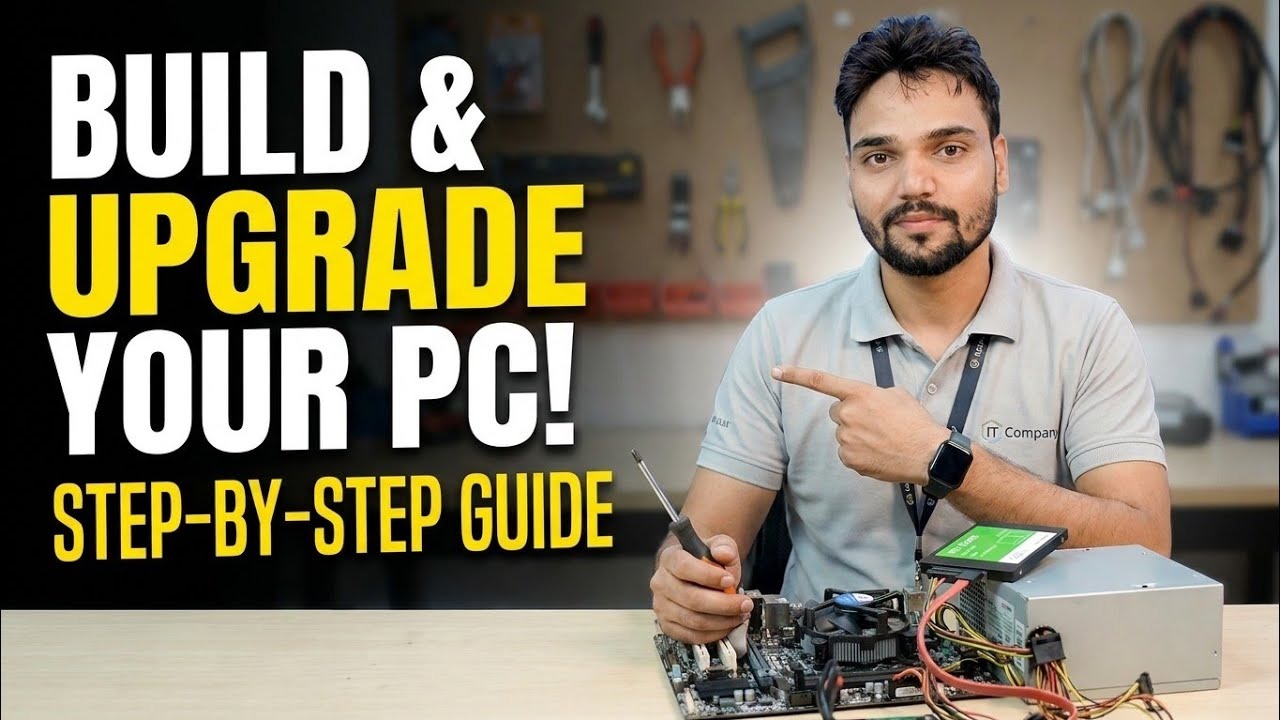
Loyalty to an old PC is understandable; it is paid for, familiar, and mostly works. But parts money is still money. There is a point where the next meaningful upgrade requires replacing the motherboard, CPU and RAM together — and at that point you are not upgrading, you are building a new PC inside an old cabinet, usually for more than a sensible new build. This page gives you the three tests that find that point before your wallet does.
The Upgrades That Are Almost Always Worth It
Two upgrades stay honest on nearly any old PC. An SSD, because it transforms every interaction and can move to the next machine later. And RAM up to a sensible working level (16 GB covers most office and home use), because it is cheap and the sticks, while not portable to a newer platform, cost little. A modest graphics card also belongs here if the power supply allows it and gaming or editing is the point. These are the upgrades the video performs — targeted, measured, and priced against the machine remaining life.
The Platform Age Test
Ask what the platform still receives. An operating system that no longer gets security updates turns the PC into a liability for banking, email and office work no matter how fast it feels. CPU generations also stop appearing in support lists for new software features and eventually for new OS versions at all. None of this makes the machine useless — it makes it a candidate for lighter duties: a file server at home, a Linux machine (a lightweight distribution runs happily on hardware Windows has left behind), a CCTV viewer, a kids practice PC. Demotion is a respectable second career.
The All-Three Test — The Real Ceiling
Here is the ceiling, plainly: when the upgrade you need next requires a new motherboard, then the CPU must change to match its socket, and the RAM must change to match its generation — you are buying a platform. Price that bundle plus your time, honestly, against a complete new or good refurbished PC with a warranty. Again and again the complete machine wins on total cost, speed and peace of mind, while the piecemeal route wins only when the bundle is bought patiently on strong discounts. If you do go the bundle route, keep the SSD and case and PSU (if it is genuinely good) — that is the legitimate way upgrading blends into building.
The Repair Bill Test
Failures force the question at the worst moment, so decide the rule in advance: a single repair costing more than roughly a third of a suitable replacement value deserves a hard pause. A dead motherboard on an old platform is the classic trap — replacement boards for old sockets are second-hand, unwarranted, and priced by scarcity, and fitting one buys back exactly the same ceiling. The exception is data and duty: if the machine runs something specific (an old billing program, a machine controller), its value is its job, not its specs, and keeping it alive is a business decision. Say that out loud and it stops being a tech argument.
Deciding Without Regret Either Way
Write the two totals down — upgrade path versus replacement — with the honest remaining life of each (two years for a maxed old platform, five-plus for a new machine). The arithmetic usually settles it. And whichever you choose, the old PC is not waste: wiped, updated as far as it goes, and handed to a student, a relative, or a spare desk, it keeps earning. The only genuinely bad outcome is the unplanned middle — money spent in dribs and drabs until neither the old PC nor its owner is happy.
🎥 Watch the Complete Build and Upgrade Video
RAM, GPU and LAN upgrades done live, step by step, with the reasons behind every choice.
▶ Watch Full VideoMy 10-year-old PC still works. Why not just keep upgrading it?
Because of the all-three test. Its next real speed step needs a board, CPU and RAM together, and its platform has left current support behind. Small upgrades — SSD, RAM, a mild GPU — remain sensible. Platform money is better saved toward the replacement, where the same spend buys a supported machine.
Is a refurbished branded PC a better buy than upgrading?
Often, yes, for office work. Off-lease business desktops come with supported CPUs, standard parts and sometimes warranty, at prices near a platform bundle. Check it has an SSD (or budget to add one) and enough RAM slots free, and buy from a seller who warrants it in writing.
What should I do with the old PC if I replace it?
Wipe it properly, then re-role it: home file server, Linux machine, CCTV or TV box, a guest or kids PC, or a donation. If it truly is finished, remove the SSD or disk for your data safety and use an e-waste channel — the board and PSU do not belong in household trash.