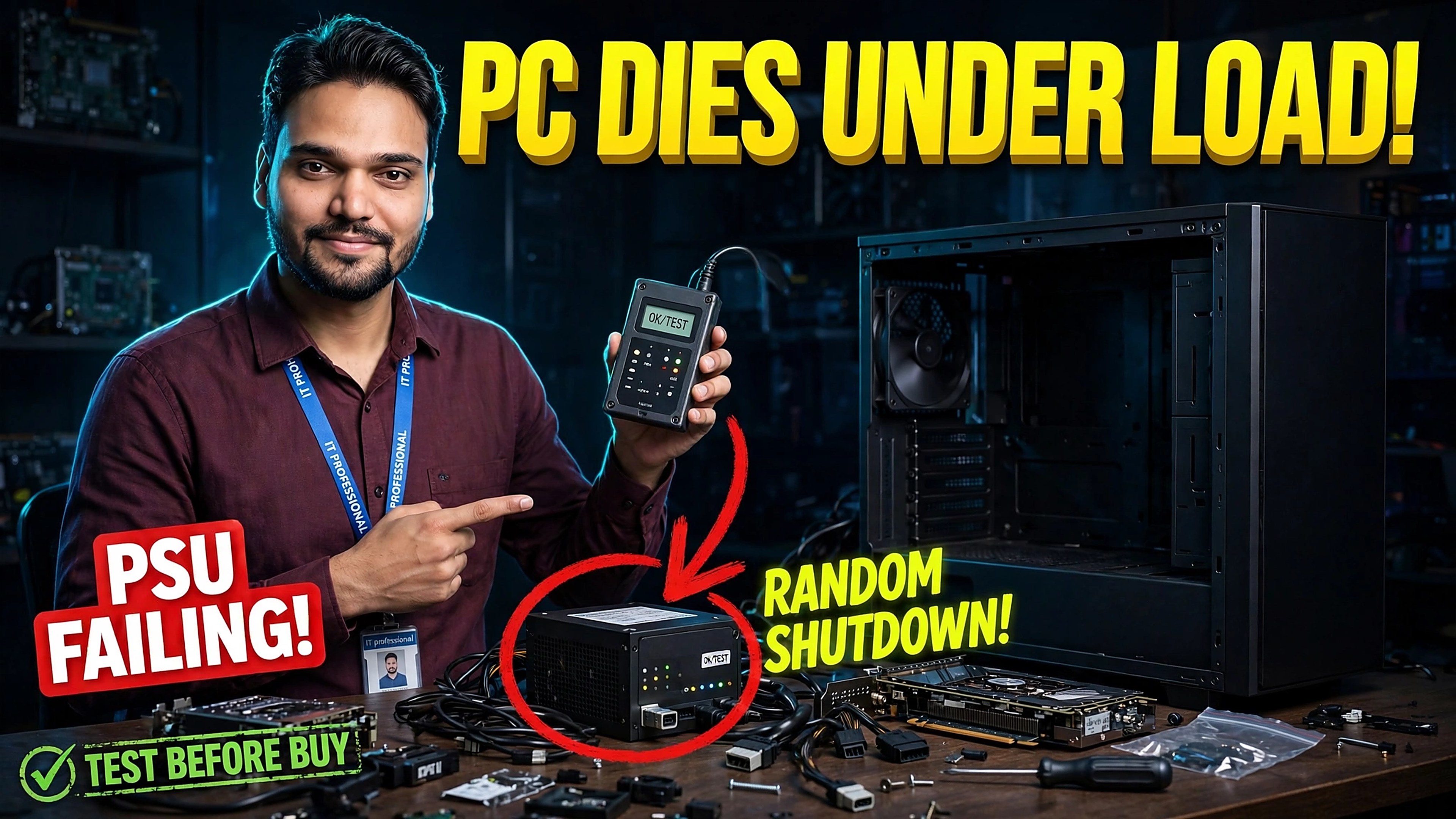
The absence of an error is itself the clue. A Windows or driver crash argues its case on a blue screen and leaves a bugcheck behind. A shutdown with no blue screen and no error message usually means the power simply stopped reaching the board, or a protection tripped. Forum and maker reports repeat the same pattern, often starting or worsening after a GPU upgrade raised the load beyond what an ageing or undersized PSU can deliver. The method below is strict: read the Event Viewer evidence, rule out overheating honestly, reseat every power cable, and then let one known-good PSU deliver the verdict. One safety rule runs through the whole guide: never open a power supply unit - test it and replace it as a sealed unit.
Event ID: 41 Source: Kernel-Power BugcheckCode: 0 BugcheckParameter1: 0x0 PowerButtonTimestamp: 0
X Shutdown or reboot happens minutes after launching a game or render
X No blue screen was shown and no blue screen is recorded
X Light work runs for hours with no shutdown
EVENT 41 - BUGCHECK 0 Power was lost, not a recorded software crash. That pattern points to the power path.
The fingerprint of this problem: instant off under load, nothing under light use, and Event Viewer holding an Event 41 with no bugcheck.
Check Event Viewer for Kernel-Power 41 With No Bugcheck
Windows leaves one useful witness after an unexpected shutdown. Read it before opening the case, because it separates a power loss from a software crash.
- Press Win + R, type
eventvwr.mscand press Enter. Open Windows Logs > System. - Find the entries from the time of a shutdown. Look for Event ID 41, Source: Kernel-Power, marked Critical, and open its Details.
- Check BugcheckCode. A value of 0, with zeroed bugcheck parameters, means no blue screen was recorded - the system did not crash in software, it lost the ability to keep running.
- Be accurate about what Event 41 proves: Microsoft's own Event 41 guidance explains that the event records an unclean shutdown and lists scenarios including an underpowered or faulty power supply - it is strong directional evidence, not a part number. The substitution test in Fix 4 is the proof.
- If instead you find a real bugcheck code and blue screen records at shutdown times, stop and follow the blue screen route for that code - this guide is for the no-bugcheck pattern.
Rule Out Overheating First
An overheating CPU or GPU also shuts the PC down under load, as a protection. Blaming the PSU while the cooler is failing wastes money, so clear heat off the list properly.
- Run HWMonitor or HWiNFO during the exact workload that causes shutdowns, and watch CPU and GPU temperatures right up to the moment of shutdown if you can, or in the minutes before.
- Healthy pattern for this guide: temperatures stay within normal range for your parts (no sustained CPU readings at the 95 to 100C throttling zone, no GPU at its limit) and the PC still cuts off. That clears heat and strengthens the power case.
- If temperatures are in fact at the limit, fix cooling first - clean heatsinks, fan and pump checks, cooler reseat - and only return here if shutdowns continue at normal temperatures.
- Also note the room and case basics while you are here: a PSU intake blocked by carpet or a case with no airflow makes every component's job harder under load.
Reseat the 24-Pin, CPU and GPU Power Cables Fully
A power plug that looks connected but is not latched can carry light loads and arc or drop under full load. Reseating costs nothing and must be done before the PSU itself is condemned.
- Shut down, switch the PSU off, unplug from the wall, and drain charge with one press of the power button. Open the case and ground yourself.
- Reseat the 24-pin ATX main connector on the motherboard and the 8-pin CPU power connector (top of the board) - unplug each, inspect for discolouration or a loose pin, and push it back until its latch clicks.
- Reseat the GPU power: PCIe 6/8-pin plugs or the 12VHPWR connector on newer cards. Push each fully home with no gap; on 12VHPWR especially, a partially seated plug is a known shutdown and damage risk, and the cable should not bend sharply right at the plug.
- If your PSU is modular, reseat the same cables at the PSU end as well, and confirm each cable is in its labelled socket. Never use modular cables from a different PSU model - pin layouts differ between makers and models even when plugs fit.
- Retest under the same load. A shutdown that disappears after a reseat was a connection fault - note which cable it was.
Test With a Known-Good, Correctly Rated PSU ⭐
This substitution test is the most reliable step in the guide and the standard verdict for a suspected PSU. One known-good unit answers what no software test can.
- Borrow or use a PSU that is known-good (proven in another PC) and correctly rated for your system - at or above the graphics card maker's recommended system wattage, with the GPU connectors your card needs.
- Install it as a test unit (it can sit outside the case on a non-conductive surface for a bench test, with the PC otherwise assembled normally), connecting 24-pin, CPU power and GPU power, plus drive power. Take your time; a missed CPU power plug imitates a dead PC.
- Run the exact game or render that reliably shut the PC down, for at least as long as shutdowns used to take - then longer. Repeat once.
- If shutdowns stop completely on the known-good unit, the old PSU is confirmed faulty or undersized. If shutdowns continue identically, the PSU is cleared and diagnosis moves to board, GPU and RAM testing with the same one-part-at-a-time method.
- Do not declare the result on a five-minute test if shutdowns previously took twenty minutes. Match the test to the fault.
Replace a Failed PSU - Never Open One
Some PSUs should be replaced on sight evidence alone, without waiting for a substitution test to finish.
- Replace the unit if it smells burnt, if its fan is dead while the PC runs, if it clicks, buzzes loudly under load in a new way, or if it fails the Fix 4 test. Unplug it and do not keep running a PC on a PSU you already suspect - a failing unit can damage other parts when it goes.
- Choose the replacement by the GPU maker's recommended wattage for your build, from a reputable PSU maker, with the correct GPU connector (PCIe or 12VHPWR) included as native cables.
- Replace all modular cables with the new unit's own cables. Old modular cables from another PSU must not be reused, even if they fit.
- Never open the old or new PSU for any reason. Capacitors inside hold charge after unplugging, and there are no user-serviceable parts inside. Dispose of the failed unit through e-waste collection.
Software Needed
Software here is only for evidence: Event Viewer is built into Windows, and HWMonitor or HWiNFO (free, from their makers' official sites) covers the temperature rule-out in Fix 2. The decisive tool is hardware - a known-good, correctly rated power supply for the substitution test. No "PSU tester" app running in Windows can measure whether a PSU holds its rails under full GPU load, and cheap plug-in testers only show idle voltages, so do not let either replace Fix 4.
More PC Fixes on Technical Anshu
Every week: Windows problems, hidden tools and full setup guides, explained step by step.
Subscribe on YouTubeRelated Video
Related video (not the fix for this exact problem): it shows how to check whether a PC power supply (SMPS) is faulty, which supports the substitution-test diagnosis above. Watch: SMPS Kharab Hai Ya Nahi? How To Check SMPS in PC
Frequently Asked Questions
What does Kernel-Power Event ID 41 mean?
Event 41 means Windows restarted without a clean shutdown - it records that power or the system was lost unexpectedly, it does not name the cause by itself. When BugcheckCode is 0, no blue screen was recorded, which fits power being cut. Microsoft's Event 41 guidance lists an underpowered or faulty power supply among the causes to check in exactly this scenario.
Why does it only shut down in games and renders?
Games and renders draw far more power than browsing or video, especially from the graphics card. A weak or undersized PSU can hold light loads for hours and still trip within minutes under full load. Shutdowns that began after a GPU upgrade are a classic version of this pattern.
Can I repair a failing PSU or open it to check the fan?
No. Never open a power supply unit. Capacitors inside can hold a dangerous charge long after the PC is unplugged. A PSU is tested by substitution with a known-good unit and replaced as a sealed unit when it fails - there is no user-serviceable part inside.
How do I know what wattage replacement PSU I need?
Follow the graphics card maker's recommended system wattage for your GPU and CPU combination, and choose a quality unit at or above that rating with the connectors your card needs. Wattage printed on a very cheap unit is not the same as sustained, clean delivery, so buy from a reputable PSU maker or range.
Could a shutdown under load be software instead?
A driver or Windows crash normally leaves a blue screen and a bugcheck code in Event Viewer. An instant power-off with Event 41 and BugcheckCode 0, no blue screen and no error message, points away from software and toward power loss or a protective shutdown - which is why this guide rules out overheating first, then tests the PSU directly.