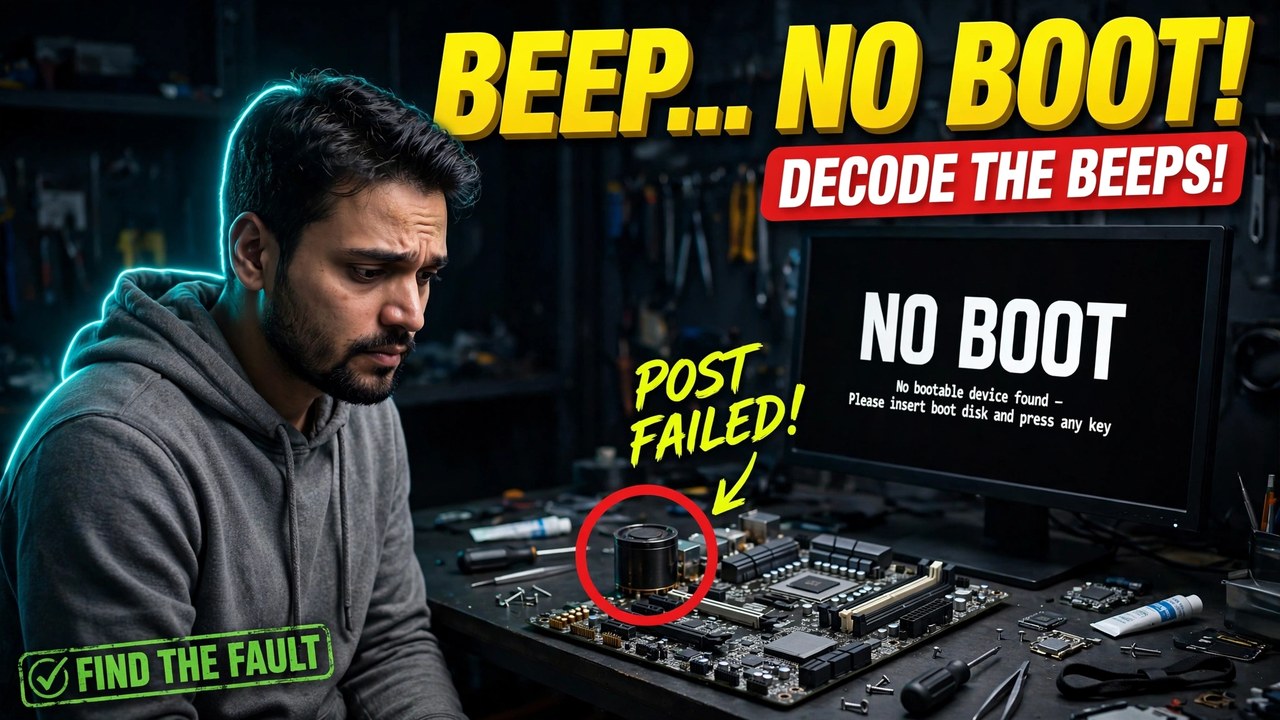
One warning before any fix: there is no universal beep code. The same pattern means different things on different systems, because AMI, Award and each branded PC maker define their own codes. Three short beeps in the AMI table below mean a RAM failure; Dell does not even use that pattern for RAM - Dell uses 2 beeps for memory not detected. Every beep meaning in this guide is therefore labelled with its maker, and the first fix is always identifying your own maker from your manual. Never act on a pattern from another maker's table: you can replace a healthy part and still have the same beeps. With the right table, the workflow is calm and logical - count, match, reseat that one part, retest.
AMI BIOS: 3 short beeps = Base 64K RAM failure
AMI BIOS: 5 short beeps = Processor failure
AMI BIOS: 8 short beeps = Display memory read/write failure
Dell: 2 beeps = Memory (RAM) not detected
Dell: 5 beeps = CMOS battery failure
Dell: 6 beeps = Video card failure
MAKER-SPECIFIC Use only your own maker's row. The same count means a different part on another maker's system.
What you see and hear: power and fans, no picture, and one repeating beep pattern. The patterns above are shown with their makers because the maker decides the meaning.
Count the Beeps and Identify Your BIOS Maker
Diagnosis starts with two facts, recorded accurately: the exact pattern, and whose table applies to your machine.
- Switch the PC on and count carefully: how many beeps, short or long, and where the pause falls before the pattern repeats. Record a phone video of two full cycles - it is easy to miscount live, and support will ask for the pattern later.
- Identify the maker. Check the motherboard manual or the PC maker's manual for your exact model: is this an AMI or Award BIOS board, or a branded Dell, HP or similar desktop with its own code table? The support page for your exact model carries the correct table.
- Match the pattern only in that maker's table. For reference, the research for this guide records: AMI 3 short = Base 64K RAM failure, AMI 5 short = Processor failure, AMI 8 short = Display memory read/write failure; Dell 2 beeps = Memory (RAM) not detected, Dell 5 beeps = CMOS battery failure, Dell 6 beeps = Video card failure.
- If your maker or pattern is not listed here, do not borrow a meaning from another maker. Stop and get your own manual's table first - every fix below depends on this match being right.
For RAM Patterns, Reseat the RAM Firmly ⭐
RAM patterns - AMI 3 short beeps, or Dell 2 beeps for memory not detected - most often mean the stick is present but not making clean contact, especially after the PC was moved, cleaned or upgraded. A firm reseat is the most reliable first fix.
- Shut down, switch the power supply off, unplug the PC, and press the power button once to drain charge. Open the case and touch a metal part to discharge static.
- Release both clips on the first RAM stick and lift it straight out. Blow dust from the slot with compressed air and check the stick contacts are clean.
- Reinstall it: align the notch with the slot key, press both ends down evenly until both clips click into place on their own. Push firmly - a half-seated stick is the top cause of memory beeps.
- Repeat for each stick, then power on and listen. If the beeps stop and the PC displays, the fault was contact, not a dead stick.
- If the RAM pattern remains, go to Fix 4 and test one stick at a time before buying anything.
For Video Patterns, Reseat the GPU and Its Power Cables
Video patterns - AMI 8 short beeps for display memory read/write failure, or Dell 6 beeps for video card failure - point at the graphics card and its connections.
- With power off and unplugged as above, release the PCIe slot latch and the case screw, lift the graphics card out, and blow dust from the slot.
- Seat the card back firmly until the latch clicks, refit the case screw, and reconnect its PCIe power cables until each plug latches. A card with a loose power plug beeps or shows nothing even though it sits in the slot.
- Confirm the monitor cable is plugged into the graphics card, not the motherboard video port, and that the monitor is on the correct input.
- Power on and listen again. If the video pattern persists, test with the monitor on integrated graphics if your CPU provides it (card removed), which separates a failed card from a failed slot or board.
Test One RAM Stick at a Time
If reseating did not clear a memory pattern, isolate the faulty part instead of replacing the whole set on a guess.
- Install one stick only, in the primary slot named in your motherboard manual (often DIMM_A2). Power on and note the result: beeps, display, or normal boot.
- Repeat with each stick alone in that same slot. A stick that triggers the memory pattern alone is the faulty stick.
- If all sticks behave in the primary slot, test a known-good stick in each other slot you use. A pattern that appears only in one slot points at that slot or the board, not the RAM.
- Only replace the part this isolation actually condemns. Keep your notes - pattern, stick, slot - for any warranty claim.
Clear CMOS, Retest, Then Replace What the Code Points To
Corrupted or badly changed BIOS settings can also stop POST. A CMOS clear returns the firmware to defaults and is the last no-cost step before replacement.
- Note your BIOS settings first (boot order, memory profile) with phone photos if you can still reach setup, or from your own records.
- Power off and unplug. Clear CMOS exactly as your manual directs - usually moving a jumper for a few seconds or removing the coin battery briefly with power disconnected. Follow the manual, not a generic video, because jumper location varies.
- Reconnect, power on, and listen. Note Dell's specific case here: Dell 5 beeps means CMOS battery failure in Dell's own table - on a Dell with that pattern, replace the CR2032 coin battery instead of only clearing settings.
- If the same maker's pattern returns after reseats, one-stick tests and a CMOS clear, replace the part that maker's code names: the condemned RAM stick, the graphics card, or - for an AMI 5-short processor pattern confirmed after reseating the CPU power cable - seek board-level diagnosis before buying a CPU, since true CPU failure is rare compared with power and seating faults.
Software Needed
No software is needed - a PC that cannot pass POST cannot run any. The tools for this problem are your motherboard or PC manual (for the correct beep table, primary RAM slot and CMOS clear method), a phone to record the pattern, compressed air, and a screwdriver for the case and graphics card. If your board has diagnostic LEDs or a POST code display, the manual's LED and code tables are equally maker-specific and just as valid as beeps.
More PC Fixes on Technical Anshu
Every week: Windows problems, hidden tools and full setup guides, explained step by step.
Subscribe on YouTubeRelated Video
Related video (not the fix for this exact problem): it covers the first checks to run when a computer does not start at all, which pair well with the beep-code diagnosis above. Watch: Computer Not Starting? Check This First
Frequently Asked Questions
Are beep codes the same on every PC?
No. Beep codes are defined by the BIOS maker and the PC maker, not by a universal standard. Three short beeps on an AMI BIOS mean a base 64K RAM failure, while Dell uses 2 beeps for memory not detected. Always use the table for your own BIOS or PC maker from your manual.
My PC has no beeps at all and no display. What does that mean?
Silence can mean the motherboard speaker is not fitted (many modern boards and cases omit it), the PC is failing before POST even starts, or there is a power problem. Check for diagnostic LEDs or a two-digit POST code display on the board, and work through power, RAM reseat and CMOS clear steps before blaming a part.
How do I know which BIOS maker my PC uses?
Check the motherboard or PC manual first, then the support page for your exact model. The BIOS setup screen header also names the maker when the PC can display it. On Dell, HP and other branded desktops, use that PC maker's own beep and blink code table, not a generic table from the internet.
Will clearing CMOS delete my files or Windows?
No. Clearing CMOS only resets BIOS settings such as boot order, XMP and fan settings back to defaults. It does not touch the drives, Windows or any file. Note your important BIOS settings first, because you will need to set boot order and any memory profile again afterwards.
The beep pattern changes every time I switch on. Why?
A changing pattern usually means an intermittent contact or a part that fails only sometimes: a half-seated RAM stick or GPU, a marginal power connector, or dust in a slot. Reseat each part firmly one at a time and test after each change, so you learn which reseat stabilised the pattern.