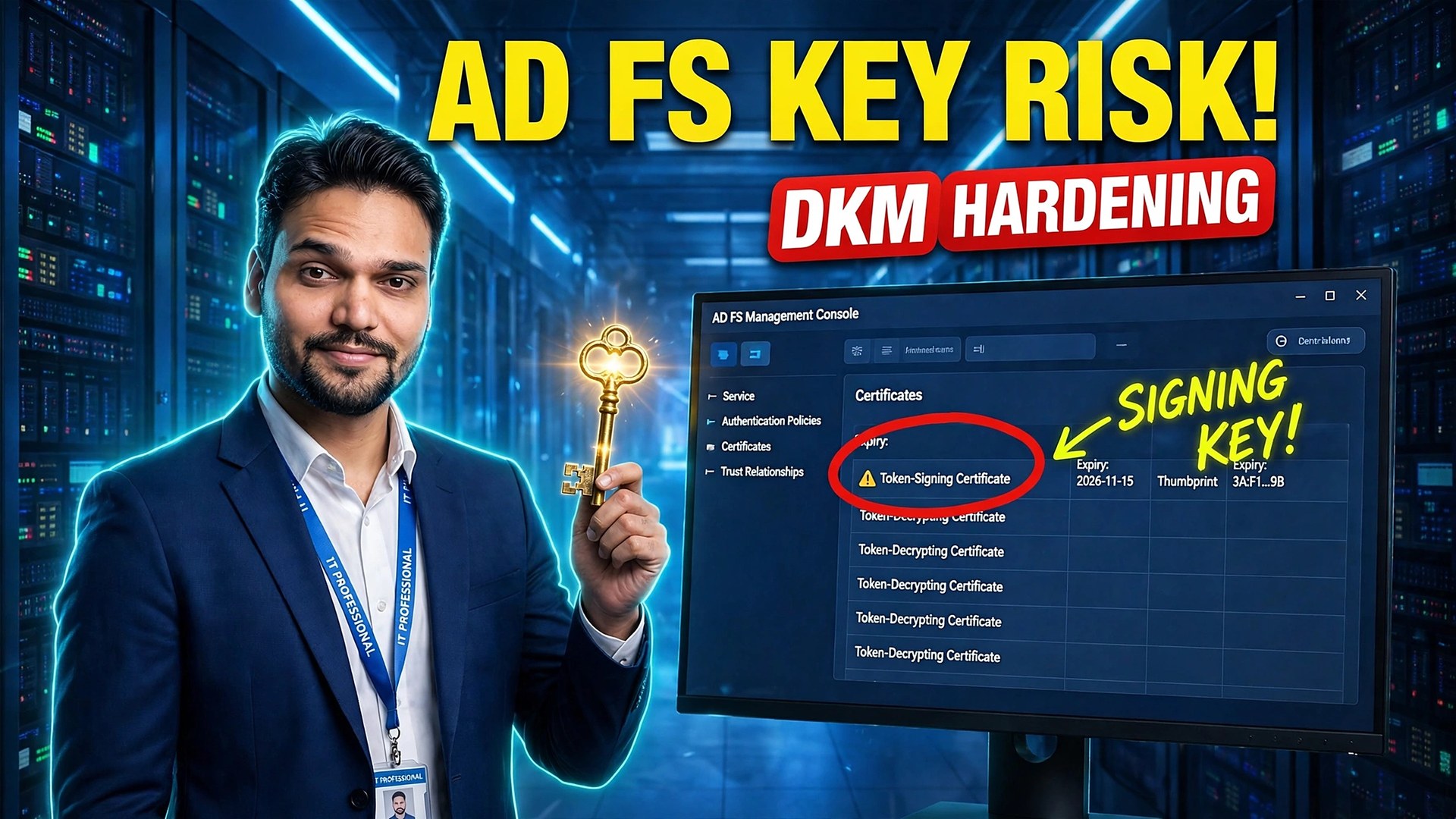
Since July 2026, this change has been running in audit mode - watching, not touching. October's updates flipped it to enforcement. What is being enforced is a strict ACL on the DKM container in Active Directory: the object that holds the wrapped keys protecting your AD FS token-signing and token-decrypting certificates. A loose ACL on that container is the documented path to a Golden SAML attack - steal the signing key, forge a token for any user, walk into every federated application as an admin. Microsoft's secure end-state allows access only to Domain Admins, Enterprise Admins, SYSTEM and the AD FS service account. Getting there is automatic on modern servers - and deliberately manual on the old ones.
Event ID: 1135 The previous access control list for the DKM container was saved before remediation. Previous ACL (SDDL): O:BAG:BAD:(A;;RPWPCCDCLCSWRCWDWOGA;;;S-1-5-21-...-XXXX) (A;;CCDCLCSWRPWPDTLOCRSDRCWDWO;;;S-1-5-21-...-YYYY)
✖ DKM container ACL is broader than the secure state - extra accounts can reach the wrapped signing keys
✖ Server 2012 / 2012 R2 farm: enforcement does not run by itself - remediation waits for the admin
✔ Server 2016 and later: ACL already hardened automatically (RemediateDkmAcl = 1)
✔ The old ACL is preserved as SDDL in Event 1135 - your rollback path
What you should see around remediation time: Event 1135 holding the previous ACL in SDDL form. Save it before you change anything else.
Know Your Farm: Who Is Automatic, Who Is Manual
Before touching anything, sort every AD FS server in the farm into the right bucket:
- Windows Server 2016, 2019, 2022 or 2025: nothing to configure. Remediation is automatic -
RemediateDkmAcldefaults to1and the platform performs the hardening with the October updates. Skip to Fix 2 for verification. - Windows Server 2012 or 2012 R2: these servers only receive the update through the Extended Security Updates (ESU) program, and the automatic enforcement does not run on them. The full manual sequence in Fixes 3-5 is yours to do.
- Confirm the October 2026 updates (KB5121391, covering CVE-2026-56155) are actually installed on the federation servers - without the update, none of the machinery in this guide exists.
- Also confirm who your AD FS service account is (a domain account or a group Managed Service Account). You will be granting it rights in Fix 4, and granting them to the wrong account is the most common way this procedure stalls.
Server 2016 and Later: Verify, Do Not Touch
On a modern farm your only tasks are proof and housekeeping:
- Check the AD FS Admin event log for Event ID 1135 - it records the previous ACL in SDDL form at the moment remediation replaced it. Export and save that event now, outside the server, as part of your change record. It is your only clean rollback.
- Open the DKM container's security properties (via ADSI Edit, under the AD FS container in the domain naming context) and confirm the ACL now matches the secure state: Domain Admins, Enterprise Admins, SYSTEM and the AD FS service account - and nobody else with read access.
- Audit for silent dependencies: anything that was quietly reading the DKM container under the old permissive ACL (a monitoring tool, a backup account, a script) will now be denied. Watch for new access failures in the days after the update before you declare the change finished.
Server 2012 / 2012 R2: Record the Current State Before You Change It
Manual work starts with a safety net - on these servers you are the remediation engine, so build the rollback before you need it:
- In ADSI Edit, connect to the Default naming context and navigate to the AD FS DKM container (under
CN=ADFS, CN=Microsoft, CN=Program Data, DC=<your domain>- the container whose child objects hold the key material). - Open its Properties → Security → Advanced and note the current owner and every ACE. Take screenshots or export the security descriptor to SDDL with PowerShell (
Get-Aclon the AD: drive path, then.Sddl) and store it with your change record. - Check the AD FS event log for any existing Event 1135 entries from the audit-mode period since July, and save those too.
- Schedule the remaining steps inside a change window. Token sign-in keeps working during the ACL work, but you are modifying the guard around the keys that sign every token - treat it with the same care as a certificate rollover.
Grant the AD FS Service Account WriteOwner + WriteDacl First ⭐
This is the step that decides whether remediation works at all on 2012 / 2012 R2. Remediation runs in the security context of the AD FS service account, and rewriting an object's owner and permission list requires two specific rights on that object: WriteOwner and WriteDacl. KB5121391 documents that these must be granted before remediation is switched on - without them, the remediation simply fails.
- In ADSI Edit, open the DKM container's Properties → Security tab.
- Add the AD FS service account (the exact account from Fix 1, step 4) if it is not already listed.
- For that account, tick Allow for WriteOwner and WriteDacl (open Advanced and edit the permission entry if the basic view does not show both rights individually).
- Apply and close. Double-check you edited the DKM container itself - not the parent ADFS container and not a child key object. The rights belong on the container whose ACL gets rewritten.
- Let AD replication carry the change to every domain controller before moving on - in a multi-DC environment, give it a replication cycle or force one.
Set RemediateDkmAcl to 1 and Verify the New ACL
With the service account prepared, switch remediation on as documented in KB5121391:
- Set
RemediateDkmAclto1on the 2012 / 2012 R2 federation server(s), following the KB5121391 procedure for your farm. - Allow the remediation to run (restart the AD FS service if your change window plan calls for it) and then check the AD FS Admin log: the previous ACL must be recorded in Event ID 1135 as an SDDL string. If that event is missing, stop - do not assume success; save whatever the log does show and re-check Fix 4's rights and replication.
- Re-open the DKM container's security properties and verify the ACL is now the secure state: Domain Admins, Enterprise Admins, SYSTEM, AD FS service account - and the extra readers from the old ACL gone.
- Test federation end-to-end: sign in to one relying-party application as a normal user and confirm tokens are issued and accepted.
- Rollback, if you ever need it: reapply the SDDL saved in Event 1135 (or your Fix 3 export) to the DKM container with ADSI Edit or
Set-Acl. That restores the exact previous permissions while you fix whatever dependency broke - then remediate again.
0 only as a short, documented emergency pause with a dated plan to turn remediation back on. An AD FS farm that permanently opts out has decided to keep a known Golden SAML path open.
📺 More Server Security Guides on Technical Anshu
Every week: Windows Server problems, hidden tools and full setup guides, explained step by step.
▶ Subscribe on YouTubeFrequently Asked Questions
What is the AD FS DKM container and why does its ACL matter?
The DKM (Distributed Key Manager) container in Active Directory holds the wrapped keys that protect your AD FS token-signing and token-decrypting private keys. Whoever can read that container with enough rights can unwrap the signing key - and a stolen token-signing key is exactly what a Golden SAML attack uses to forge trusted SAML tokens for any user, in any connected application, without a password. That is why Microsoft is enforcing a strict ACL on the container: only Domain Admins, Enterprise Admins, SYSTEM and the AD FS service account should have access.
Do I have to do anything on AD FS servers running Windows Server 2016 or later?
No manual steps are required. With the October 2026 updates (KB5121391, CVE-2026-56155), remediation is automatic on Server 2016 and later because RemediateDkmAcl defaults to 1 and the platform supports the automatic hardening. Your job there is verification only: confirm the DKM container ACL is now the secure one, save the old ACL recorded in Event 1135 for rollback, and check that nothing in your environment was silently depending on the old, more permissive ACL.
Why must the AD FS service account get WriteOwner and WriteDacl on the DKM container first, on Server 2012 and 2012 R2?
On Server 2012 and 2012 R2 (under ESU), the automatic enforcement does not run. Remediation executes in the context of the AD FS service account, and rewriting an object's owner and DACL requires the WriteOwner and WriteDacl rights on that object. If the service account does not hold those rights on the DKM container, the remediation has no way to tighten the ACL and fails. Granting those two Allow rights first is the documented preparation step in KB5121391 - only then should RemediateDkmAcl be set to 1.
How do I roll back if the DKM hardening breaks something?
Before the ACL is replaced, the previous ACL is preserved in Event ID 1135 in the AD FS event log, written out as an SDDL string. Keep a copy of that event (and export the log) as part of your change record. If something that legitimately depended on the old ACL breaks, an admin can reapply the saved SDDL to the DKM container with ADSI Edit or PowerShell (Set-Acl with the saved security descriptor) to restore the exact previous permissions while you fix the dependency properly.
Can I just opt out by setting RemediateDkmAcl to 0?
The opt-out exists, but Microsoft's own guidance warns that with RemediateDkmAcl set to 0 the DKM container stays in its old, vulnerable state - the very state CVE-2026-56155 is about. Treat 0 only as a short, documented emergency measure if hardening breaks a critical dependency and you need hours to fix it, with a dated plan to turn remediation back on. Leaving it at 0 permanently means your token-signing keys keep the exposure that enables Golden SAML forgery.