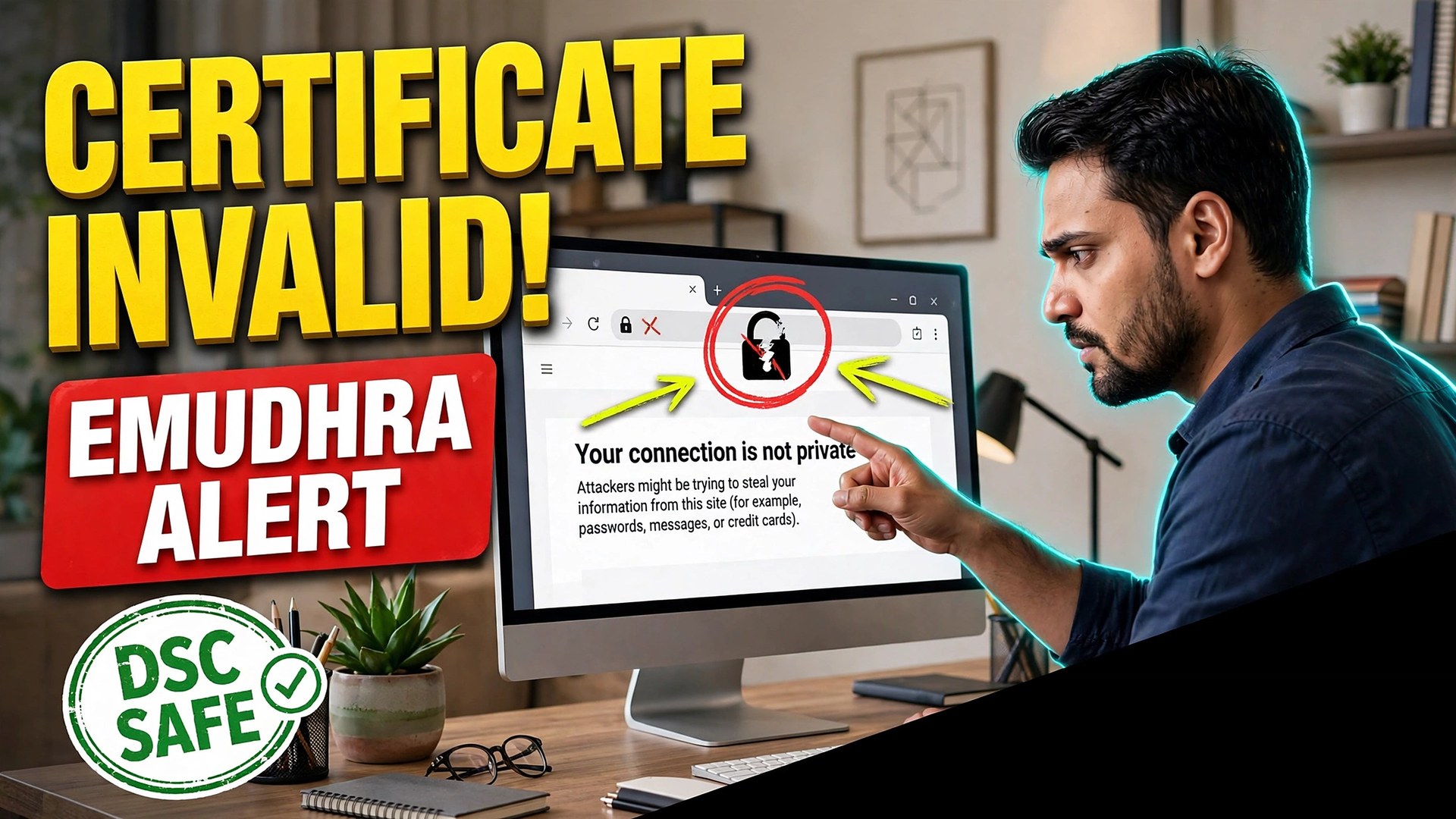
The exact scene: a website that worked yesterday suddenly stops with a full-page browser warning - "Your connection is not private", error code NET::ERR_CERT_AUTHORITY_INVALID. The site owner swears the certificate is valid for months more. Both are true. Between 17 and 20 October 2026, Chrome, Mozilla, Apple and Microsoft all moved against eMudhra's emSign certificate chain, and every website hanging off that chain broke at once. This guide has two tracks: Fix 2 if you own such a website, Fix 4 if you manage Windows machines that are still not showing (or wrongly still trusting) these certificates. And before anything else, read the clarification in Fix 1 - it will save a lot of panic in India.
⚠️ Your connection is not private
Attackers might be trying to steal your information from the website (for example, passwords, messages or credit cards).
NET::ERR_CERT_AUTHORITY_INVALID
✖ Certificate chain: website → emSign intermediate CA → revoked / distrusted (Oct 2026)
✖ Same website fails in Chrome, Edge, Firefox and Safari at the same time
✔ The website's own certificate dates still look valid - the trust chain above it is what died
✔ Indian DSC signing and eSign: completely unaffected (different chain - see Fix 1)
The error exactly as visitors see it: a valid-looking certificate rejected because its issuing chain was revoked.
First, the Most Important Clarification: DSC and eSign Are NOT Affected
Because the name "eMudhra" is famous in India mainly for Digital Signature Certificates, a rumour spread fast that DSC tokens and eSign had broken. That is false.
- Indian DSC (Digital Signature Certificates) and eSign run on a completely separate trust chain - the RCAI (Root Certifying Authority of India) chain, supervised by the Controller of Certifying Authorities (CCA), India.
- What failed is eMudhra's separate public website-certificate business (the emSign TLS/SSL CA hierarchy) - a different system, different roots, different certificates.
- eMudhra, CERT-In (advisory CIAD-2026-0050) and MeitY have all officially confirmed that DSC and eSign are not impacted.
- So: your DSC token, PDF signing, income-tax / GST / MCA / tender signing - all keep working exactly as before. Do not buy a new DSC because of this news, and do not let anyone sell you one for this reason.
Everything below is only about website SSL/TLS certificates - the padlock in the browser.
What Happened, and How to Confirm Your Site Is in This Exact Mess
In October 2026 a researcher demonstrated that the private keys of eight emSign intermediate CA certificates were shockingly weak - some key values were trivially small numbers (reported values included 4, 56 and 66). A CA whose keys anyone can guess cannot be trusted to vouch for websites, so events moved fast:
- 17-18 Oct 2026: browsers and platform vendors begin blocking; all eight intermediate CAs are revoked on 18 October.
- 17-20 Oct 2026: Chrome, Mozilla, Apple and Microsoft distrust the emSign chain - websites using it start failing for visitors.
- 22 Oct 2026: eMudhra shuts down its global TLS certificate business.
- Around 27 Oct 2026: Chrome also removes the emSign ECC Root CA G3 root from its trust store, so sites chaining to that root start failing too.
Confirm it is your case: open your website, click the padlock / warning icon in the address bar → Certificate (or "Connection is secure/not secure" → certificate details) → look at "Issued by" and the Certification Path. If the chain contains emSign or an eMudhra CA name, this guide is exactly your problem - and no server setting of yours caused it.
For Website Owners: Replace the Certificate With One From a Different CA ⭐
There is no repair, renewal or setting that revives an emSign-chain certificate - the trust itself is gone. The certificate must be replaced. This is the fix that brings the site back for every visitor:
- Check every certificate you run, not just the main site - subdomains, mail servers, VPN and any service using an emSign-issued certificate has the same problem.
- Get the replacement: eMudhra has been arranging replacement certificates for affected customers through other CAs - contact eMudhra support first and ask for yours. Alternatively, buy/issue from any other trusted CA (for example DigiCert, Sectigo, GoDaddy) - or use a free Let's Encrypt certificate if your hosting supports it.
- Generate a fresh CSR and key on your server for the new certificate. Do not reuse the old emSign private key with the new certificate.
- Install the new certificate in place of the old one: on Windows/IIS through Server Certificates → Complete Certificate Request and re-bind it to the site in Bindings (https, port 443); on cPanel/Linux hosting through SSL/TLS → Install and Manage SSL; on a VPS, point your web server (Nginx/Apache) config to the new certificate and full-chain files, then reload the service.
- Make sure the full chain is served - your certificate plus the new CA's intermediate bundle. A missing intermediate gives a different error ("certificate chain incomplete") even with a good CA.
- Test like a visitor: open the site in Chrome and Edge with a normal window. The padlock should be back, "Issued by" should show the new CA, and the certification path should no longer contain emSign.
Once the replacement certificate is installed, the error disappears for everyone immediately - visitors do not need to change anything, because their browsers already trust the new CA.
For Visitors: Do Not Click Through the Warning
If a site you use shows this error, the site is almost certainly a victim of the same CA incident, not a fake - but the warning screen cannot prove that to you, and a look-alike site would show the same screen.
- Do not use Advanced → Proceed on any page where you log in, bank, pay or enter personal data.
- Use the service's official mobile app meanwhile, or wait for the site to replace its certificate - most affected sites fixed this within days.
- Nothing is broken on your PC. Seeing this error actually means your browser's trust list updated correctly (see Fix 5 for the office machines where it did not).
For Windows Admins: Offline PCs Need the Out-of-Band CTL Updates
Normally Windows learns "this CA is no longer trusted" by itself: an automatic Certificate Trust List (CTL) update downloads from Microsoft in the background. But a whole class of office machines never receives it - machines that are offline, air-gapped, behind strict proxies, or where the policy "Turn off Automatic Root Certificates Update" is enabled. On those PCs the distrust never arrives, so emSign-chain sites may still be wrongly trusted (a security gap), and managed trust changes never land.
For exactly those machines, Microsoft published out-of-band packages on 26 October 2026. Download the one matching your Windows version from the Microsoft Update Catalog and install it like any standalone update:
- Windows 11:
KB5134133,KB5134130orKB5134134- pick the package for your exact Windows 11 version/architecture shown in the Catalog. - Windows 10 (ESU / LTSC):
KB5134125. - On the Catalog site, search the KB number, download the
.msufile, copy it to the offline machine and install it (double-click, or from an admin Command Prompt): wusa "C:\Path\To\downloaded-package.msu"- Restart if the installer asks, then open an emSign-chain website in Edge/Chrome - it should now be rejected with the certificate error, which in this case means the machine's trust list is finally up to date.
Also check the policy: if your organisation disabled automatic root/CTL updates by Group Policy years ago, decide deliberately - either keep the policy and keep hand-delivering packages like this one every time a CA dies, or re-enable automatic updates for the machines that do have internet. What you cannot do is neither, and still expect trust changes to arrive.
Verify Everything at the End
- Website owners: the site loads in Chrome, Edge and Firefox with a clean padlock; the certification path shows your new CA and no emSign anywhere in the chain.
- Indian users: sign any PDF with your DSC as usual - it works, because it was never part of this incident (Fix 1).
- Admins: after the KB package, previously-trusted emSign-chain sites are rejected on the managed PC, and normal trusted sites still open fine.
If all three check out, you are done - the remaining noise around this incident is headlines, not action items.
📺 More PC Fixes on Technical Anshu
Every week: Windows problems, hidden tools and full setup guides, explained step by step.
▶ Subscribe on YouTubeFrequently Asked Questions
Is my Indian DSC (Digital Signature Certificate) affected by the eMudhra emSign incident?
No. DSC and eSign in India run on a completely separate trust chain - the RCAI (Root Certifying Authority of India) chain under the Controller of Certifying Authorities. eMudhra, CERT-In (advisory CIAD-2026-0050) and MeitY have all confirmed DSC and eSign are not affected. Only website SSL/TLS certificates from eMudhra's public emSign CA business lost trust. Your DSC token, PDF signing, income tax, GST and MCA work keep running normally - do not buy a replacement DSC because of this news.
Why does a website show NET::ERR_CERT_AUTHORITY_INVALID even though its certificate has not expired?
Because the failure is in the chain above the site's certificate. The eight emSign intermediate CA certificates had dangerously weak private keys and were revoked on 18 October 2026; Chrome, Firefox, Apple and Microsoft then distrusted the chain. Every certificate issued under it fails validation regardless of its own dates. The site owner must replace it with a certificate from a different CA - there is no other fix.
As a visitor, does this error mean the website has been hacked?
Not necessarily - in this incident the website usually did nothing wrong; its certificate provider lost the browsers' trust. But the warning screen cannot prove that, and a fake look-alike site shows the same warning. So never click through on login, banking or payment pages; use the official app or wait for the site to replace its certificate.
I am a home user. Do I need to install anything on my PC for this?
No. If your PC is online and updates normally, Windows and your browser already received the updated Certificate Trust List automatically - that is precisely why affected sites started showing errors for you. The out-of-band KB packages (KB5134133 / KB5134130 / KB5134134 for Windows 11, KB5134125 for Windows 10 ESU/LTSC) are only for machines that never get automatic certificate trust updates - offline, air-gapped or policy-locked office PCs.
Will an emSign certificate start working again if the site owner just waits?
No. The intermediates were revoked, Chrome is also removing the emSign ECC Root CA G3 root, and eMudhra shut down its global TLS business on 22 October 2026. There is no trust path coming back. The certificate has to be replaced - eMudhra has been arranging replacements for customers through other CAs, and free certificates such as Let's Encrypt also solve it.