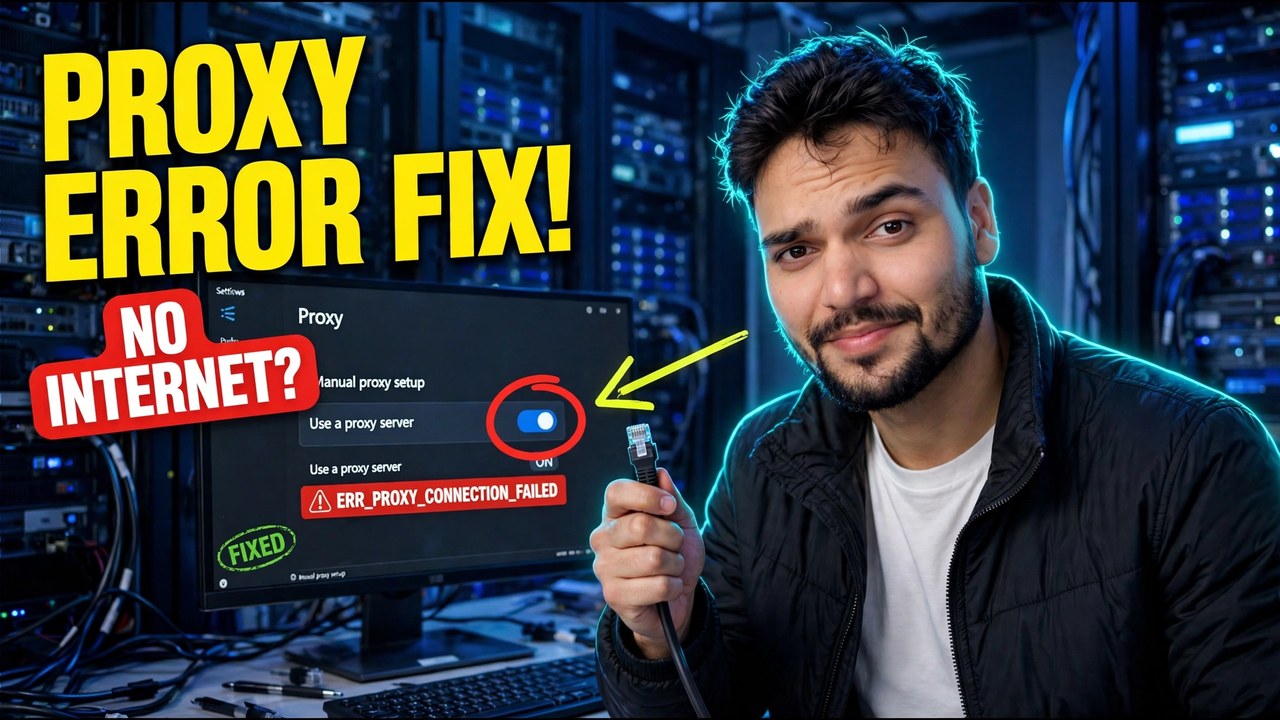
This error has a precise meaning: Chrome is trying to reach the internet through a proxy server, and that proxy is not answering. Chrome on Windows uses the system proxy settings, so a leftover proxy entry - left behind by an old VPN, office software, a hotspot app, or malware - breaks Chrome even when your internet itself is perfect. That is why the classic fingerprint is Chrome fails on every site while another browser or your phone works fine. The fix is to find who set the proxy and clear it properly, not to keep retrying pages.
X Every website fails with the same proxy error, not just one site
X The error started after uninstalling a VPN, changing networks, or using office software
X Another browser or your phone opens the same sites without any problem
X Chrome worked at the office or college but fails at home (or the other way round)
ERR_PROXY_CONNECTION_FAILED Chrome was told to use a proxy server and that proxy did not respond. On a home PC the proxy entry is almost always leftover or wrong - a work or college PC may genuinely need it, so check before clearing there.
The fingerprint of this problem: one error code on every page, while the internet itself works elsewhere - Chrome is being sent to a proxy that is not there.
Confirm the Internet Works and Restart Chrome and the PC
Rule out a real outage first, so you do not chase proxy settings for a dead connection.
- Open the same website on your phone or in another browser such as Edge. If nothing works anywhere, restart your router and check your ISP - this is not a proxy problem.
- If other browsers work, fully close Chrome, restart the PC, and test Chrome once more. A restart clears a stuck proxy state left by a crashed VPN.
- Still showing the error on every page? The proxy setting itself is wrong - continue.
Turn Off the Manual Proxy in Windows Settings ⭐
This is the fix that works most often on home PCs. A manual proxy address that points to a server which no longer exists produces exactly this error on every page.
- In Chrome, go to
chrome://settings/systemand click Open your computer's proxy settings - or open Windows Settings > Network & internet > Proxy directly. - Under Manual proxy setup, click Set up / Edit and turn Use a proxy server OFF, then Save.
- Turn Automatically detect settings ON under Automatic proxy setup.
- Restart Chrome and test a website. If pages load, a dead manual proxy was the cause - stop here.
Check the Old LAN Settings Panel Too
Windows keeps a second, older proxy panel, and some apps write to that one only. Chrome reads it, so a bad entry here survives the modern Settings fix.
- Press Win + R, type
inetcpl.cpland press Enter. - Open the Connections tab and click LAN settings.
- Tick Automatically detect settings and untick Use a proxy server for your LAN (home PCs only - see the warning above for office PCs). Click OK twice.
- Restart Chrome and test again.
Disconnect VPNs and Reset the WinHTTP Proxy
VPN apps set system proxies and do not always clean up on exit or uninstall. Resetting the WinHTTP proxy clears what they leave behind for system services.
- Fully disconnect and quit any VPN app, then test Chrome. If Chrome works only with the VPN off, update or reinstall that VPN - its proxy component is broken.
- Open Command Prompt as administrator: press Win + X and choose Terminal (Admin).
- Run this command and press Enter:
netsh winhttp reset proxy- it should reply that the proxy is set to direct access. - Also run
ipconfig /flushdns, restart the PC, and test Chrome.
Check Chrome Extensions and Security Software
Some extensions force their own proxy (many free VPN extensions do exactly this), and some antivirus web-shield features act as a local proxy that can fail after an update.
- Go to
chrome://extensionsand turn off every VPN, proxy or unblocker extension, then test. Remove any you do not recognise. - Temporarily pause your antivirus web shield / HTTPS scanning for one test page only, then turn it straight back on. If that fixed it, update the antivirus instead of leaving the shield off.
- Run a full scan with Windows Security - unwanted software is a known cause of proxy settings that keep coming back.
Reset Chrome Settings If the Error Keeps Returning
If the proxy error returns after every restart, something is re-applying the setting - a bad extension, a policy, or damaged Chrome settings. A reset clears Chrome's side without deleting bookmarks, history or saved passwords.
- Go to
chrome://settings/reset, click Restore settings to their original defaults and confirm. - Open
chrome://policy. On a personal PC this should show no proxy policy. If a proxy policy is listed and you did not set it, run a full Windows Security scan and remove the unknown program that set it. - Retest. If the Windows proxy value itself keeps reappearing after every reboot, treat it as unwanted software: scan, remove unknown recently-installed programs from Windows Settings, and only then set the proxy off one final time.
More PC Fixes on Technical Anshu
Every week: Windows problems, hidden tools and full setup guides, explained step by step.
Subscribe on YouTubeFrequently Asked Questions
What does ERR_PROXY_CONNECTION_FAILED mean in Chrome?
It means Chrome tried to load pages through a proxy server and that proxy did not respond. Chrome on Windows uses the system proxy settings, so the fault is usually a leftover or wrong proxy entry in Windows Settings or the LAN settings panel - not your internet connection, which is why other browsers often still work.
Why does Chrome show the proxy error but Edge works fine?
An extension inside Chrome - most often a VPN or unblocker extension - can force its own proxy only for Chrome, while Edge uses the clean system setting. Turn off all VPN and proxy extensions on chrome://extensions and test again. If the error goes, remove or replace the extension that caused it.
Is it safe to turn off the proxy in Windows Settings?
On your own home PC, yes - home internet connections do not need a manual proxy, and turning it off is fully reversible in the same screen. On an office or college PC, do not change it yourself: those networks often require the proxy, and the correct fix there is to report the error to IT because their proxy server may be down.
The proxy setting keeps coming back after I turn it off. What now?
Something on the PC is re-applying it - usually an unwanted program, a broken VPN app, or a Chrome policy. Run a full Windows Security scan, uninstall unknown or recently added programs and VPN tools from Windows Settings, check chrome://policy for a proxy policy you did not set, and reset the proxy once more after the cleanup.
What does netsh winhttp reset proxy do?
It clears the proxy configuration that Windows system services (WinHTTP) use and returns them to direct access. It does not delete files or change your network. Run it from an administrator Command Prompt or Terminal when a VPN or network tool has left a stale system proxy behind, then restart the PC and test Chrome.