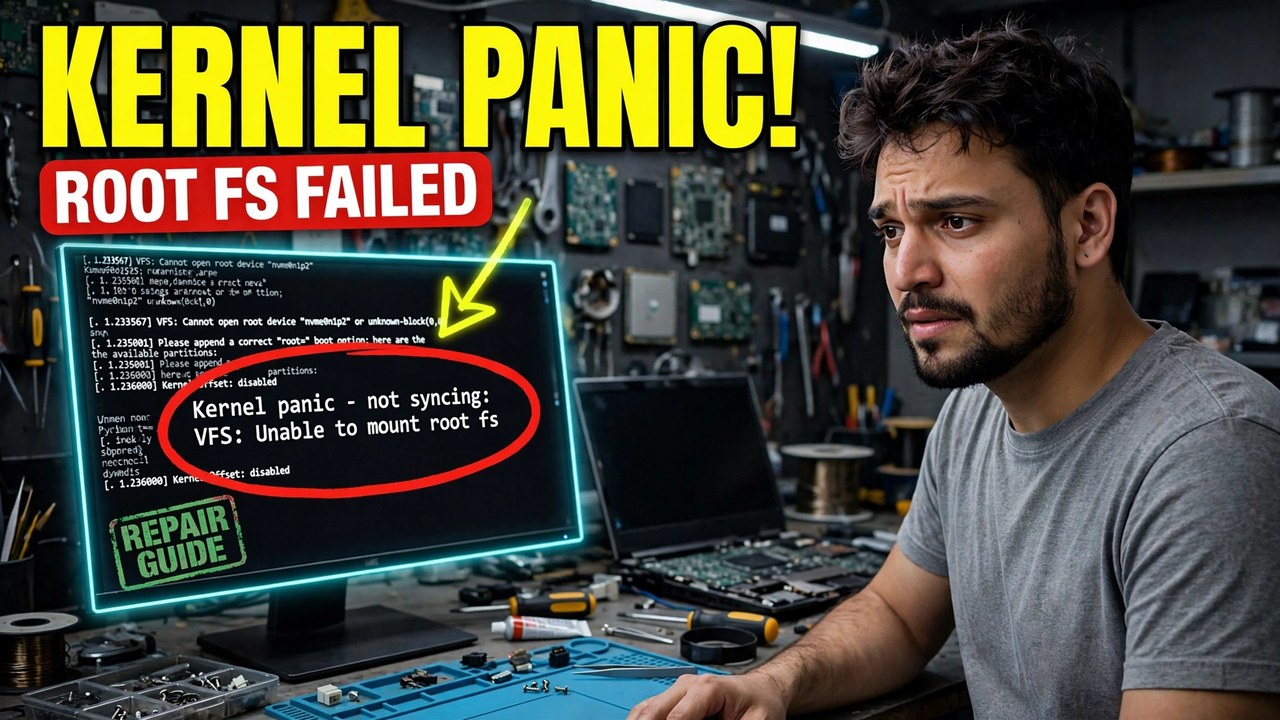
This panic means the kernel cannot mount the partition that holds /. In practice that is one of four things: the initramfs is missing or built without the storage driver, the UUID in the boot entry or /etc/fstab no longer matches the disk (common after cloning or repartitioning), the filesystem is damaged, or the disk itself is failing or disconnected. A live USB is your workshop for three of them. Back up and identify first - guessing here wastes hours.
X Boot stops at the panic line and the keyboard lights may blink
X It started after a kernel update, a disk clone, or moving the drive to another machine
X An older kernel in the GRUB Advanced options may still boot
X The listed block device or UUID does not match your actual root partition
VFS PANIC The kernel cannot mount root. Suspects in order: initramfs, wrong UUID, damaged filesystem, failing disk.
The fingerprint of this problem: the panic is about mounting root, not about a program crash after login.
lsblk -f before changing anything, and back up /etc/fstab before editing it. Never run fsck on a mounted filesystem.Try an Older Kernel From GRUB First
If a previous kernel boots, the system itself is fine and only the new kernel's initramfs or entry is broken - the fastest diagnosis there is.
- At the GRUB menu choose Advanced options and pick the previous kernel version (not its recovery line first).
- If it boots, log in, open a terminal, and go straight to Fix 3 to rebuild the initramfs for all kernels.
- If no kernel boots, continue to Fix 2 with a live USB.
Boot a Live USB and Identify the Real Root Partition
Every later step depends on knowing the correct device and UUID - get them from the disk itself, not from memory.
- Boot an Ubuntu live USB, choose Try Ubuntu, and open a terminal.
- Run
lsblk -fandsudo blkid. Identify your root partition (usually ext4, the large one) and write down its device, for example /dev/sda2, and its UUID. - Check disk health quickly if the drive is suspect: Disks app SMART data, or
sudo smartctl -H /dev/sdaafter installing smartmontools. A failing disk means backup first, repair second.
Rebuild the Initramfs From a Chroot ⭐
A missing storage driver or a broken initramfs image is the most common fixable cause. ⭐
- Mount the root partition (replace sda2 with yours):
sudo mount /dev/sda2 /mntand, if you have a separate boot partition, mount it on /mnt/boot and the EFI partition on /mnt/boot/efi. - Bind the live system folders:
for d in dev proc sys run; do sudo mount --bind /$d /mnt/$d; donethen enter:sudo chroot /mnt - Rebuild for every kernel:
update-initramfs -c -k allthen refresh the menu:update-grub - Exit with
exit, unmount withsudo umount -R /mnt, reboot without the USB, and test. Warning: update-initramfs rewrites boot images - confirm you are chrooted into the installed system (checkls /mntearlier showed your files) before running it.
Compare the UUID in fstab and the Boot Entry
After a clone or repartition, the config still points at the old UUID, so the kernel looks for a root that no longer exists.
- In the chroot or live session, compare:
sudo blkidoutput againstcat /mnt/etc/fstab- the UUID on the line mounted at / must match the real root partition exactly. - Back up before editing:
sudo cp /mnt/etc/fstab /mnt/etc/fstab.bak, then correct the UUID in fstab with a text editor. - Run
update-grubinside the chroot so the boot entry is regenerated with the same correct UUID.
Run fsck Only If the Filesystem Itself Is Damaged
If the panic follows a power cut or the live session reports errors mounting the partition, check the filesystem - unmounted only.
- From the live USB, make sure the partition is NOT mounted:
sudo umount /dev/sda2 - Run a check that asks before fixing:
sudo fsck -f /dev/sda2and review each prompt before answering yes. - If fsck reports massive damage or the disk also fails SMART, stop repairing and copy your files off from the live session first - data recovery comes before boot repair.
blkid on your own disk. And do not reinstall over the top before trying an older kernel and an initramfs rebuild - both take minutes and preserve everything.More PC Fixes on Technical Anshu
Every week: Windows problems, hidden tools and full setup guides, explained step by step.
Subscribe on YouTubeFrequently Asked Questions
What does Kernel panic Unable to mount root fs mean?
The Linux kernel started but could not mount the root filesystem, so it has no system to hand control to and panics. Causes are a broken or driver-missing initramfs, a UUID in fstab or the boot entry that no longer matches the disk after cloning or repartitioning, a damaged filesystem, or a failing or disconnected drive.
How do I fix Unable to mount root fs without reinstalling?
First try an older kernel from GRUB Advanced options. If one boots, run sudo update-initramfs -c -k all and sudo update-grub. If none boot, use a live USB: identify the root partition with lsblk -f and blkid, chroot into it, rebuild the initramfs, and check that the fstab UUID matches blkid exactly.
Is it safe to run update-initramfs?
Yes, when you are sure you are operating on the installed system - in a chroot from a live USB, confirm the mounted partition really holds your installation before running it. update-initramfs -c -k all rebuilds the boot images for all kernels; it does not touch your personal files.
When should I run fsck for this panic?
Only when there is evidence of filesystem damage - a power cut before the panic, mount errors in the live session, or fsck-worthy symptoms - and only on an unmounted partition from a live USB: sudo fsck -f /dev/sda2. Never run fsck on a mounted filesystem.
My disk was cloned and now it panics. Why?
Cloning can leave the new disk with a different UUID while /etc/fstab and the GRUB entry still name the old one, so the kernel searches for a root filesystem that does not exist. Compare blkid against fstab, correct the UUID after backing fstab up, and run update-grub from a chroot.