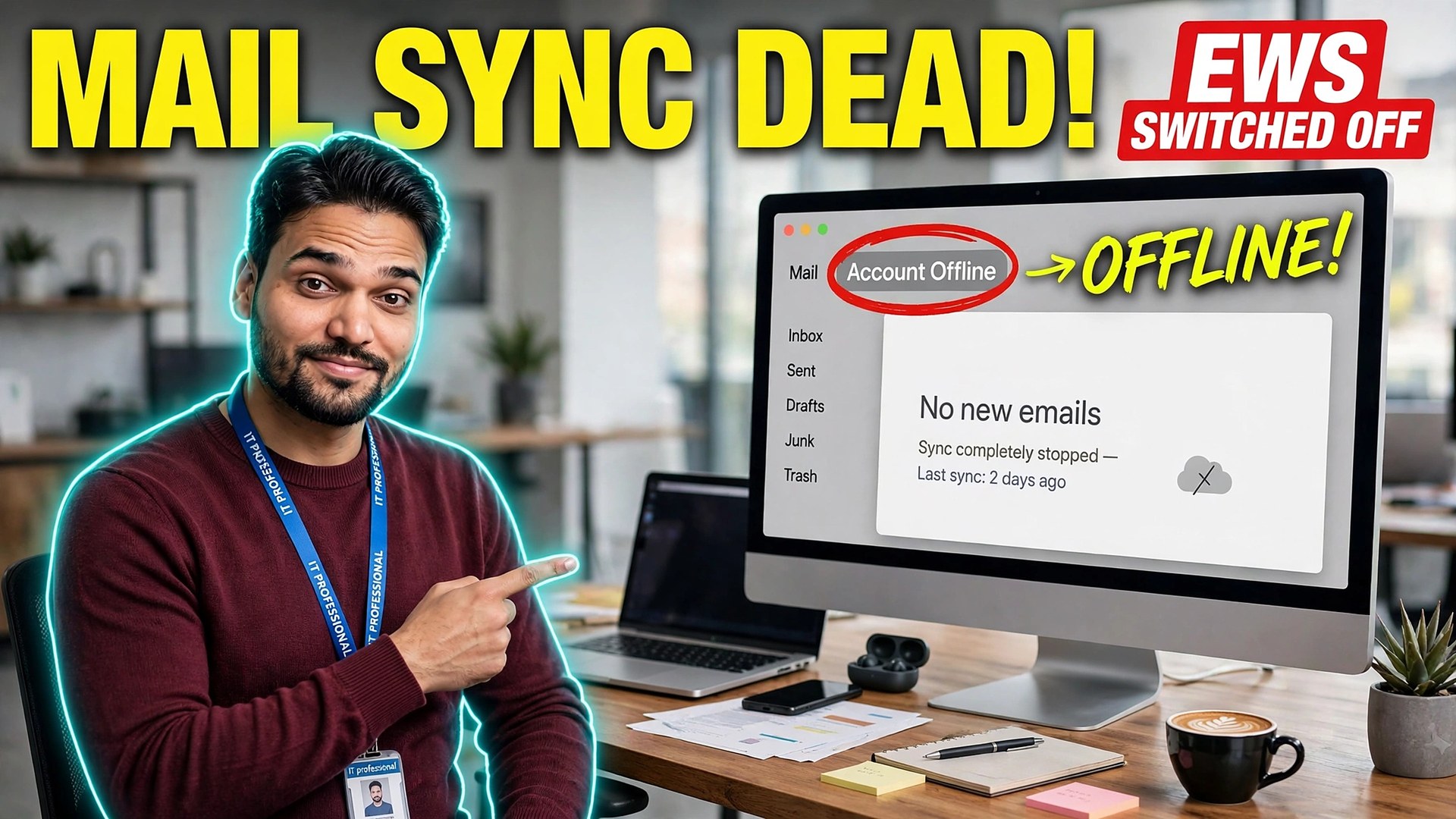
Here is the exact picture from the help desk tickets: a Mac user's Apple Mail shows the account offline, calendars stop updating, and re-entering the password changes nothing. The same mailbox opens instantly in Outlook and in the browser. At the same time, a CRM or calendar tool that has synced contacts and appointments for years starts throwing connection errors. The common thread is one protocol: Exchange Web Services. Apple documents its Mail and Calendar apps as EWS-based for Exchange accounts, and a long tail of third-party tools was built on EWS too. When Microsoft switched EWS off for your tenant, every one of them lost its road to the mailbox at the same moment.
✖ "Unable to connect" / account shows a warning triangle - new mail and calendar changes never arrive
✖ Apple Calendar stops syncing the same day, on every Mac in the tenant
✖ A CRM / calendar sync tool starts failing with connection errors at the same time
✔ The same mailbox works perfectly in Outlook and Outlook on the web
✖ Started in October 2026 with no change made by the user or the IT team
The fingerprint: only the EWS-based apps fail, all at once, while Outlook keeps working on the same mailbox.
Confirm It Is the EWS Shutdown (Dates Matter Here)
Three facts pin this problem down - check them before changing anything:
- 1 October 2026: Microsoft began disabling EWS in Exchange Online, tenant by tenant. That staggered rollout is why your neighbour company broke on the 3rd and you broke on the 21st.
- The failures are app-shaped, not mailbox-shaped: Apple Mail, Apple Calendar and EWS-based third-party tools fail; Outlook desktop, Outlook mobile and Outlook on the web work. If Outlook is broken too, you have a different problem - stop here.
- 1 April 2027: EWS is completely removed from Exchange Online. After that date there is no setting, no support case and no escalation that brings it back. Every decision in this guide is made against that deadline.
Why Microsoft is doing this: EWS is a legacy protocol from the on-prem era. Microsoft has been steering all Exchange Online integration to Microsoft Graph for years, and October 2026 is when the steering turned into a switch-off. Your tenant did nothing wrong - the platform moved.
Find Every App That Still Uses EWS in Your Tenant
Never re-enable blind. First get the list of what is actually consuming EWS, so the restore is surgical and the migration list writes itself:
- Open the EWS usage report for your tenant (Microsoft links it from the Exchange Online / Message Center posts about the EWS change). It lists the applications and user-agent identities still calling EWS.
- From the report, split the consumers into three groups: Apple Mail / Calendar users (people problem - Fix 4), business tools like CRM and calendar sync (vendor problem - Fix 5), and surprises - the forgotten integration nobody remembered existed. The surprises are the ones that would have ambushed you on 1 April 2027.
- Note the exact application identities exactly as the report shows them. You need them verbatim in the next step.
Temporarily Re-Enable EWS - for the Specific Apps Only ⭐
Microsoft's documented bridge: an admin can switch EWS back on for the specific applications that need it. Do it narrowly - per app, not tenant-wide - and treat it as a bridge with an expiry date, because it is one. Connect to Exchange Online PowerShell as an admin:
Connect-ExchangeOnline- Look at the tenant's current EWS settings before changing them:
Get-OrganizationConfig | Format-List EwsEnabled, EwsApplicationAccessPolicy, EwsAllowList, EwsBlockList- Restrict EWS to an allow list and add only the application identities from your Fix 2 report (replace the example identity with the exact one your report shows):
Set-OrganizationConfig -EwsApplicationAccessPolicy EnforceAllowList -EwsAllowList @{Add="<application identity from the EWS usage report>"}- For a controlled pilot first, you can enable EWS on a single mailbox and test with one affected user:
Set-CASMailbox -Identity [email protected] -EwsEnabled $true- Have the pilot user quit and reopen Apple Mail (or the affected tool) and confirm mail and calendar sync resume. Changes can take a little while to propagate - if it does not work in the first minutes, wait and retest before changing more settings.
Write the expiry date into the ticket: this re-enable only lives until 1 April 2027. When EWS is removed completely, this setting stops existing - there will be nothing left to switch back on.
Move Mac Users to Outlook for Mac (the People Fix)
For the Apple Mail and Calendar users themselves, do not build their long-term future on the Fix 3 bridge:
- Install Outlook for Mac (or point users to Outlook on the web) and add the same Microsoft 365 account. Mail, calendar and contacts sync through Microsoft's modern sync services - EWS is not in the path, so 1 April 2027 becomes a non-event for them.
- Keep Apple Mail working via Fix 3 during the changeover so nobody is without mail while they switch.
- Once a user is happily on Outlook for Mac, they no longer need to be part of your EWS exception list at all.
The Permanent Fix: Migrate Everything Else to Microsoft Graph
For every third-party tool on your Fix 2 list, the end state is the same:
- Ask each vendor, in writing, two questions: do you have a Microsoft Graph-based version, and what is its date? A vendor with no Graph plan is a vendor you replace before April 2027, not after.
- Schedule the upgrades while the Fix 3 bridge is still holding the line - the bridge exists precisely to buy this migration window.
- Keep re-checking the EWS usage report as you migrate. Your real finish line is not a date on the calendar; it is the day the report shows zero consumers. After that, 1 April 2027 can come and go unnoticed.
📺 More Microsoft 365 Admin Guides on Technical Anshu
Every week: Windows and server problems, hidden tools and full setup guides, explained step by step.
▶ Subscribe on YouTubeFrequently Asked Questions
Why did Apple Mail suddenly stop syncing Microsoft 365 mail in October 2026?
Because Microsoft started switching off Exchange Web Services (EWS) in Exchange Online, tenant by tenant, on 1 October 2026. Apple Mail and Apple Calendar on macOS connect to Exchange Online through EWS - Apple documents them as EWS-based - so when your tenant's turn came, those apps lost their connection even though nothing changed on the Mac. The mailbox itself is fine: Outlook on the web, Outlook desktop and mobile apps do not rely on EWS for everyday mail and calendar sync and kept working.
Is Outlook affected by the EWS shutdown?
Everyday Outlook use is not affected. Outlook desktop, Outlook for Mac, Outlook mobile and Outlook on the web sync mail and calendars through Microsoft's modern sync and Microsoft Graph-based services, not through EWS. What breaks is anything that talks to Exchange Online specifically through EWS: Apple Mail and Apple Calendar on macOS, and third-party mail, calendar and CRM tools that were built on EWS. If Outlook works but the Mac's built-in apps and a CRM integration died in the same week, EWS is the cause.
How long can an admin re-enable EWS, and what happens after 1 April 2027?
Re-enabling is temporary by design. An admin can switch EWS back on for the specific applications that need it, but only until the complete removal of EWS on 1 April 2027. After that date EWS is gone from Exchange Online and there is no re-enable option at any support level - the setting simply stops existing. Treat any re-enable you do now as a bridge with a hard expiry date, and run the migration to Microsoft Graph alongside it, not instead of it.
How do I find out which apps in my tenant still use EWS?
Use the tenant's EWS usage report that Microsoft points admins to (linked from the Exchange Online / Message Center communications about the EWS change). It lists the applications and user agents still calling EWS in your tenant, which tells you exactly three things: which business tools will break, which users are on Apple Mail or Calendar, and the exact application identities you need if you re-enable EWS for specific apps only. Do the report first - re-enabling blind, for everything, is how tenants end up surprised again in April 2027.
What is the permanent fix for apps broken by the EWS shutdown?
Migration off EWS. Third-party tools must be updated by their vendors to Microsoft Graph - ask each vendor for their Graph-based version and their date for it, in writing. For Mac users, the practical permanent answer is Outlook for Mac (or Outlook on the web), which does not depend on EWS for mail and calendar. The deadline that governs everything is 1 April 2027, when EWS is completely removed from Exchange Online; after that, any app still speaking EWS stops working permanently, with no workaround.