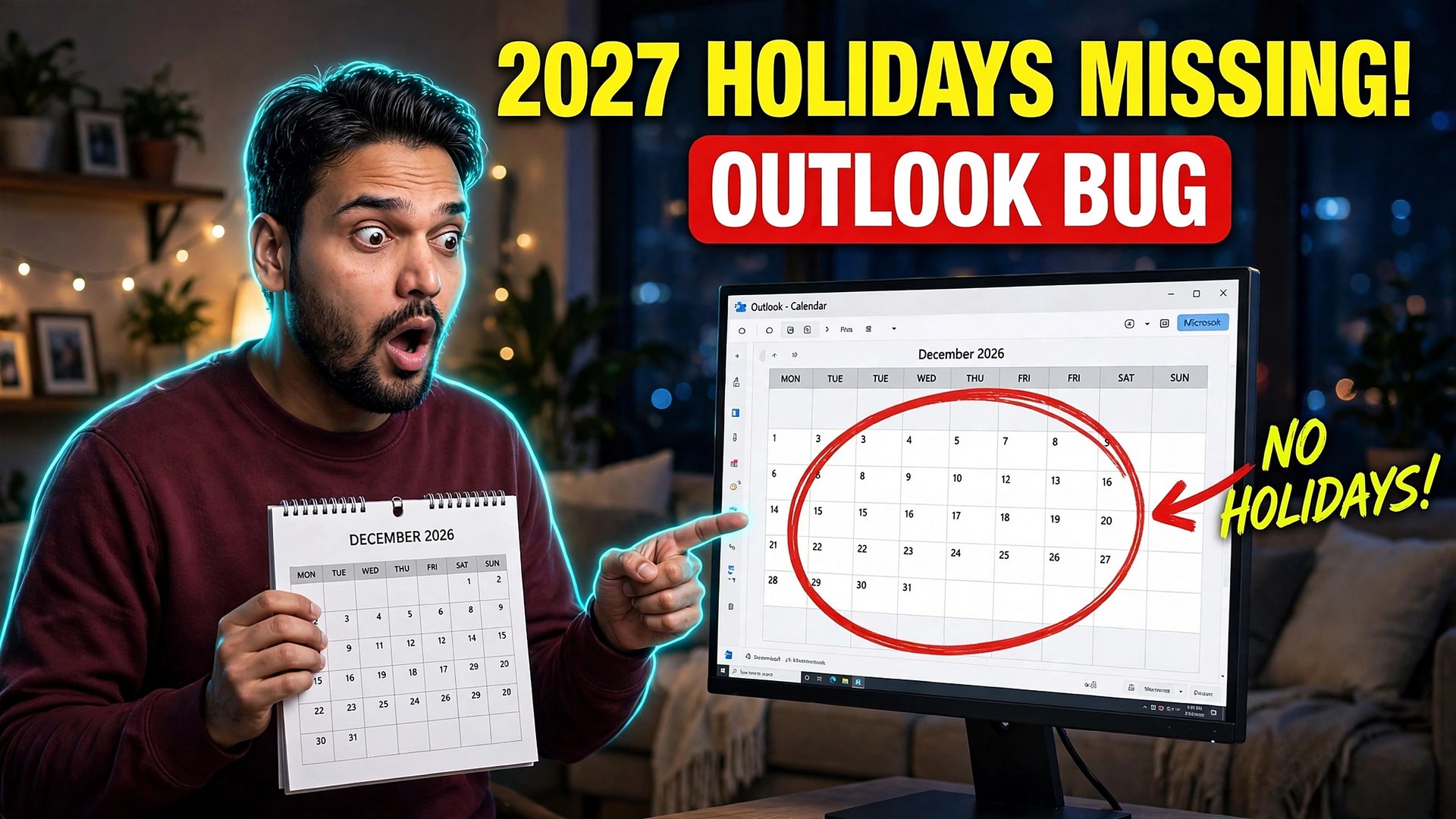
Here is the exact problem: your Outlook holiday calendar works normally for the first part of 2026, then the entries stop after June 2026 - and for 2027 there is nothing at all. Microsoft's support article, "Public Holiday Calendars Missing Dates After June 2026 in Outlook", confirms reports from many countries - India, the US, the UK, Germany, Japan, China, Denmark, Sweden and Hong Kong among them - and covers all three apps: Outlook on the web, the new Outlook and classic Outlook. The official status is WORKAROUND: Microsoft is investigating its data, and meanwhile recommends using an alternative holiday source. Let us be honest about one thing first - no setting on your PC can restore data Microsoft has not published. What you can do, in ten minutes, is put a complete, official holiday calendar alongside the broken one. That is this guide.
Republic Day · 26 Jan 2026✔ Shown
Holi · March 2026✔ Shown
Holidays after June 2026✖ Several missing
Diwali and late-2026 festivals✖ Missing / wrong dates for some regions
All holidays · Year 2027✖ Completely empty
✔ Your own meetings and appointments show normally - only the holiday data is incomplete
✔ Same gap appears on the web, the new Outlook and classic Outlook
The problem exactly as it appears: holiday entries stop part-way through 2026, and 2027 has none.
Confirm It Is the Microsoft Data Gap (and Why It Happens)
Check the fingerprint before changing anything:
- Your holiday calendar shows entries for early 2026, but entries thin out or stop after June 2026, and 2027 is empty - or a few individual holidays show on wrong dates.
- The same gap appears in every Outlook you try (web, new, classic) - because all of them read the same Microsoft holiday data.
- Your own events are completely unaffected. Only the holiday layer is incomplete.
Why it happens: this is not a client bug. The holiday calendars built into Outlook are fed by Microsoft's own holiday calendar data, and that data is incomplete - entries for the latter half of 2026 and for 2027 were never fully published for many countries. Microsoft states it is "aware of the issue and is actively investigating reports from multiple regions". Since the missing dates do not exist on the server, nothing you reinstall or reset on your PC can invent them - the way forward is a second, complete source.
First Check the Calendar Is Actually Switched On
Rule out the simple case - a holiday calendar that was never added or got unticked - before assuming the data gap:
- New Outlook / Outlook on the web: open Calendar and look at the calendar list on the left. If your country's holiday calendar is not listed, click Add calendar → Holidays and tick your country. If it is listed, make sure its checkbox is ticked so its entries display.
- Classic Outlook: the holiday set here is added through File → Options → Calendar → Add Holidays - tick your country and click OK. The holidays are copied into your calendar as entries.
- Scroll to late 2026 and into 2027 again. If holidays now appear in full, you were only missing the calendar itself - done. If the same post-June gap is still there, it is the Microsoft data problem, and Fix 3 is your route.
One honest warning: deleting the holiday calendar and re-adding it - the first thing most people try - downloads the same incomplete data. If Fix 2 confirms the gap, do not loop on re-adding; move on.
Subscribe to an Official ICS Holiday Calendar ⭐
This is Microsoft's own recommended workaround: bring the holidays from an alternative source - an official government holiday calendar or a reputable third-party ICS holiday subscription. ICS (iCalendar) is the standard calendar-feed format, and a subscription keeps itself updated.
Step 1 - get the ICS link for your country. Good sources: your government's official holiday pages (in India, the central and state governments publish the official gazetted holiday lists for the year - many state portals and national calendar services provide a matching ICS feed), and established holiday-data services such as timeanddate or OfficeHolidays, which publish per-country ICS links. Copy the link that ends in .ics.
Step 2 - add it in the new Outlook or Outlook on the web:
- Open Calendar and click Add calendar in the left pane.
- Choose Subscribe from web.
- Paste the ICS link, give the calendar a clear name (for example India Holidays - Official), pick a colour, and click Import.
- Scroll to 2027 - the holidays from the new source now fill the gap.
Step 2 (classic Outlook) - add it as an Internet Calendar:
- Go to File → Account Settings → Account Settings.
- Open the Internet Calendars tab and click New.
- Paste the ICS link and click Add, name the calendar, and click OK.
- The subscribed calendar appears under your calendar list and refreshes itself when the source updates.
Because it is a subscription (not a one-time copy), corrections and next year's dates flow in automatically - no re-importing every January.
No ICS Feed Available? Two Fallbacks
If your region's official list has no ready-made ICS link:
- Import a downloaded .ics file: many holiday sites offer the same calendar as a file download instead of a link. In classic Outlook use File → Open & Export → Import/Export → Import an iCalendar (.ics) or vCalendar file; in the new Outlook and on the web, use Add calendar → Upload from file. Note the difference: an imported file is a frozen copy - if dates are corrected later, you must import again.
- Add the critical dates by hand: for planning, what usually matters is a handful of dates - your main festivals, year-end holidays, and your company's closure days. Open the official government holiday list for your country and add those few as all-day events on your own calendar. Ten minutes of typing beats a year of guessing. (Microsoft notes that in support cases, manual deletion and re-import of holiday data has worked for individual users - practical for one person, not for a whole office.)
For Offices and IT Admins
If holiday visibility matters for rosters, payroll cut-offs or leave planning across a team, do not let every employee improvise:
- Follow Microsoft's first suggestion: maintain one organization holiday calendar (a shared calendar owned by HR/IT, built from your official government list) and share it with everyone - one source of truth, corrected in one place.
- Tell staff clearly that the built-in Outlook holiday calendar is incomplete for late 2026 and 2027, so nobody books travel or shifts against an empty-looking calendar.
- When Microsoft completes its data (watch the support article - its status will change), the built-in calendars recover by themselves, and the temporary calendar can be retired.
When Microsoft's Data Is Fixed: Avoid Duplicates
The endgame is simple, but it has one trap:
- When Microsoft publishes the complete holiday data, the built-in calendars fill in automatically - the same entries your workaround calendar already shows.
- At that point, remove the workaround calendar: in the new Outlook / web, hover the calendar name in the left pane and choose Remove; in classic Outlook, remove it from the Internet Calendars tab in Account Settings.
- If you imported an .ics file into your main calendar instead of subscribing, its entries were copied in - delete those holiday entries before the Microsoft ones arrive, or you will see every holiday twice.
📺 More PC Fixes on Technical Anshu
Every week: Windows problems, hidden tools and full setup guides, explained step by step.
▶ Subscribe on YouTubeFrequently Asked Questions
Why are 2027 public holidays missing from my Outlook calendar?
Because the holiday data Microsoft itself supplies is incomplete. Microsoft's support article "Public Holiday Calendars Missing Dates After June 2026 in Outlook" confirms that its holiday calendars do not contain all expected entries for the latter half of 2026 and for 2027. Reports cover many countries - including India, the US, the UK, Germany, Japan, China, Denmark and Sweden. It is a data problem on Microsoft's side, not a bug in your Outlook, and it affects Outlook on the web, the new Outlook and classic Outlook alike.
Will deleting and re-adding the holiday calendar, or reinstalling Outlook, fix the missing holidays?
No. Re-adding the calendar downloads the same incomplete Microsoft data, so the same dates stay missing - and reinstalling Outlook changes nothing, because the gap is in the data feed, not in the app. Microsoft's own status for this issue is WORKAROUND: use an alternative holiday source, such as an official government holiday calendar or a third-party ICS subscription, until Microsoft completes its data.
How do I add an ICS holiday calendar to Outlook?
In the new Outlook or Outlook on the web: open Calendar, choose Add calendar, then Subscribe from web, paste the ICS link, give the calendar a name and click Import. In classic Outlook: go to File → Account Settings → Account Settings, open the Internet Calendars tab, click New, paste the link and click Add. The holidays from that source then appear on your calendar alongside your own events and update automatically when the source updates.
Is this only an India problem?
No. Microsoft has received reports from many regions. Its article specifically mentions missing 2027 entries for Denmark, Sweden, the US, the UK, India, China and Hong Kong SAR, German Easter-related holidays not appearing in 2027, and Japanese holidays missing for the rest of 2026 and all of 2027. If your country's calendar looks empty after mid-2026, you are most likely seeing the same data gap.
Will the missing holidays come back on their own, and what about duplicates?
Yes - when Microsoft completes and corrects its holiday data, the built-in holiday calendars fill in automatically, because every Outlook client reads from that same data. If you added an ICS or government calendar as a workaround, that is the moment to remove it, otherwise every holiday will appear twice - once from Microsoft's calendar and once from yours.