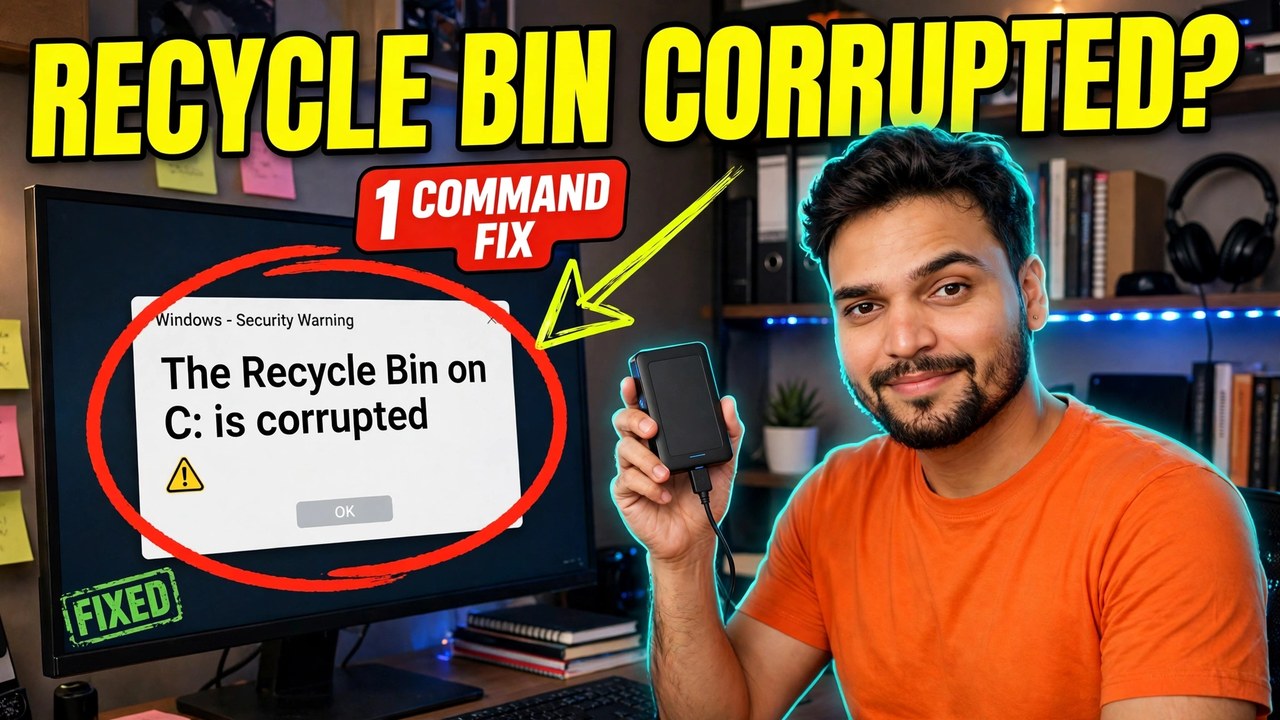
Every drive keeps its own hidden bin folder, named $Recycle.Bin. When the folder for one drive is damaged - after a crash, a forced shutdown, a dying drive sector, or an interrupted delete - opening or using that bin triggers the exact warning: "The Recycle Bin on C:\ is corrupted. Do you want to empty the Recycle Bin for this drive?" Clicking Yes often clears the warning once but the corruption returns, because the damaged folder itself is still there. The lasting fix is to delete that drive's $Recycle.Bin folder completely so Windows creates a clean one. Read the warning in Fix 1 first - this fix permanently removes files already inside that bin.
X The warning appears when you delete a file or open the Recycle Bin
X It names one specific drive letter, such as C: or D:
X Clicking Yes clears it once, but the warning keeps coming back
X The Recycle Bin icon may show files that cannot be deleted or restored
BIN CORRUPTED Each drive has its own hidden $Recycle.Bin folder. The warning names the drive whose bin folder is damaged - that folder, and only that folder, needs to be rebuilt.
The fingerprint of this problem: the warning names one drive - that drive's hidden bin folder is the damaged part.
Restore Anything You Need From the Bin First
The repair deletes the bin's contents for good. Spend one minute rescuing anything valuable before you run any command.
- Open the Recycle Bin from the desktop. If the corruption warning appears, click No for now so nothing is emptied yet.
- Look through the contents and Restore anything you might still need - right-click the item and choose Restore.
- If the bin will not open at all, skip this step knowingly: the repair in Fix 2 will remove whatever was inside that drive's bin.
Delete the Damaged $Recycle.Bin Folder for That Drive ⭐
This is the real fix. Removing the corrupted hidden folder forces Windows to create a fresh, healthy bin for that drive automatically.
- Right-click Start and choose Terminal (Admin) or Command Prompt (Admin).
- Run this command for the drive named in the warning (here C: - change the letter to match your warning):
rd /s /q C:\$Recycle.Bin - Press Enter and wait for the prompt to return. No success message is normal.
- Restart the PC. Windows recreates a clean $Recycle.Bin for that drive automatically - test by deleting a file and opening the Recycle Bin; the warning should be gone.
- If the warning names a different drive (for example D:), repeat the same command with that letter:
rd /s /q D:\$Recycle.Bin- one command per affected drive, never for a drive the warning does not name.
Check the Drive for Errors if the Warning Returns
A bin that corrupts again usually means the drive underneath it has errors. Repair the drive, not just the bin.
- Open Terminal (Admin) and run
chkdsk C: /ffor the affected drive. If asked to schedule the check at the next restart, press Y and restart. - After the check, repeat Fix 2 once if the warning is still present, then test again.
- Also run
sfc /scannowto repair any damaged system files involved in deleting and recycling.
Reset the Recycle Bin Icon and Desktop if It Misbehaves
Occasionally the bin is fixed but its desktop icon still shows the wrong state (full when empty, or the reverse). Refreshing the icon fixes the display only.
- Right-click the desktop and choose Personalize > Themes > Desktop icon settings.
- Select Recycle Bin and click Restore Default for both its icons, then OK.
- Right-click the desktop and choose Refresh, then empty the bin once and delete a test file to watch the icon change correctly.
More PC Fixes on Technical Anshu
Every week: Windows problems, hidden tools and full setup guides, explained step by step.
Subscribe on YouTubeFrequently Asked Questions
What does The Recycle Bin on C is corrupted mean?
It means the hidden $Recycle.Bin folder on that drive is damaged, so Windows cannot use it reliably. The warning names the affected drive. Deleting that drive's $Recycle.Bin folder with rd /s /q C:\$Recycle.Bin from an administrator Command Prompt makes Windows build a clean bin on restart.
Will fixing a corrupted Recycle Bin delete my files?
Only the files already inside that drive's Recycle Bin - and it deletes them permanently, with no way to restore them afterwards. Files anywhere else on the drive, and bins on other drives, are untouched. Always open the bin and restore anything you need before running the fix.
The warning names drive D, not C. What command do I use?
Use the same command with your drive letter: rd /s /q D:\$Recycle.Bin - run it from Terminal (Admin) or Command Prompt (Admin), then restart. Run it separately for each drive the warning names, and never for a drive it does not name.
I clicked Yes on the warning and it came back. Why?
Clicking Yes only empties the bin's contents; the damaged $Recycle.Bin folder itself remains, so the next delete or bin opening triggers the same corruption warning. Deleting the folder itself with the rd command is the lasting fix, because Windows then recreates a healthy folder.
The corruption warning keeps returning after the fix. What is wrong?
Repeat corruption usually means the drive has file-system errors or failing sectors underneath the bin. Run chkdsk C: /f (with the affected drive letter), let it repair, then repeat the $Recycle.Bin deletion once. If chkdsk keeps finding errors, back up the drive - it may be failing.