Windows Security Shows Defender Turned Off but Antivirus Is Actually On Fix
Do not panic, and do not buy another antivirus yet. Windows Security is showing a red warning that Microsoft Defender Antivirus is turned off - but in this confirmed bug, Defender was running and protecting the PC the whole time. Only the display was lying. Here is how to check the real status yourself in two minutes, install the updates that fixed it, and clear the warning for good.
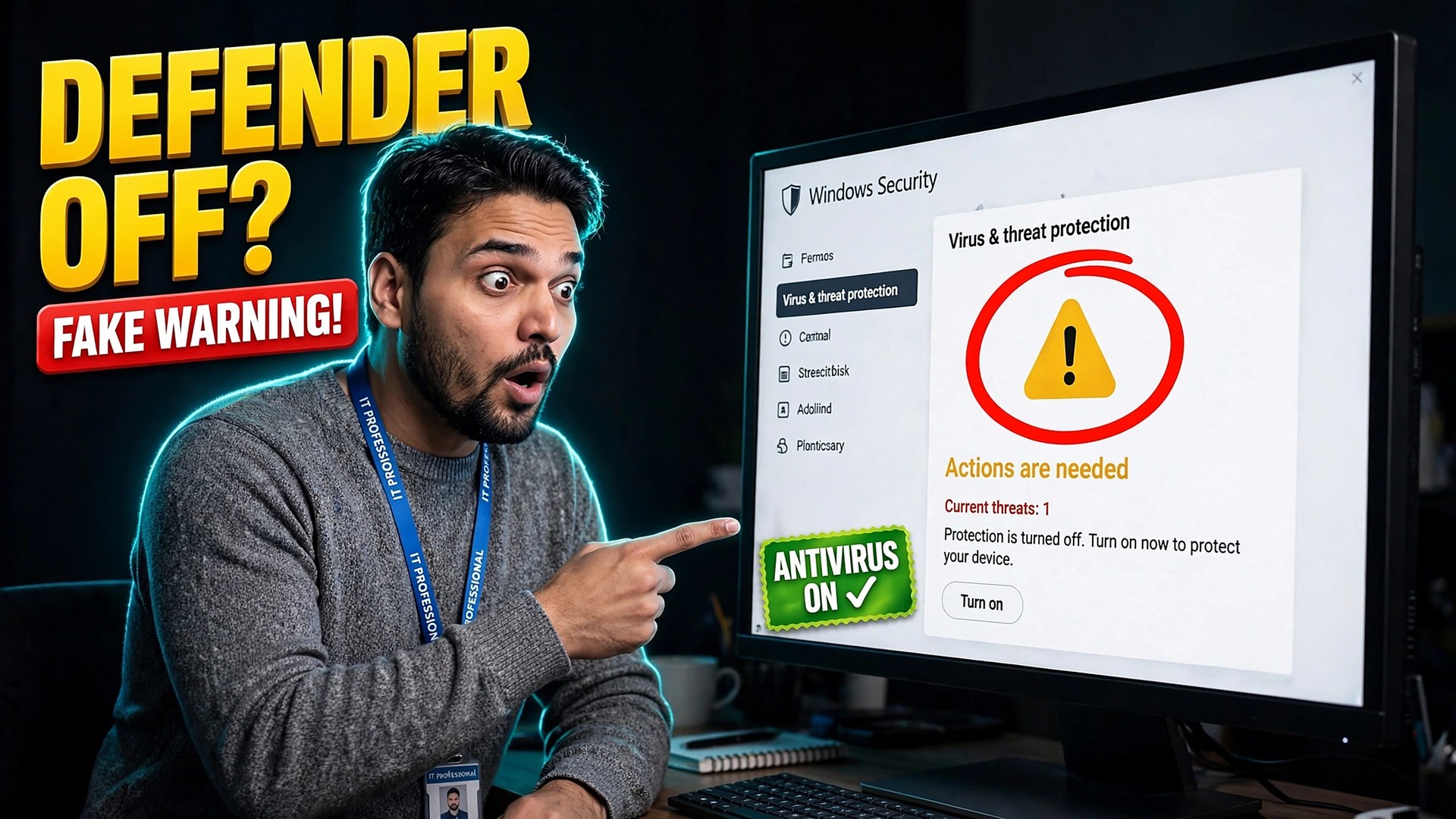
Here is the exact problem: you open Windows Security and the Virus & threat protection page warns that Microsoft Defender Antivirus is turned off and your device may be vulnerable. Some users were frightened into buying a third-party antivirus on the spot. They did not need to. Microsoft confirmed on 30 September 2026 that this was a notification bug - reported on Windows 11 26H1 - in the status reporting of the Windows Security app: the app displayed "turned off" while the Defender engine underneath was fully on. Reports indicate the warning was resolved with the updates released around 28 October 2026. Work through the steps below: verify first, then fix the display.
⚠️ "Microsoft Defender Antivirus is turned off. Your device may be vulnerable."
✖ The warning stays even after clicking Turn on / restarting the PC
✔ No other antivirus is installed on the PC
✔ Scans still run and virus definitions still update in the background
The problem exactly as it appears: a frightening red warning - while the antivirus underneath is actually running.
Verify the REAL Status With PowerShell First ⭐
Never trust this banner again until you have checked the engine directly. PowerShell reads Defender itself, completely bypassing the buggy Windows Security display:
- Right-click the Start button and open Terminal (or search for PowerShell and open it).
- Run this command:
Get-MpComputerStatus | Select-Object AMServiceEnabled, AntivirusEnabled, RealTimeProtectionEnabled, IoavProtectionEnabled, AntivirusSignatureLastUpdated- Read the result line by line (a healthy PC looks like the panel below):
AMServiceEnabled : True AntivirusEnabled : True RealTimeProtectionEnabled : True IoavProtectionEnabled : True AntivirusSignatureLastUpdated : 30-10-2026 09:14:22
What each field means: AMServiceEnabled True = the Defender service is running. AntivirusEnabled True = the antivirus engine is ON - this is the line the banner gets wrong. RealTimeProtectionEnabled True = files are scanned as you open them. IoavProtectionEnabled True = downloads and attachments are scanned. AntivirusSignatureLastUpdated should show a recent date - today or yesterday. If these read True with a fresh signature date, you are protected, whatever the app claims. (If they genuinely read False, that is a different, real problem - turn real-time protection on from Windows Security → Virus & threat protection settings, and scan the PC.)
Install the Latest Windows Updates (the actual fix)
The bug lived in Windows' status reporting, so the cure arrives through Windows Update - reports point to the releases around 28 October 2026 as resolving it:
- Open Settings → Windows Update.
- Click Check for updates and install everything offered, including any cumulative update and the security intelligence updates.
- Restart the PC when asked - the corrected status reporting loads at boot.
- After the restart, open Windows Security again. On a fully updated PC the false "turned off" warning should be gone and the page should show green ticks.
Optionally, update Defender definitions on demand from the same PowerShell window with Update-MpSignature, then run Get-MpComputerStatus once more and confirm the signature timestamp moved.
Warning Still Stuck? Reset the Windows Security App
If PowerShell says True everywhere, updates are fully installed, and the app still shows the warning, the app itself is holding stale status. Reset it - this only resets the app's own data, not your protection:
- Open Settings → Apps → Installed apps.
- Find Windows Security, click the ⋯ menu → Advanced options.
- Scroll down and click Reset, then confirm.
- Reopen Windows Security and let it refresh for a few seconds.
Prefer a command? In PowerShell run:
Get-AppxPackage Microsoft.Windows.SecHealthUI -AllUsers | Reset-AppxPackage
Then reopen Windows Security - the page now re-reads the engine status fresh, and the false warning clears.
Important Exception: You Use a Third-Party Antivirus
Read this before "fixing" anything: if your PC has another antivirus installed - Norton, Quick Heal, Bitdefender, McAfee and similar - then Defender showing as off is correct and by design, not this bug.
- When a third-party antivirus registers itself with Windows, Defender steps aside into passive/disabled mode so the two engines do not fight over the same files.
- Windows Security then shows your third-party product as the active provider on the Virus & threat protection page - check whose name appears there.
- In this case
Get-MpComputerStatusshowing AntivirusEnabled False for Defender is expected, because the other product is doing the protecting. There is nothing to repair.
The bug in this guide is only the opposite combination: no other antivirus installed, Defender verifiably running (PowerShell says True), yet the app claims it is off.
Get-MpComputerStatus. If AntivirusEnabled and RealTimeProtectionEnabled say True, your protection is on - full stop. Users spent real money on replacement antivirus during this bug for a display error that one free command exposes instantly.
📺 More PC Fixes on Technical Anshu
Every week: Windows problems, hidden tools and full setup guides, explained step by step.
▶ Subscribe on YouTubeFrequently Asked Questions
Windows Security says Defender is turned off. Is my PC really unprotected?
In this October 2026 case, almost certainly not. Microsoft confirmed on 30 September 2026 that a notification bug (reported on Windows 11 26H1) made the Windows Security app display Microsoft Defender Antivirus as turned off while the antivirus was actually running and protecting the PC. Do not trust the banner either way - verify the real status yourself: open PowerShell and run Get-MpComputerStatus. If AntivirusEnabled and RealTimeProtectionEnabled both show True, you are protected and only the display is wrong.
How do I check the real Defender status with PowerShell?
Right-click Start, open Terminal or PowerShell, and run: Get-MpComputerStatus | Select-Object AMServiceEnabled, AntivirusEnabled, RealTimeProtectionEnabled, IoavProtectionEnabled, AntivirusSignatureLastUpdated. Read the True/False values: AntivirusEnabled True means the antivirus engine is on, RealTimeProtectionEnabled True means files are being scanned as they are opened, and a recent date in AntivirusSignatureLastUpdated means definitions are up to date. This reads the engine directly, bypassing the buggy Windows Security display entirely.
What fixed the false Defender turned off warning?
Windows updates. Reports indicate the false warning was resolved with the updates released around 28 October 2026. Open Settings, Windows Update, Check for updates and install everything offered, then restart. If the warning survives a fully updated system, the Windows Security app itself is holding stale status - reset it from Settings, Apps, Installed apps, Windows Security, Advanced options, Reset, or with PowerShell using Get-AppxPackage Microsoft.Windows.SecHealthUI -AllUsers | Reset-AppxPackage.
I use a third-party antivirus. Should Defender show as off for me?
Yes - and in your case it is correct, not a bug. When a third-party antivirus registers itself with Windows, Microsoft Defender Antivirus steps aside into passive or disabled mode so the two engines do not fight, and Windows Security correctly shows your third-party product as the active provider. The bug in this guide is the opposite situation: no other antivirus installed, Defender actually running, but the app wrongly claiming it is off. If Get-MpComputerStatus confirms another antivirus is your registered provider, there is nothing to fix.
Some people bought another antivirus because of this warning. Was that necessary?
No. Reports noted that users saw the turned off warning, panicked and purchased third-party antivirus software - but their PCs were protected by Defender the whole time, because the fault was only in the notification the Windows Security app displayed. Before spending money on any security warning, verify the real engine status with Get-MpComputerStatus as shown in this guide. A two-minute check would have shown True across the board.