Windows Update KB5127648 Install Fails Error 0x800f0845 Fix
The October 2026 cumulative update downloads fine, the PC restarts, the percentage climbs - and then Windows gives up, shows "Undoing changes made to your computer", and parks error 0x800f0845 (for some PCs 0x80070306 or 0x800f0989) in Windows Update. This guide is straight about what is known and what is not, and walks the recovery path that Microsoft's own Q&A answers document: repair the store, respect the checkpoint order, and use the Recovery reinstall that keeps everything.
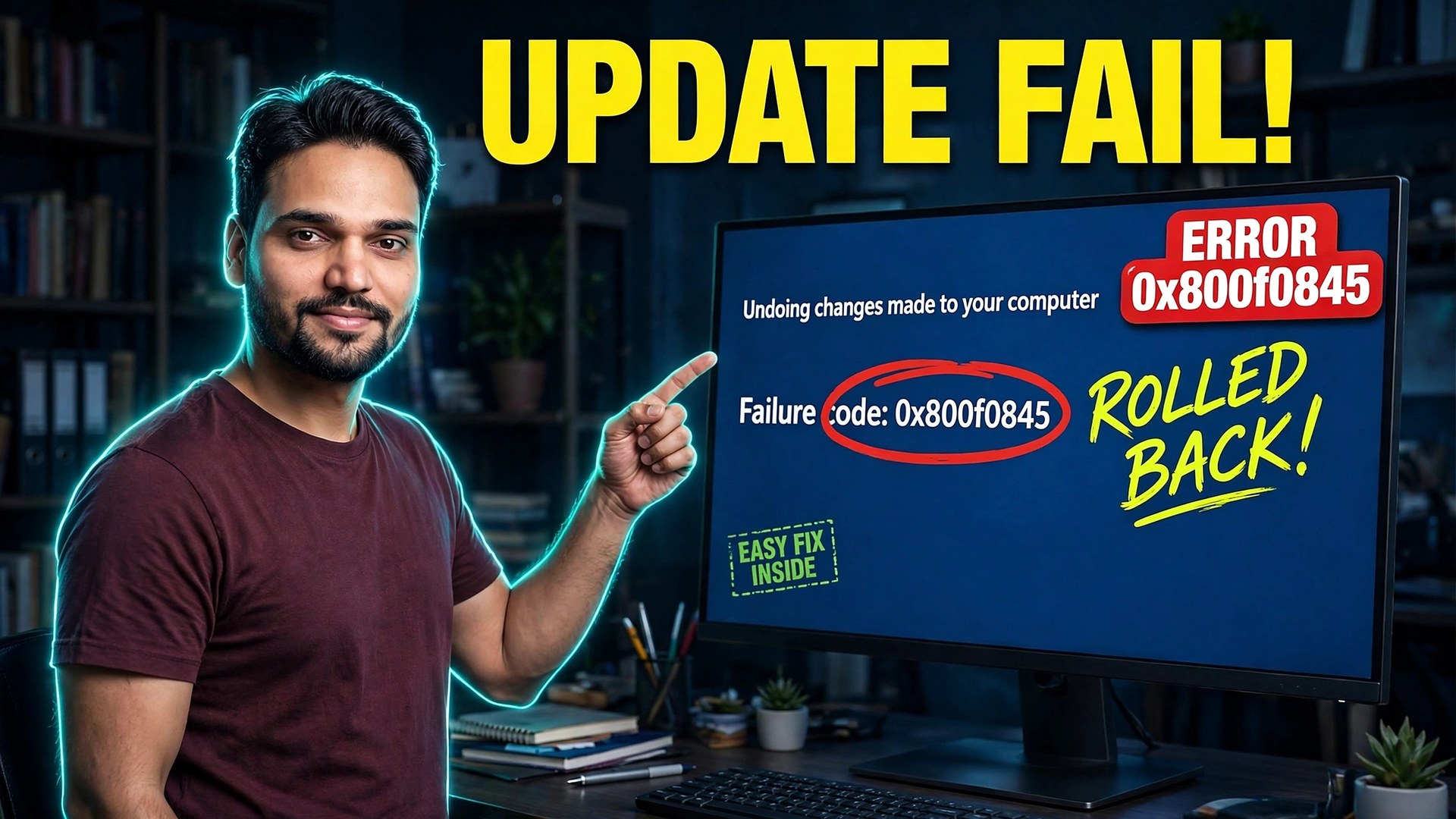
First, the honest part, because you deserve it before any steps: Microsoft has not officially acknowledged these error codes for KB5127648. The failures were reported widely in October 2026 - Neowin covered them on 17 October, Windows Report and Microsoft Q&A filled with matching threads - and the same rollback pattern had already appeared with the May update (KB5089549), the August update (KB5121003) and a September out-of-band update (KB5129195). But there is no confirmed single cause, and anyone who tells you "this one setting is the reason" is guessing. What does exist is a documented recovery path - the sequence Microsoft Q&A answers and support engineers walk people through - plus one community pattern strong enough to be worth checking. That is what this guide gives you, in order, cheapest step first.
2026-10 Cumulative Update for Windows 11 (KB5127648)
✖ Install error - 0x800f0845 ALSO SEEN: 0x80070306 · 0x800F0989
✖ During restart: "Undoing changes made to your computer"
✖ Same failure on every retry - download is fine, install rolls back
✔ PC itself works normally on the previous build
The problem exactly as it appears: the update applies partway through the restart, rolls everything back, and reports 0x800f0845.
Before Anything - One Clean Retry and the Basics
- Make sure the system drive has at least 10 GB free - cumulative updates quietly fail on nearly-full drives.
- Unplug non-essential USB devices (external drives, dongles) for the install attempt; leave keyboard, mouse and network.
- Restart the PC once from Start → Restart (not shutdown-and-on), then open Settings → Windows Update → Check for updates and let KB5127648 try once more, untouched, to 100%.
- Note the exact error code you end with -
0x800f0845,0x80070306and0x800f0989all follow the same recovery path below.
A surprising number of PCs succeed on this one clean retry, because the first failure happened mid-download or against a half-finished earlier attempt. If yours rolls back again, move on - the store itself needs repair.
Repair the Component Store - DISM, Then SFC ⭐
A cumulative update is applied by the servicing stack out of the component store. If that store has damaged files, every install attempt fails the same way at the same place - which is exactly the symptom pattern here. Repair it first:
- Click Start, type
cmd, right-click Command Prompt and choose Run as administrator. - Run the DISM repair - it checks the store against Windows Update and replaces damaged components. Keep the PC online and give it time (10-30 minutes is normal; the percentage pausing is normal too):
DISM /Online /Cleanup-Image /RestoreHealth
- When it finishes, run the System File Checker in the same window:
sfc /scannow
- Restart the PC, then try KB5127648 from Windows Update once more.
If DISM itself errors out, that is important information: the store is damaged beyond an online repair, and Fix 4 (the Recovery reinstall) is your realistic route - skip ahead to it.
The Community Pattern - Boot-Time Driver Tools
Labelled honestly: this is a pattern from user reports, not a Microsoft-confirmed cause. Across the May, August, September and now October failures, the machines that roll back at the restart phase very often have one thing in common - software that loads a kernel-level driver at boot: game anti-cheat components, RGB and fan-control tools built on the old WinRing0 driver, hardware monitors, and some third-party antivirus drivers. Outdated BIOS firmware shows up repeatedly too, especially on mini PCs. The update's restart phase is exactly where such drivers are loaded, which is why the pattern is plausible.
- Temporarily disable or uninstall anti-cheat software and RGB / fan-control / hardware-monitoring tools (you can reinstall them after the update lands).
- If you run a third-party antivirus, use its own pause/disable option for the install attempt - do not leave the PC unprotected afterwards.
- If your BIOS is very old (check the date in System Information,
msinfo32), update it from the PC or motherboard maker's official support page - carefully, on stable power, following their instructions. - Restart and retry KB5127648.
If the update now installs, you have also found your likely culprit for the next cumulative - keep those tools updated, because their newer versions usually ship signed, current drivers.
Install Manually from the Update Catalog - In the Right Order
Bypassing Windows Update's own delivery and installing the packages directly fixes another slice of cases - but only if you respect the order, because current Windows 11 cumulative updates are chained to a checkpoint:
- Open the Microsoft Update Catalog (catalog.update.microsoft.com) in your browser.
- Search for and download the checkpoint cumulative update KB5043080 for your Windows version and architecture (usually x64).
- Search for and download KB5127648 for the same version and architecture.
- Install KB5043080 first by double-clicking its .msu file, and restart when it asks.
- Then install KB5127648 the same way, and restart again.
Why the order matters: KB5043080 is the checkpoint - the base layer newer cumulative packages expect to already be present. Downloading only the newest .msu and running it on a PC that skipped the checkpoint is a classic reason the standalone installer fails instantly, and it is the mistake most "manual install" forum posts make.
The Reliable Route - "Fix Problems Using Windows Update" Reinstall
If the store is too damaged for DISM and the manual packages still fail, Windows 11 has a built-in recovery option made for exactly this situation. It reinstalls the current version of Windows over itself - keeping your files, apps and settings - which lays down fresh servicing components, after which the update applies normally:
- Back up anything irreplaceable first. This feature is designed to keep everything, but a backup before any reinstall is simple prudence.
- Open Settings → System → Recovery.
- Under "Fix problems using Windows Update", click Reinstall now.
- Confirm and let it run - it downloads a repair version of Windows and reinstalls it, restarting a few times (30-60 minutes is normal). Keep a laptop on charger power.
- When you are back at the desktop with your files and apps in place, open Settings → Windows Update and install KB5127648 - most PCs take it cleanly now.
This is not a reset and not a format. Nothing is wiped; it is a repair install through Windows Update itself, and it is the documented end of the recovery path - if an update still fails after this, the problem is almost certainly hardware or firmware, not Windows servicing.
📺 More Windows Fixes on Technical Anshu
Every week: Windows problems, hidden tools and full setup guides, explained step by step.
▶ Subscribe on YouTubeFrequently Asked Questions
Has Microsoft confirmed the KB5127648 error 0x800f0845 problem?
No - and this guide will not pretend otherwise. The install failures with errors 0x800f0845, 0x80070306 and 0x800f0989 were widely reported in October 2026 (Neowin, Windows Report and many Microsoft Q&A threads), and the same pattern appeared with the May, August and September updates. But Microsoft has not listed these codes as a known issue for KB5127648 and has not confirmed a single cause. What this guide gives you is the recovery path Microsoft's own Q&A answers document - repair the component store, install in the correct order, or use the Recovery reinstall - not an official diagnosis.
Why must KB5043080 be installed before KB5127648 from the Catalog?
Because recent Windows 11 cumulative updates are chained. KB5043080 is the checkpoint cumulative update for 24H2 and later - the base layer that newer cumulative packages, including KB5127648, expect to find already installed. If you download only the latest .msu file and run it on a PC missing the checkpoint, the standalone installer fails. Install the checkpoint first, restart, then install KB5127648.
Will the Recovery reinstall delete my files or apps?
No. The option under Settings → System → Recovery - "Fix problems using Windows Update" - reinstalls the current version of Windows while keeping your files, apps and settings; keeping them is the feature's whole purpose. It repairs damaged system and update components by laying a fresh copy of Windows on top. A backup is still sensible before any reinstall, but data loss is not part of how this feature works.
The update reaches 30 percent, restarts and says "Undoing changes". Is the fix the same?
Yes - that rollback is the same failure wearing different clothes. The update applies during the restart, something in the servicing phase is rejected, and Windows undoes everything and reports 0x800f0845 (or a sibling code) back in Windows Update. Work through the same order: DISM and SFC repair, check for kernel-driver tools that load at boot, install from the Catalog in checkpoint order, and finally the Recovery reinstall.
If nothing works, should I pause Windows Update forever?
No. Pause for a few weeks if you must, but do not disable updates permanently - KB5127648 is a security update, and an unpatched PC is a worse outcome than a failed install. Also remember that cumulative updates replace each other: November's cumulative will contain everything in KB5127648 plus more, and it may install cleanly where this one failed. Keep checking rather than switching updates off.