Xbox Live Sign In Error 0x87DD0005 After Windows Update Fix
Your Microsoft games suddenly refuse to sign you in - error 0x87DD0005 every time - yet the Xbox app and your browser sign in with the same account without any trouble. Reports exploded right after the October 2026 Windows updates. Microsoft has not officially acknowledged this one, so this guide is honest about what is known, what is only suspected, and the community workaround that is actually bringing sign-in back.
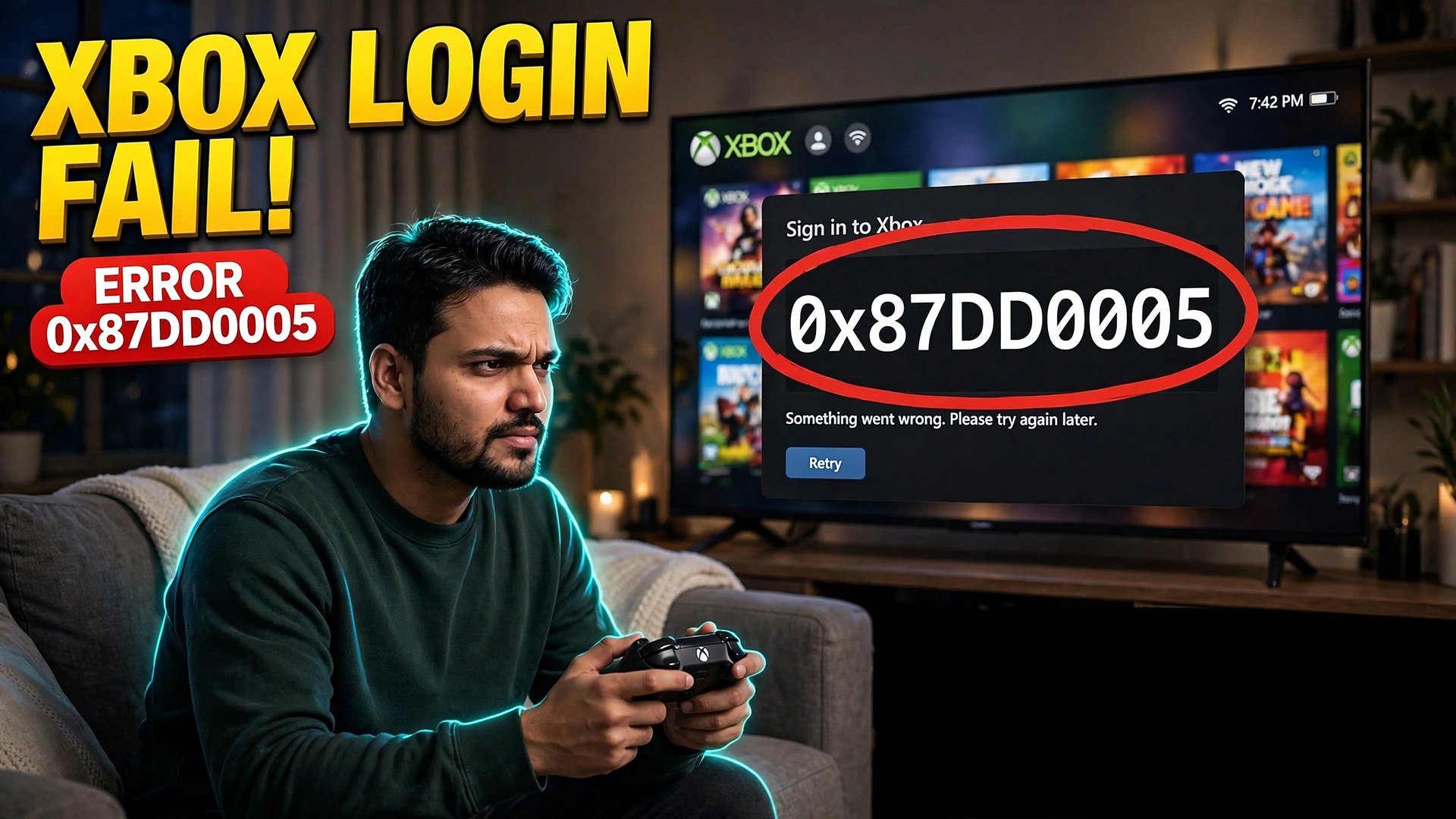
Here is the exact problem players started reporting from 13-14 October 2026, right after that month's Windows updates landed: launch a Microsoft game - Microsoft Solitaire & Casual Games, Microsoft Mahjong, Gears of War 4 and others - and the Xbox Live sign-in inside the game fails with error 0x87DD0005. Over 70 users pressed "I have the same question" on a single Microsoft Q&A thread within days, and Neowin, BetaNews and WindowsReport all covered the outbreak. The account itself is fine: the Xbox app signs in, the browser signs in - only the game cannot. That split behaviour is the fingerprint of this issue, and it is also the clue to the workaround.
Error code: 0x87DD0005
✖ Sign-in fails inside every Microsoft game, every time
✔ The same account signs in fine in the Xbox app
✔ The same account signs in fine in a web browser
✖ Started right after the Windows updates of 13-14 October 2026
The problem exactly as it appears: the error shows inside the game, while every other sign-in on the same PC works.
Confirm It Is This Exact Problem
Two quick checks separate this issue from an ordinary account problem:
- Open the Xbox app on the same PC. If you are signed in there (or can sign in without error), your account, password and the Xbox Live service are all healthy.
- Check Settings → Windows Update → Update history: the failure should have started after the updates installed around 13-14 October 2026 (the KB5127648 cumulative and its companion updates).
- The error appears inside the game at sign-in - Solitaire, Mahjong, Gears of War 4 and similar Microsoft titles - while everything else on the PC signs in normally.
Suspected cause (not confirmed): games do not sign in by themselves - they ask a Windows background service, the Microsoft Account Sign-in Assistant, for a sign-in token. Reports suggest something in the October updates disturbs that token hand-off for the in-game flow specifically, while the Xbox app's own sign-in path keeps working. That would explain every symptom - and it explains why the workaround in Fix 2, which simply restarts that service, helps so many people.
Restart the Microsoft Account Sign-in Assistant Service (community workaround) ⭐
This is the workaround affected users confirmed again and again in the report threads. It takes about two minutes and changes nothing permanent:
- Press Win + R, type
services.mscand press Enter. - Scroll down to Microsoft Account Sign-in Assistant and double-click it.
- Set Startup type to Automatic.
- Click Stop if the service is running, wait a few seconds, then click Start - or simply click Restart where available. Click OK.
- Now open the Xbox app first and confirm you are signed in there.
- Only then launch your game. For many users the in-game sign-in now completes immediately, because the restarted service hands the game a fresh, working token.
If the first attempt still fails, restart the PC once - with the service now set to Automatic it starts cleanly at boot - and repeat the same order: Xbox app first, game second.
Keep Windows Updated - the Real Fix Has to Come From Microsoft
Because the suspected fault sits in Windows itself, the permanent fix can only arrive as a Windows update. Do not freeze your PC on the broken state:
- Open Settings → Windows Update and click Check for updates regularly; install new cumulative updates as they arrive.
- If you paused updates during troubleshooting, turn the pause off - a fix for an unacknowledged bug typically ships silently inside a later cumulative update, with no separate announcement.
- After each new cumulative update, test the game once. When sign-in works without the service restart, the real fix has landed and you can leave the service setting as it is (Automatic is a safe, normal state for it).
What Does NOT Work (Save Your Time)
The report threads are full of users who tried the usual game fixes first - and they consistently report that none of these helped, which is itself useful evidence that the fault is outside the game:
- Resetting the app (Settings → Apps → the game → Advanced options → Reset) - no change.
- Uninstalling and reinstalling the game - the error returns on the fresh install.
- Clearing saved credentials in Credential Manager - no change, and you lose saved sign-ins for other things.
- Changing your Microsoft account password - the account was never the problem; it signs in everywhere else.
Skip straight to Fix 2 instead.
Last Resort: Removing the October Update
If the workaround does not help and a game you rely on is completely blocked, removing the update is possible - but read the trade-off first: the October cumulative carries a month of security fixes, and since Microsoft has not confirmed the update as the cause, removal is not guaranteed to restore sign-in.
- Open Settings → Windows Update → Update history → Uninstall updates.
- Uninstall the October 2026 cumulative update (KB5127648) and restart when asked.
- Test the game. Whether it works or not, reinstall updates within days - do not run the PC unpatched, and let the next cumulative update install normally.
📺 More PC Fixes on Technical Anshu
Every week: Windows problems, hidden tools and full setup guides, explained step by step.
▶ Subscribe on YouTubeFrequently Asked Questions
What is Xbox Live sign-in error 0x87DD0005?
Error 0x87DD0005 is the message Microsoft games on Windows show when the in-game Xbox Live sign-in fails. In the October 2026 wave of reports, it appeared right after the Windows updates of 13-14 October 2026 in games like Microsoft Solitaire and Casual Games, Microsoft Mahjong and Gears of War 4. The strange fingerprint is that the same account signs in perfectly in the Xbox app and in a web browser - only the sign-in inside the game fails.
Has Microsoft officially confirmed the 0x87DD0005 problem?
No. As of the reports covered here, Microsoft has not acknowledged error 0x87DD0005 as a known issue of the October 2026 updates, and there is no official Microsoft fix. User reports point at the October cumulative update KB5127648 or the .NET update KB5127694 that arrived with it, but the exact cause is not confirmed. The workaround in this guide is community-verified - reported working by many affected users in Microsoft Q&A threads and covered by Neowin and BetaNews - it is not a Microsoft fix, and we label it that way honestly.
What is the community workaround for error 0x87DD0005?
Open services.msc, find the Microsoft Account Sign-in Assistant service, set its Startup type to Automatic, and restart the service. Then open the Xbox app first and confirm you are signed in there, and only then launch the game. Many users reported that in-game sign-in started working immediately after this, because the restarted service hands the game a fresh sign-in token. If it does not work on the first try, restart the PC once with the service set to Automatic and repeat the Xbox-app-first order.
I reset and reinstalled the game but 0x87DD0005 is still there. Why?
Because the problem is not inside the game. Affected users reported the same result: app reset, reinstall and clearing saved credentials did not help. The failure sits in the Windows sign-in machinery the game depends on - the Microsoft Account Sign-in Assistant service and the token flow it provides after the October updates. Resetting the game cannot repair a service outside the game, which is why the service restart workaround succeeds where reinstalls fail.
Should I uninstall the October Windows update to fix 0x87DD0005?
Try the service workaround first - it takes two minutes and changes nothing permanent. Uninstalling the October cumulative update removes a full month of security fixes from your PC, and since Microsoft has not confirmed that the update is the cause, removal is not guaranteed to help either. Keep uninstalling as a last resort only, and reinstall the update as soon as a later cumulative update is available.