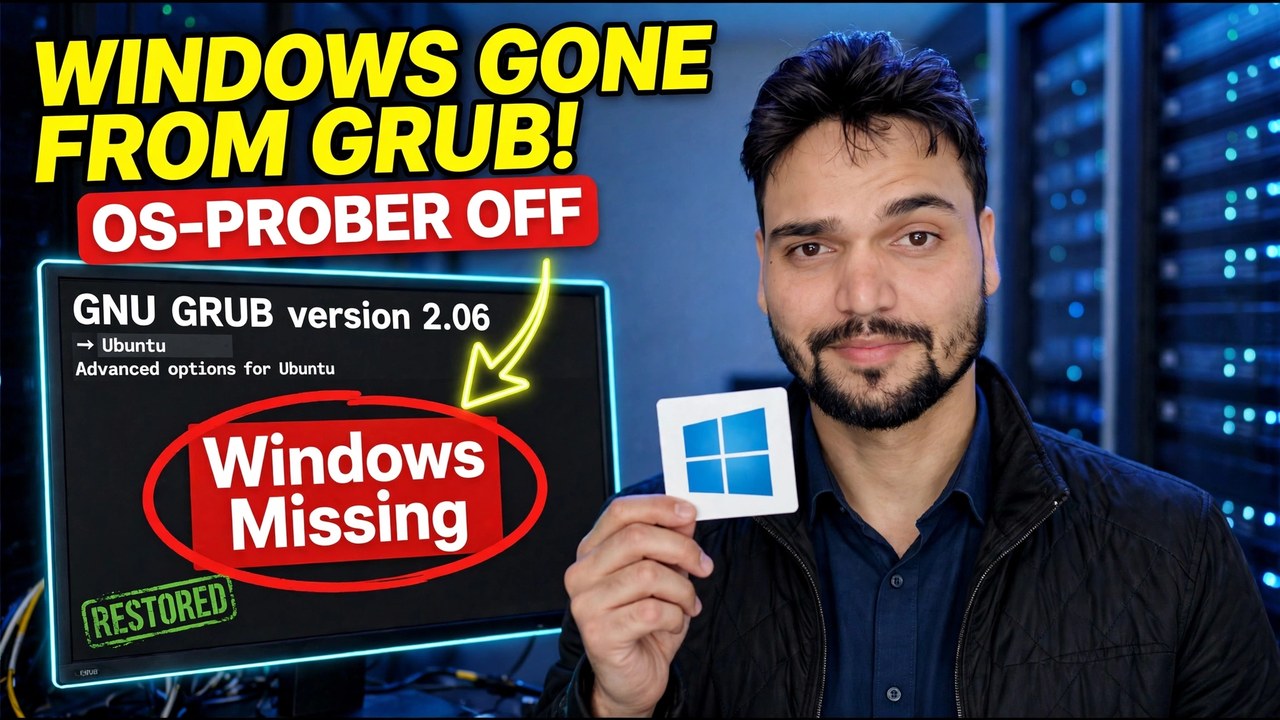
Since GRUB 2.06, the os-prober tool that finds other operating systems is disabled by default for security reasons. So after an update, sudo update-grub rebuilds the menu without scanning for Windows, and the entry silently disappears. A Windows install left in Fast Startup hibernation can also be skipped. The fix is one settings line plus a proper Windows shutdown - no reinstall, no third-party boot tool.
X Ubuntu boots normally from the same menu
X Windows still boots if chosen from the UEFI boot menu (F12)
X The entry vanished after a Ubuntu or GRUB update
X Running update-grub lists only Linux images, no Windows Boot Manager found line
OS-PROBER OFF GRUB 2.06 and later do not search for other systems unless you explicitly enable os-prober.
The fingerprint of this problem: the menu works, Ubuntu works, Windows works from firmware - only the GRUB entry is missing.
sudo cp /etc/default/grub /etc/default/grub.bak. Also shut Windows down fully before running update-grub - a hibernated Windows partition may be skipped or mounted read-only.Confirm Windows Is Still There
Rule out a deleted Windows install before changing GRUB - this takes one minute.
- Restart and open the firmware boot menu (F12 on most systems) and choose Windows Boot Manager. Windows should boot.
- In Ubuntu, run
lsblk -fand look for an NTFS partition and a small vfat EFI partition - their presence confirms Windows is intact. - If Windows does not boot even from firmware, this is no longer a GRUB menu problem - stop and repair Windows startup first.
Shut Windows Down Fully and Turn Off Fast Startup
os-prober can skip a Windows install that was left hibernated by Fast Startup.
- In Windows, open Control Panel > Power Options > Choose what the power buttons do, click Change settings that are currently unavailable, and untick Turn on fast startup.
- Shut down from the Start menu - do not restart into Ubuntu for this step, do a full power-off, then power on into Ubuntu.
- This also protects the Windows partition: Linux should never force-write to a hibernated NTFS volume.
Enable os-prober in the GRUB Defaults ⭐
This is the core fix for GRUB 2.06 and later. ⭐
- Back up:
sudo cp /etc/default/grub /etc/default/grub.bak - Open the file:
sudo nano /etc/default/grub - Add or correct this exact line:
GRUB_DISABLE_OS_PROBER=false - Save (Ctrl + O) and exit (Ctrl + X). If os-prober is not installed, add it:
sudo apt install os-prober
Rebuild the Menu and Watch the Output
The update-grub output is your proof - do not skip reading it.
- Run
sudo update-gruband watch for a line like:Found Windows Boot Manager on /dev/sda1(your device name may differ). - If that line appears, reboot - the Windows entry should now be in the GRUB menu.
- If os-prober runs but finds nothing, check that the EFI partition is present in
lsblk -foutput and that Windows was fully shut down, then run update-grub once more.
If Windows Is on a Second Disk, Check the Disk Is Visible
A second drive that spins up late or is disabled in firmware cannot be probed.
- Run
sudo os-proberon its own - it should print a line identifying the Windows install on the other disk. - If it prints nothing and the disk is missing from
lsblk, check the drive cables and that the disk is enabled in UEFI setup. - Once os-prober prints the Windows line, a final
sudo update-grubwrites it into the menu.
/boot/grub/grub.cfg to paste in a Windows entry - the next update-grub erases it and a syntax error there can break the whole menu. Do not use random boot-repair tools before trying the supported os-prober setting, and never force-mount a hibernated Windows partition read-write from Linux to make it detectable - shut Windows down properly instead.More PC Fixes on Technical Anshu
Every week: Windows problems, hidden tools and full setup guides, explained step by step.
Subscribe on YouTubeRelated Video
Related video: How to Dual Boot Ubuntu with Windows: Easy Step-by-Step Guide - It shows a complete dual-boot installation, which is useful background for how the Windows entry is normally created. This is NOT the fix for this exact problem; use the steps above for this issue.
Frequently Asked Questions
Why did Windows disappear from the GRUB menu after an update?
Because GRUB 2.06 and later disable os-prober by default. When update-grub rebuilt the menu during the update, it did not scan for other operating systems, so the Windows Boot Manager entry was left out even though Windows is still installed and still boots from the firmware menu.
What does GRUB_DISABLE_OS_PROBER=false do?
It tells GRUB to run os-prober when the menu is generated, so other systems like Windows are detected and added. Add the line GRUB_DISABLE_OS_PROBER=false to /etc/default/grub, then run sudo update-grub and look for the Found Windows Boot Manager line in the output.
Windows boots from F12 but not from GRUB. Are my files safe?
Yes. Booting from the firmware menu proves Windows and its files are intact - only the GRUB menu entry is missing. Enable os-prober, shut Windows down fully with Fast Startup off, and run sudo update-grub to restore the entry. Nothing needs reinstalling.
update-grub still does not find Windows. What next?
Check three things: os-prober is installed (sudo apt install os-prober), Windows was fully shut down rather than hibernated, and the EFI partition is visible in lsblk -f. Run sudo os-prober alone - if it prints the Windows install, update-grub will add it; if it prints nothing, the disk or EFI partition is not being seen at all.
Is enabling os-prober a security risk?
GRUB disabled it by default because probing other systems adds a small attack surface on multi-user or encrypted setups. On a normal home dual-boot PC, enabling it to restore your Windows entry is the documented Ubuntu route. If you run an encrypted or shared machine, weigh that tradeoff and consider choosing Windows from the firmware boot menu instead.