CMD Toolkit V6 😳 Fully GUI • No Commands Needed Anymore
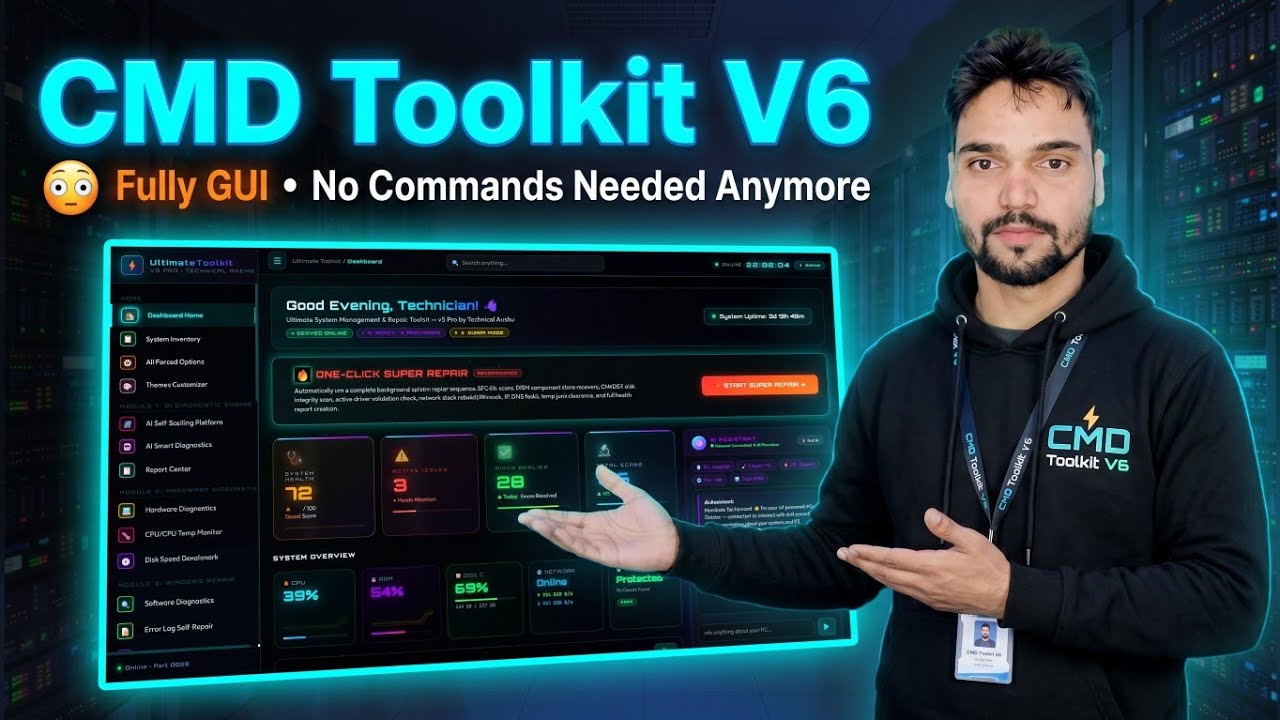
The CMD Toolkit goes fully graphical in V6 — instead of typing commands, you pick the fix on screen and click. Here is what changed, how to get V6 the safe way, and the free versions you can start with today.
📑Chapters
- CMD Toolkit V6 — the toolkit is now fully GUI, no commands to type anymore
- What the graphical interface changes for everyday Windows fixes
- How to get V6 the safe way — it is a paid version, sold by the creator himself
- The free door — V1, V2 and V3 from the official free-access link
- Why every "free CMD Toolkit V6 download" you see is a trap
📋 Overview & Step-by-Step Guide
Know the Versions Before You Download Anything
The CMD Toolkit versions run in this order: V1, V2, V3, then V5 and V6 — V4 was never released. V1, V2 and V3 are free. V5 and V6 are the paid versions, priced at ₹239. Knowing the real version list first protects you from fake "V4" files and impossible "free V6" offers.
Get V6 the Safe Way — From the Creator Himself
CMD Toolkit V6 is a paid product and costs ₹239. It is sold only by Technical Anshu himself: you pay via Paytm on the WhatsApp number shown on his channel and in his videos, and after the payment he personally sends you the download link. There is no other official seller and no other official download page for V6.
Or Start Free with V1, V2 and V3
If you want to try the toolkit first, the older versions are completely free. V1, V2 and V3 are all available from the one official free-access link: https://instantremote.in:2087/free-access-998
Stay Away from "Free V6 Download" Traps
The only two safe doors are the ones above: buy V6 directly from the creator, or use the genuinely free V1, V2 and V3 from the official free-access link.
Use V6 from Its Graphical Interface — No Commands Needed
Once you have V6, the way you work changes completely: instead of opening a black command window and typing commands from memory, you open the toolkit's graphical interface, choose the fix or tool you need on screen, and run it with clicks. The command work happens behind the buttons — that is the whole point of V6, and it is what makes the toolkit usable even if you do not know CMD commands at all.
🏷️Topic Search Variables & Keywords
🎙️ Full Transcript — tap to expand
Step-by-Step Troubleshooting Guide & Solutions — Fully GUI • No Commands Needed Anymore. On-screen demonstration by Technical Anshu.
(The transcript available on the source page is only this summary line — watch the video above for the full walkthrough.)
❓ Frequently Asked Questions
Is this tutorial 100% free to follow?
Yes! All guides and methods demonstrated by Technical Anshu use free, legal, and educational resources.
Can beginners follow this guide?
Absolutely! Every step is demonstrated on-screen with detailed instructions so anyone can follow along easily.
Where can I ask questions if I get stuck?
Leave a comment directly on the YouTube video, and our community and Technical Anshu will help you out.
🚀 Watch the Full Tutorial on YouTube
🚀 Watch the full step-by-step video tutorial on YouTube: https://www.youtube.com/watch?v=9vcPjpPQ4Ss
Subscribe to Technical Anshu for IT support, Windows troubleshooting, and server management.
▶️ Watch Full Video