Phishing Simulation Tutorial
A phishing simulation is a fire drill for email: your IT team sends your own staff a harmless fake phishing message so they can practise spotting the real thing before a criminal tests them first. This page covers the authorised internal programme around it - written approval first, a landing page that teaches and never collects real passwords, honest results, and coaching instead of blame.
📑Chapters
- What a phishing simulation is - a practice drill for your own staff, and what it is not
- The five rules that keep a simulation ethical
- Choosing a platform: open-source or commercial
- Building the campaign in a fixed order
- The landing page rule: it teaches, and it never collects real passwords
- Test on IT mailboxes, then launch inside the agreed window
- Read the results honestly and coach - then repeat and track the trend
📋 Overview & Step-by-Step Guide
Get Written Approval First
Nothing is built and nothing is sent until management and HR have signed off in writing. You are sending deceptive email inside your own company; without documented backing, a well-meant test looks like an attack or a prank. The approval fixes the scope (your own staff only), the launch window, and the rule that results are used for training - agreed before the first template exists.
Agree the Five Rules Before Building
Five rules decide whether a simulation makes your office safer or simply makes your staff angry and secretive. 1. Written approval first. 2. The landing page teaches - the click opens a calm lesson, not an error screen and not a scolding. 3. Never collect real passwords. 4. Report totals, not names - leadership sees percentages per team at most; individual names stay with the programme owner, for private coaching only. 5. Coach, never punish - clicking leads to a short lesson and a friendly conversation, never discipline, because punishment teaches staff to hide mistakes, including real ones. If any one of these is missing from a planned campaign, the campaign is not ready to send.
Choose a Platform Honestly
Two honest families exist. Open-source platforms - the GoPhish class - are free and self-hosted: you build the email templates, landing pages and sending profiles yourself and run the console on your own server. The cost is your time, and the gain is full control. Commercial awareness platforms charge per user and add ready-made template libraries, built-in training modules and polished reporting dashboards. Either family can run an ethical programme, and either can be abused by a careless operator - the ethics live in the five rules above, not in the software. Pick by your team's size and the time you can honestly give it.
Build the Campaign in a Fixed Order
Build in this order. Audience group - one department or the whole office, never a list that includes people who were never briefed that the programme exists. Email template - believable, everyday, and fair: everyday scenario categories such as a shared-document notice, a mailbox warning or a delivery message, and a careful reader must be able to spot at least one clear warning sign. Landing page - the teaching page, built and checked before anything is sent (next step). Sending profile - sent from a training domain your organisation owns, never from your real company domain, so a real attack can never be confused with a drill and the drill never weakens trust in real company mail. Launch window - a normal working period, agreed in the approval.
Build the Landing Page That Teaches
The link in the drill email leads not to a criminal but to a safe page owned by you. The person who clicked lands on a short, calm lesson that shows what gave the email away - the sender address, the urgency, the link that did not match - and what to do next time: pause, check, report. The platform records that the page was reached and who used the report route; that click record is all the measurement the lesson needs.
Test, Launch, Then Teach While It Is Fresh
Test the full path on IT mailboxes first - template, link, landing page, reporting - then launch inside the agreed window. Announce the programme and the quarter to staff; never announce the exact day, or you measure who remembered the announcement instead of who checks email carefully. Then teach while it is fresh: within days, everyone receives the short follow-up. Clickers get the five-minute module on the checks that this email tested, reporters get thanked, and the whole team sees the totals.
Read the Results as Totals and Track the Trend
Read two numbers: the clicked rate and the reported rate, shared as team totals. One simulation proves almost nothing; repeat quarterly with fresh scenarios, and the trend across quarters - clicked rate falling, reported rate rising - is the real result, and the number worth showing management. Individuals who click more than once get a private, friendly coaching conversation from the programme owner, never a public list and never discipline.
🏷️Topic Search Variables & Keywords
🎙️ Full Transcript — tap to expand
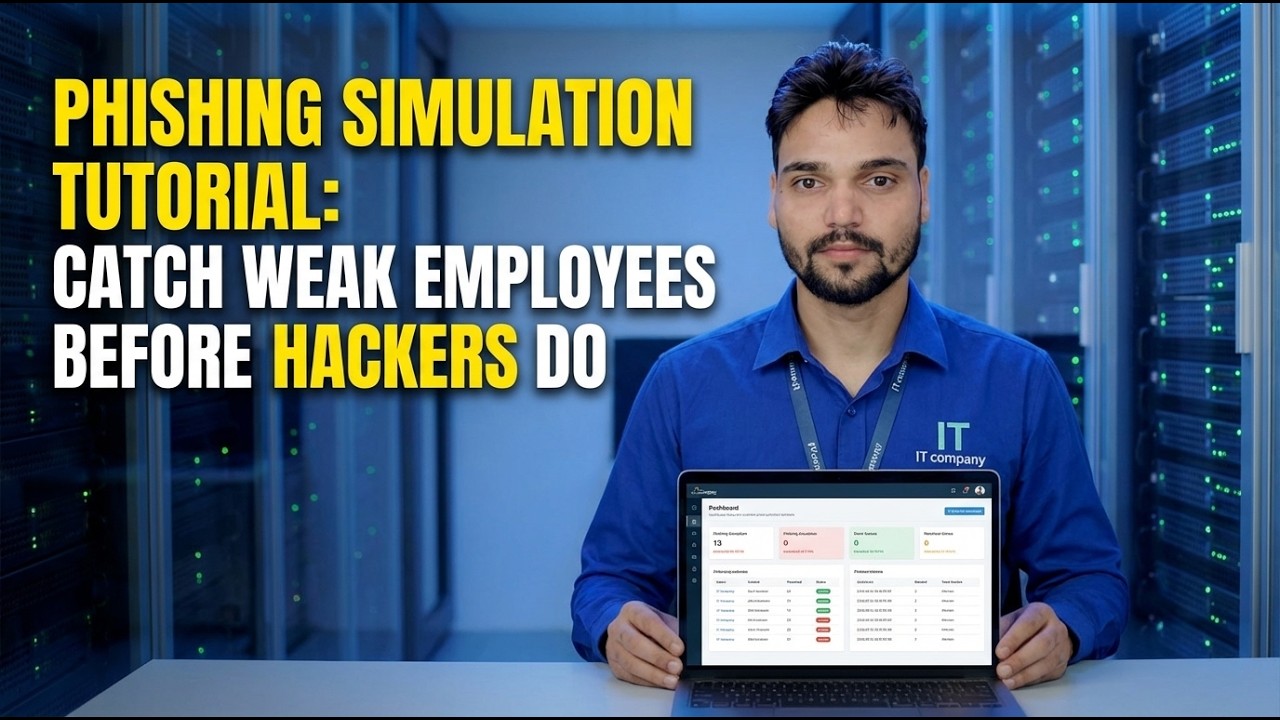
Step-by-Step Troubleshooting Guide & Solutions - PHISHING SIMULATION TUTORIAL: CATCH WEAK EMPLOYEES BEFORE HACKERS DO. On-screen demonstration by Technical Anshu....
Run a phishing simulation for your own staff the ethical way - written approval first, a landing page that teaches and never collects real passwords, honest results and coaching instead of blame. The complete programme, step by step.
(transcript ends here on the source page)
❓ Frequently Asked Questions
Is this tutorial 100% free to follow?
Yes! All guides and methods demonstrated by Technical Anshu use free, legal, and educational resources.
Can beginners follow this guide?
Absolutely! Every step is demonstrated on-screen with detailed instructions so anyone can follow along easily.
Where can I ask questions if I get stuck?
Leave a comment directly on the YouTube video, and our community and Technical Anshu will help you out.
🚀 Watch the Full Tutorial on YouTube
🚀 Watch the full step-by-step video tutorial on YouTube: https://www.youtube.com/watch?v=MR1T4Zz3Fdc
Subscribe to Technical Anshu for IT support, Windows troubleshooting, and server management.
▶️ Watch Full Video