Zorin OS Ransomware Test 2025 - Protection & Review
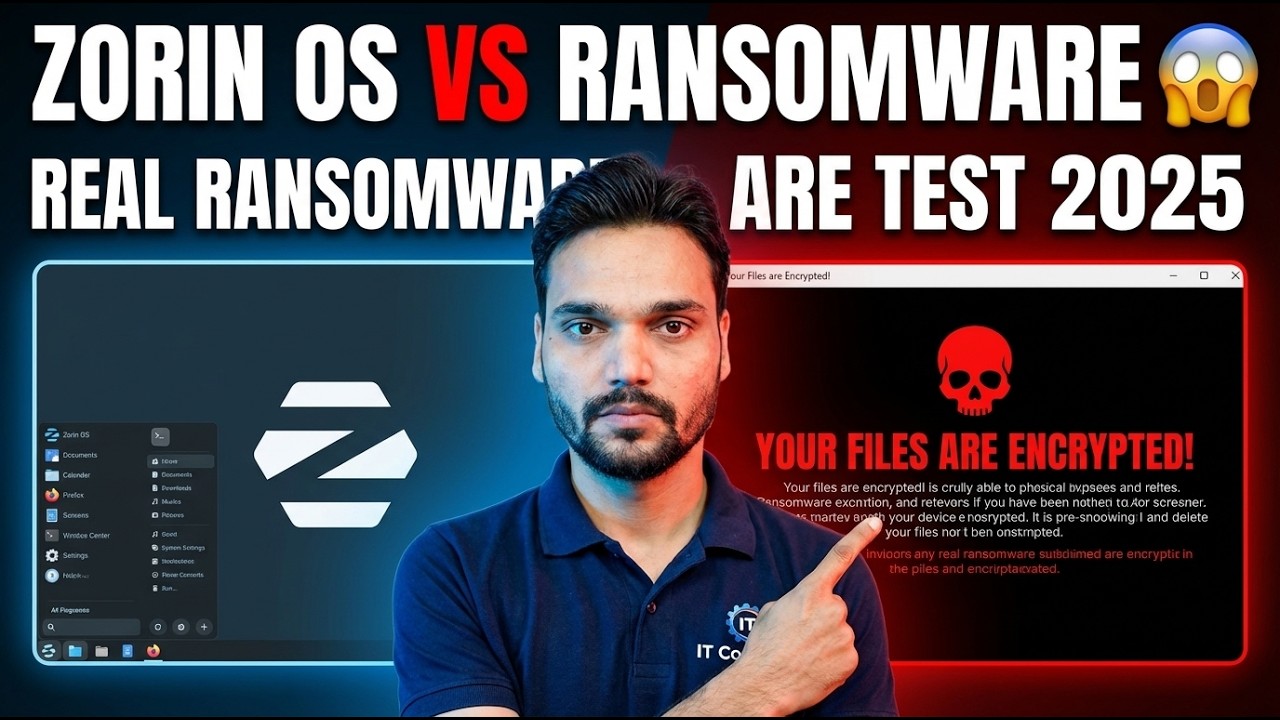
Can ransomware built for Windows lock up a Zorin OS PC? In this test, real Windows ransomware is run against Zorin OS in an isolated lab — and the answer is explained layer by layer: the program format, the permission system and the checked software store, plus the honest limits every Linux user should know.
📑Chapters
- The test — real Windows ransomware run against Zorin OS in an isolated lab
- Wall one — a Windows program is the wrong format (PE vs ELF)
- Wall two — your everyday account cannot touch the system
- Wall three — software comes from a checked store, not random websites
- Keeping the system patched with one update command
- Honest limit one — Wine opens a door, scripts travel, and Linux ransomware exists
- Honest limit two — phishing and shared folders ignore the operating system
- The real protection — versioned, offline backups, and the final verdict
📋 Overview & Step-by-Step Guide
The Test — Real Windows Ransomware Meets Zorin OS
Every year, lakhs of Windows PCs are hit by ransomware — a program that quietly encrypts your photos, documents and office files, then demands money for the key. So when people shift to Zorin OS, the first question is natural: will the same ransomware work here? In the video, Technical Anshu runs real Windows ransomware against a Zorin OS machine in his isolated lab and shows what happens, live on a real PC.
The short answer the test confirms: ordinary Windows ransomware cannot even start on Zorin OS — and the reason is not luck or an antivirus catching it. It is architecture. The next three steps explain the walls one by one, and the steps after that state the limits just as honestly, because a user who believes Linux is invincible becomes careless — and carelessness is the one hole every operating system shares.
Wall One — A Windows Program Is the Wrong Format
Ransomware is a program, and programs are built for one operating system. Every program file begins with a header that tells the system how it is built: Windows programs use the PE format (Portable Executable), while Linux programs use the ELF format. When you run a file, the kernel reads this header first — and a Linux kernel shown a PE file does not translate it or try its best. It simply reports that the format is not recognised and stops.
Even if a program could be loaded, it would still need to speak to the system — open files, write data, show a ransom note — through system calls, and the Windows set of calls does not exist on Linux. There is a second lock too: Linux ignores file-name endings. A file can only be executed if it carries the executable permission bit, and files that arrive by download or copy normally do not carry it. So a Windows encryptor on Zorin OS fails twice — wrong format, and no permission to run. It is like handing a diesel vehicle a can of petrol: the fuel itself does not fit.
Wall Two — Your Everyday Account Cannot Touch the System
On Zorin OS your daily account is a standard user, not the administrator. You can read and change your own files, but the system folders belong to the root account, and changing them asks for your password through sudo. Any bad program that somehow runs under your account inherits exactly your limits — your files only, nothing system-wide.
Compare this with the old Windows habit of everyone running as full administrator all day: there, one bad click handed over the whole machine. On Zorin, the same bad click has a much smaller blast radius, and the operating system itself stays clean and recoverable. The discipline that keeps this wall strong is simple: do not work as root every day, and never type your password into a prompt you were not expecting.
Wall Three — Software From a Checked Store
Most Windows infections begin when a user downloads a program from an unknown site — a fake player, a cracked tool, a driver updater. Zorin OS flips that habit. Nearly everything you need sits in the built-in Software store and the official Zorin and Ubuntu repositories, where packages are signed and checked before they reach you.
Installing from the store means the software's identity was verified by the distribution, not by a stranger's download page. Fewer random installers means fewer doors for a bad program to walk through in the first place. Keep this habit when you move from Windows: the store first, the vendor's official site second — and "free download" sites never.
Keep the System Patched — One Update Command
Architecture is the first defence; updates are the daily one. Security fixes for the system and your installed software arrive through the same repositories, and applying them regularly closes the known holes that real attacks use. Open a terminal and run the update command the video uses:
sudo apt update && sudo apt upgradeThe first half refreshes the list of available packages; the second installs the updates, asking for your password because it changes the system. Run it regularly — a patched Zorin PC keeps all three walls in good repair.
Honest Limit One — Wine, Scripts and Linux Ransomware Exist
The format wall blocks compiled Windows programs — it has three honest exceptions. First, Wine: the translation layer that lets Zorin run Windows apps deliberately re-opens the door the architecture keeps shut. A Windows program running under Wine can reach the files your account can reach, so install Wine only if you need it, and run only Windows software you trust.
Second, scripts speak every language: a payload written in a cross-platform language — a Python script, a Java program, a malicious document macro — carries its own interpreter and can in principle run on any system. Such attacks are far rarer on home desktops and still need you to run them, usually after a phishing trick. Third, Linux ransomware does exist — it mostly hunts servers and storage boxes, where bigger money sits, rather than home desktops. The correct statement is: Windows ransomware binaries cannot run on Linux — but Linux is a smaller target, not an impossible one.
Honest Limit Two — Phishing and Shared Folders Ignore the OS
No format wall can stop you from being tricked into running something yourself. Phishing does not care about your operating system: a fake login page steals your password in any browser, and a "run this command to fix your PC" message works on a careless user anywhere. Browser and email habits — checking addresses, distrusting urgency, never pasting commands from random pages — protect you on every system.
One more shared-folder limit from the test set: a Zorin PC that shares folders with Windows machines can store and pass on infected Windows files without being harmed itself. The files cannot run on Zorin, but they can still reach a Windows PC that opens them — so scan shared folders, and treat your Linux machine as a safe holder, not a cleaner.
The Real Protection — Versioned, Offline Backups
Every wall above reduces the chance of an infection. Backups decide whether an infection — or a dead disk, or a mistaken delete — is an inconvenience or a disaster. The rule that protects any PC, on any operating system: keep versioned backups (older copies of files, not just today's copy, because encryption and corruption get copied into a simple mirror) and keep at least one copy offline — an external drive that is disconnected after the backup, or a separate location the PC cannot reach on its own.
Then test the restore once, before you ever need it: a backup you have never restored is a hope, not a backup. With that rule in place, the verdict of this test is balanced: Zorin OS resists Windows ransomware by design — different program format, strict permissions and a checked software store — and with updates applied and offline backups kept, it is a genuinely safe daily system. Resistant is the honest word; invincible is not a word any operating system has earned.
🏷️Topic Search Variables & Keywords
🎙️ Full Transcript — tap to expand
Step-by-Step Troubleshooting Guide & Solutions - REAL RANSOMWARE TEST 2025. On-screen demonstration by Technical Anshu....
Why does Zorin OS resist Windows ransomware? The honest answer — different program format, strict permissions and a checked software store — plus the real limits every Linux user should know.
(transcript ends here on the source page)
❓ Frequently Asked Questions
Is this tutorial 100% free to follow?
Yes! All guides and methods demonstrated by Technical Anshu use free, legal, and educational resources.
Can beginners follow this guide?
Absolutely! Every step is demonstrated on-screen with detailed instructions so anyone can follow along easily.
Where can I ask questions if I get stuck?
Leave a comment directly on the YouTube video, and our community and Technical Anshu will help you out.
🚀 Watch the Full Tutorial on YouTube
🚀 Watch the full step-by-step video tutorial on YouTube: https://www.youtube.com/watch?v=RmPikf0j-lU
Subscribe to Technical Anshu for IT support, Windows troubleshooting, and server management.
▶️ Watch Full Video