This AI Chatbot Replies Like a Human 😳 Starts at Just ₹99!
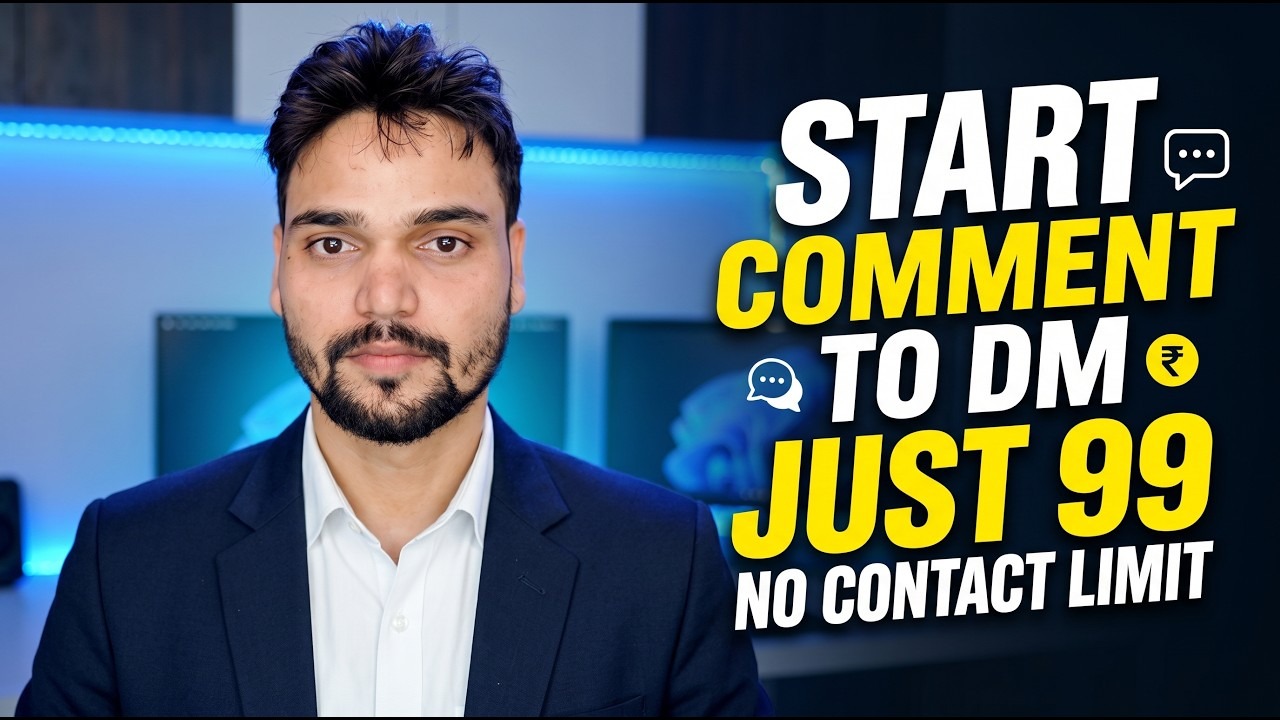
An AI chatbot built by Technical Anshu that replies to your audience's comments and DMs in a natural, human-like way — so no comment goes unanswered, even when you are offline. Plans start at just ₹99, with no contact limit.
📑Chapters
- The problem — comments and DMs pile up faster than anyone can reply to them
- What this AI chatbot does — human-like replies to comments and DMs
- Comment to DM — a comment starts a DM conversation automatically
- Which platforms it covers — YouTube, Facebook, Instagram, Telegram and WhatsApp
- Getting started — sign in to the dashboard on technicalanshu.com
- Connect your accounts and switch on the automations
- The dashboard — activity, inbox, and manual replies when you want control
- Price and honest fit — plans start at ₹99, with no contact limit
📋 Overview & Step-by-Step Guide
The Problem It Solves
As a channel or page grows, the comments and DMs stop being a handful a day — they arrive across YouTube, Facebook, Instagram, Telegram and WhatsApp, all day long. Every unanswered comment is a viewer who feels ignored, and every missed DM can be a missed customer. Nobody can sit online around the clock replying one by one. That gap — between the messages your audience sends and the replies one person can type — is exactly what this chatbot is built to close.
What the Chatbot Does
The AI chatbot replies to customer comments and DMs in a natural, human-like way. Instead of a stiff, robotic one-line answer, it responds the way a person would, so the conversation keeps flowing even when you are busy shooting, editing or sleeping. In the video, Technical Anshu demonstrates the chatbot answering in his place — the audience gets a reply, and the reply sounds like it came from a human, not a machine.
Comment to DM Automation
One of the headline flows is comment to DM: when someone comments on a post, the conversation can move automatically into their DMs. That is the right place for anything that should not be discussed in public comments — download links, details, prices, or a personal answer. The viewer simply comments, and the chatbot starts the DM conversation for you, exactly as shown in the video.
Platforms It Covers
The chatbot works across the platforms where the audience already talks to him: YouTube, Facebook, Instagram, Telegram and WhatsApp. Comments and DMs from these connected accounts are handled from one place, instead of five separate apps fighting for your attention. The video walks through what it does on these platforms and how the replies look from the viewer's side.
Get Started on technicalanshu.com
The chatbot lives on Technical Anshu's own website. Open it in your browser:
technicalanshu.comFrom there, sign in to the ChatBot AI dashboard — the control panel where accounts are connected, automations are managed and every conversation the bot handles can be reviewed.
Connect Accounts and Set Up Automations
Inside the dashboard, connect the accounts you want the chatbot to work on — your YouTube channel, Facebook Page, Instagram, Telegram and WhatsApp — and set up the automations: automatic replies to comments and DMs, and the comment-to-DM flow. Everything is configured from the dashboard screens, following the same setup the video demonstrates, so the bot speaks for your page the way you want it to.
The Dashboard, Activity and Inbox
Once it is running, the dashboard keeps the record: an activity log shows the comments and DMs the bot has handled, and the Inbox Log holds the conversations themselves. Automation does not mean losing control — open any conversation in the inbox, type a manual reply and send it yourself whenever a message deserves your personal answer.
Price and Who It Honestly Fits
As the video states, plans start at just ₹99 — and there is no contact limit, so the audience size does not quietly push you into a bigger bill. Who it honestly fits: creators and businesses whose comments and DMs have outgrown manual replying, and who were losing viewers or customers to slow responses. If you only receive a handful of messages a week, replying yourself is still free — the chatbot earns its price when the messages no longer fit in one person's day.
🏷️Topic Search Variables & Keywords
🎙️ Full Transcript — tap to expand
Step-by-Step Troubleshooting Guide & Solutions - START COMMENT TO DM JUST 99 NO CONTACT LIMIT. On-screen demonstration by Technical Anshu.
An AI chatbot from Technical Anshu that replies to customer comments and DMs in a natural, human-like way, with plans starting at 99 rupees. What it does, which platforms it covers, and who it honestly fits.
(transcript ends here on the source page)
❓ Frequently Asked Questions
Is this tutorial 100% free to follow?
Yes! All guides and methods demonstrated by Technical Anshu use free, legal, and educational resources.
Can beginners follow this guide?
Absolutely! Every step is demonstrated on-screen with detailed instructions so anyone can follow along easily.
Where can I ask questions if I get stuck?
Leave a comment directly on the YouTube video, and our community and Technical Anshu will help you out.
🚀 Watch the Full Tutorial on YouTube
🚀 Watch the full step-by-step video tutorial on YouTube: https://www.youtube.com/watch?v=wGypQUx-qQk
Subscribe to Technical Anshu for IT support, Windows troubleshooting, and server management.
▶️ Watch Full Video