🎧
Original Voice (हिन्दी): Video audio default me Hindi hai. Kisi aur bhasha me sunne ke liye player me Settings (⚙️) ➔ Audio Track chunein.
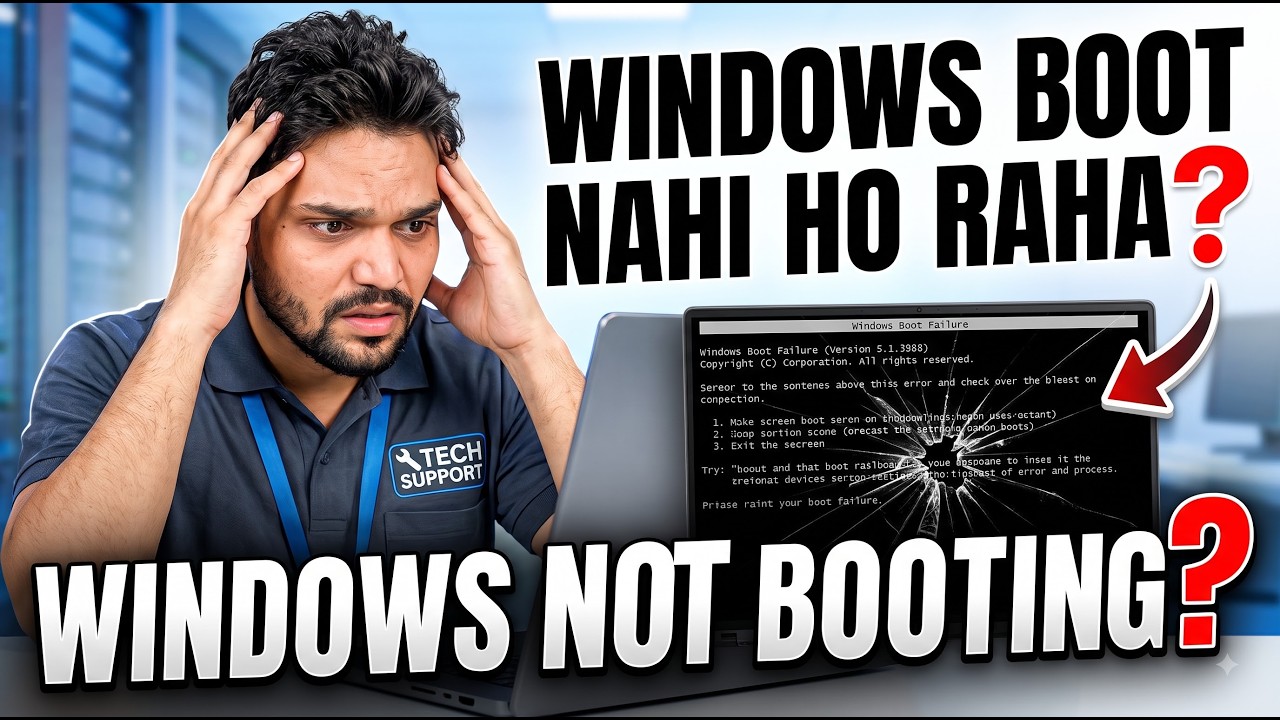
Windows Won’t Boot? 😳 HDD Replacement + Full Disk Clone
Windows Won’t Boot? 😳 HDD Replacement + Full Disk Clone
🏷️ संबधित सर्च कीवर्ड्स व विषय
🔍 HDD
🔍 HardDrive
🔍 HDDClone
🔍 DiskCloning
🔍 ITSupport
🔍 HardDriveReplacement
🔍 Windows
🔍 WindowsClone
🔍 ComputerRepair
🔍 TechnicalAnshu
🔍 Windows Won’t Boot 😳 HDD Replacement + Full Disk Clone
🔍 Won
🔍 Boot
🔍 Replacement
🔍 Full
🔍 Disk
🔍 Clone
🔍 System
🎙️ हिन्दी Key Notes & Transcript
Right now, I have a system in my hands that just won't turn on, and I honestly have no idea what's wrong with it because this is our backup server and it's completely dead. So I actually kept it on hold just to shoot. some videos, planning to open it up later in the evening. So today in this video, we're going to check what's actually wrong with it and how to fix it. If any kind of issue. comes up with it, what's the very first thing you need to do? You need to hook up this PC, turn it on, and first of all, let's just shut down our system properly. So. here is our system that was actually running just a moment ago and I've turned it off. And this server of mine is basically a backup server. I use it strictly as a backup server, and backup servers can be really heavy-duty. But we've built this one temporarily for taking backups of just a few systems. Right? So we don't really have a huge, complicated backup setup here. So. whatever cables you have plugged in here, you just need to unplug them. In your case, you'll need to hook up this particular system. Alright? So we've successfully connected the keyboard and the mouse right here to the system. and here is the power cable. Now, as ...
📋 Overview & Step-by-Step Guide
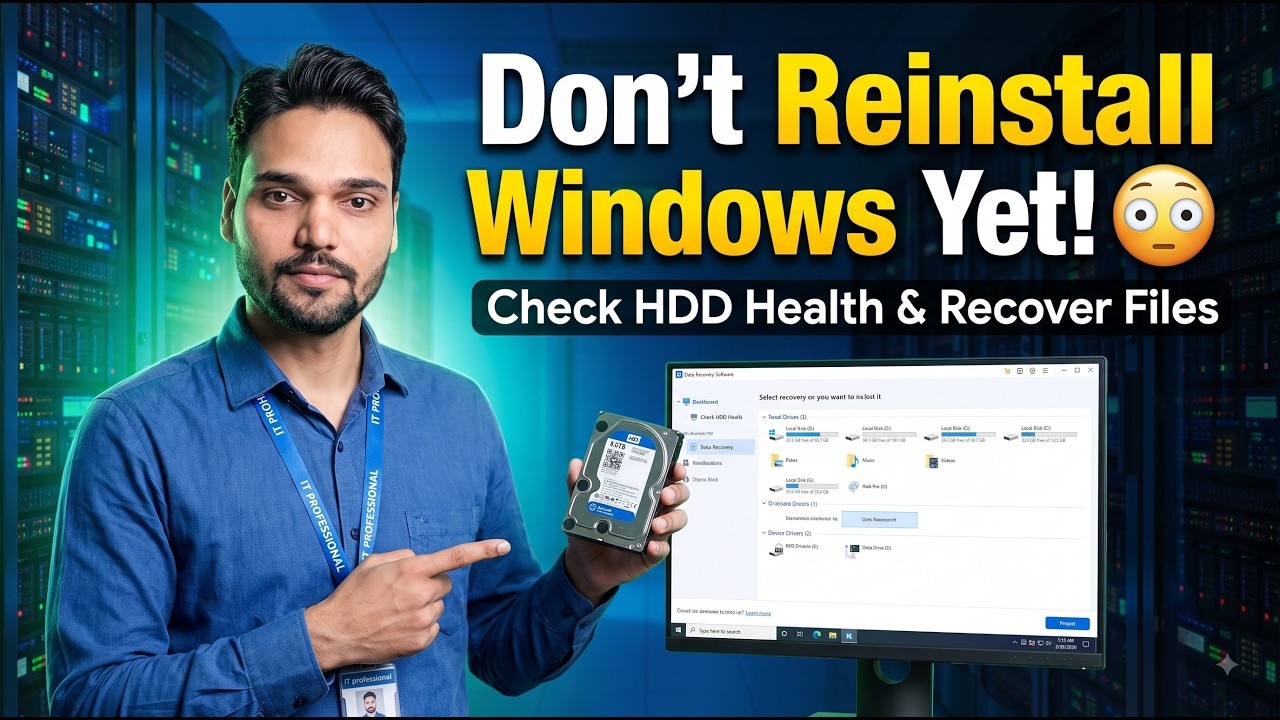
System was not turning on and after troubleshooting we discovered the HDD was the issue 😳 In this video I demonstrate a practical IT support scenario where I replace a faulty HDD with a new drive and clone the existing system onto it, transferring Windows, applications, and data to the new drive. 🔥 Highlights: • Troubleshooting PC/System not starting • Identifying a faulty HDD • Diagnosing hard‑disk failure • Replacing the HDD • Installing a new HDD/SSD • Cloning the existing drive • Cloning Windows + data • Booting the system after cloning • Practical disk‑cloning process • Real‑world IT support scenario If your system won’t boot and you suspect an HDD failure, first check the drive’s health and ensure all hardware connections are secure. ⚠️ IMPORTANT: If the old HDD is physically failing, additional read errors may occur during cloning. If you have important data, consider a proper backup or data‑recovery approach first. Also, make sure you select the correct source and destination drives when cloning. This video is useful for IT support engineers, system administrators, technicians, and users learning Windows troubleshooting. If you found this video helpful, LIKE 👍, SHARE 🚀, and SUBSCRIBE 🔔. #HDD #HardDrive #HDDClone #DiskCloning #ITSupport #HardDriveReplacement #Windows #WindowsClone #ComputerRepair #TechnicalAnshu If you need help setting up Windows Server, Tally Server, ManageEngine Endpoint Central, Veeam Backup, Macrium Site Deployment, Nextcloud, or an Antivirus Server, DM me 📩. This is a paid professional service where I provide end‑to‑end setup. Just provide a blank server; I’ll handle installation, configuration, and security. Reliable, secure, and production‑ready setup guaranteed 💻✅ Welcome to Technical Anshu, a professional channel that offers practical tutorials on IT support, networking, server administration, and cybersecurity in Hindi. In this video I’ll walk you step‑by‑step through configuring, managing, and troubleshooting common IT tasks related to Windows & Linux server setup, ManageEngine Endpoint Central, firewalls, DLP, and MDM. This tutorial is useful for IT engineers, system administrators, desktop support engineers, and beginners who want to develop real‑world practical IT skills.
❓ Frequently Asked Questions (हिन्दी)
Is this tutorial 100% free to follow?
Yes! All guides and methods demonstrated by Technical Anshu use free, legal, and educational resources.
Can beginners follow this guide?
Absolutely! Every step is demonstrated on-screen with detailed instructions so anyone can follow along easily.
Where can I ask questions if I get stuck?
Leave a comment directly on the YouTube video, and our community and Technical Anshu will help you out.