BOYA Mic Review
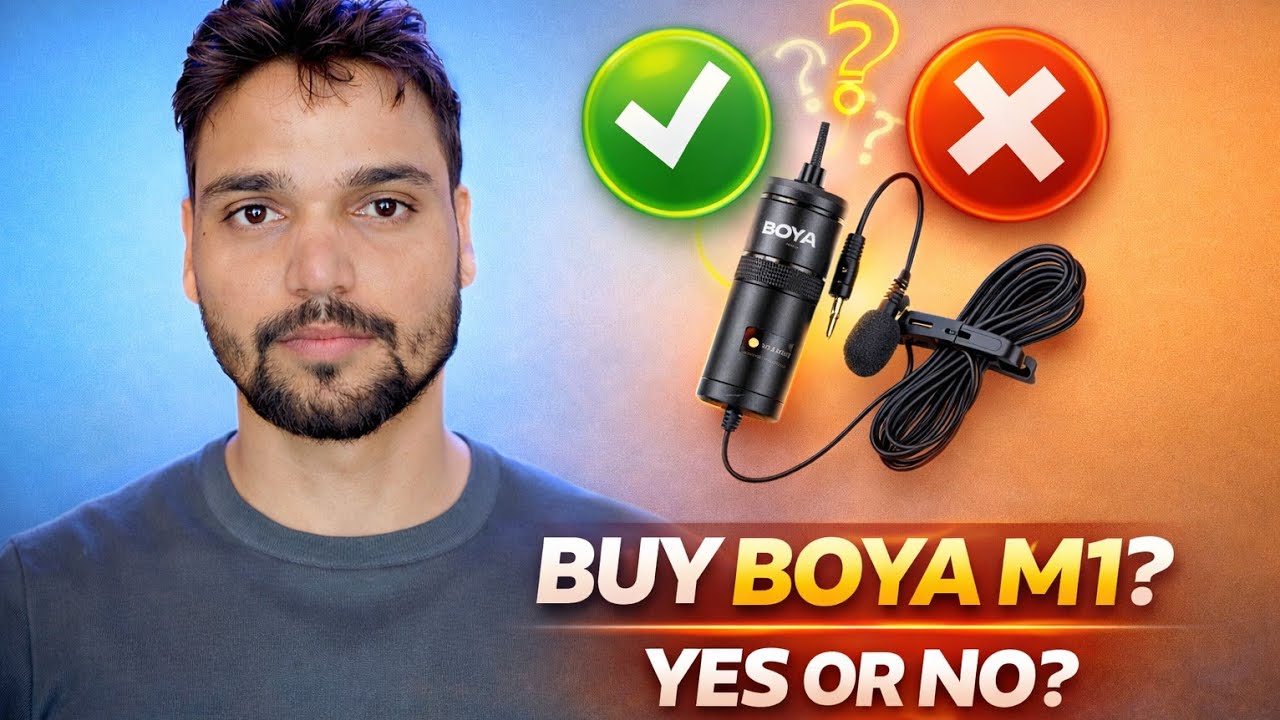
One mic, two completely different results. In this hands-on review the BOYA M1 is tested first on a mobile phone — where it fights back with compatibility problems and poor sound — and then on a PC, where the same mic sounds clear and good. Pros, cons, and an honest buy-or-skip verdict.
📑Chapters
- Unboxing the BOYA M1 — what you get and the buy-or-skip question
- The mobile test — a compatibility fight on the Oppo Reno 10 Pro
- The workarounds — USB hub, adapter and the USB Camera Pro app
- The PC test — the same mic, clearly better sound
- Why the same mic sounds poor on mobile but better on PC
- Phone internal mic vs the BOYA mic — the direct comparison
- Pros and cons, straight from the test
- Final verdict — who should buy it, and who should skip it
📋 Review Walkthrough
What Is Being Reviewed — the BOYA M1
BOYA mics are the first upgrade almost every new YouTuber in India looks at, because they sit in the budget segment and promise a big jump over a phone or laptop mic. The mic on test here is the BOYA M1 named in the video. But a promise is not a test — so instead of reading a spec sheet, this review runs the mic through real use in the two ways creators actually work: on a mobile phone first, then on a PC.
That split matters. If you only record in one of these two worlds, you only need half of the verdict — but you need the right half.
Unboxing and First Look
The review starts with the unboxing: what arrives in the box, how the mic looks and feels in hand, and what you would actually be working with on a shoot. Everything after this point is judged against real recordings, not packaging claims — watch the video to see the unit itself before ordering anything.
Test One: On Mobile — It Fought Back
The mobile half of the test is where the trouble starts. The mic went onto an Oppo Reno 10 Pro — the kind of phone a beginner creator would shoot on — and the phone and the mic did not simply work together. There was a clear compatibility problem, and getting any recording at all needed workarounds: a USB hub and adapter in the chain, recording through the USB Camera Pro app instead of the normal camera app, and even a capture card route.
And after all that effort, the honest result is still the same: the sound quality on mobile was poor. Extra money spent, extra steps on every single shoot, and a worse result at the end of it.
Test Two: On PC — Clear Sound, Easy Setup
Then the same mic moved to the PC — and the review flipped. The sound test on PC is clearly better, and the setup is simple desk work: plug in, select the mic as the recording source, and record. A computer treats the mic as a proper audio input with a clean recording path, instead of fighting a phone's restrictions.
For a creator who records at a desk — online classes, tutorials, voiceovers, streaming — this is the mic working the way the box promises. The video also runs a direct comparison, phone internal mic vs the BOYA mic, so you can hear exactly what the upgrade buys you and what it does not.
Why the Same Mic Sounds Different — the Recording Path
The microphone did not change between the two tests. The path the sound travelled did. On a phone, the signal runs an obstacle course: an adapter chain the phone was not designed for, an audio system tuned for phone calls — aggressive processing that boosts, cuts and pumps levels — and apps that may record from the wrong source or at fixed gain, so the voice lands too weak or too harsh.
On a PC the path is short and honest: you select the mic directly as the input, set its level, and nothing sits in the middle. That difference alone turned poor mobile sound into clear PC sound with the identical mic.
Pros and Cons, Straight from the Test
Pro — On PC and laptop, the sound is a clear, honest step up for a budget mic.
Pro — Simple desk setup: plug in, select the mic, record.
Pro — Well suited to online teachers and tutorial creators who record on a computer.
Con — Mobile compatibility is a lottery that depends on your exact phone model.
Con — On the test phone it needed a hub, an adapter and a special app — that is not plug and play.
Con — Even with the workarounds, mobile sound quality stayed poor in the test.
The Verdict — Buy It for the Desk, Not for the Phone
The final advice from the test is one line: this mic's quality depends on what you plug it into. Buy it if your main recording device is a PC or laptop — there it earns its money honestly. If you are a mobile-first creator, skip it and put the same budget toward a mic that is built for phones from the start; the video also discusses better alternatives for that job.
🏷️Topic Search Variables & Keywords
🎙️ Full Transcript — tap to expand
Step-by-Step Troubleshooting Guide & Solutions - BUY BOYA M1? YES OR NO?. On-screen demonstration by Technical Anshu....
Honest BOYA mic review: great sound on PC, poor sound and a compatibility fight on mobile. Pros, cons, and who should buy or skip it, from a real hands-on test.
(transcript ends here on the source page)
❓ Frequently Asked Questions
Is this tutorial 100% free to follow?
Yes! All guides and methods demonstrated by Technical Anshu use free, legal, and educational resources.
Can beginners follow this guide?
Absolutely! Every step is demonstrated on-screen with detailed instructions so anyone can follow along easily.
Where can I ask questions if I get stuck?
Leave a comment directly on the YouTube video, and our community and Technical Anshu will help you out.
🚀 Watch the Full Tutorial on YouTube
🚀 Watch the full step-by-step video tutorial on YouTube: https://www.youtube.com/watch?v=LdVCtjlyN7E
Subscribe to Technical Anshu for IT support, Windows troubleshooting, and server management.
▶️ Watch Full Video