Can You Install Microsoft Office on Zorin OS 18 Pro? 😱
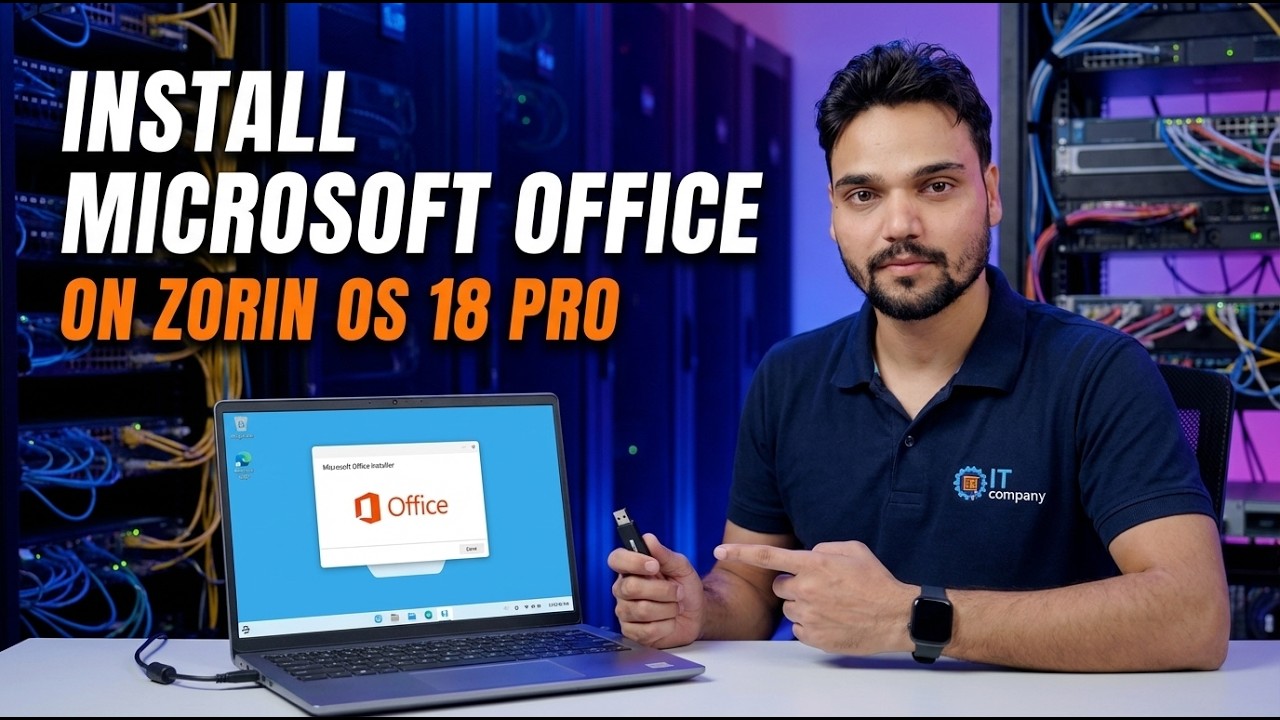
You moved to Zorin OS 18 Pro for the speed and the familiar desktop - and then hit the one question every switcher asks: can Word and Excel come with you? The honest answer is that no native install exists. Here are the four routes that actually work, graded plainly: Office on the web, Wine, a Windows virtual machine, and LibreOffice or OnlyOffice.
📑Chapters
- The question every Zorin OS switcher asks - can Word and Excel come with you
- The plain answer - no native Microsoft Office installer exists for Linux
- Route one - Office on the web, free in your browser
- Route two - Wine, the compatibility layer that almost works
- Route three - real Office inside a Windows virtual machine
- Route four - LibreOffice or OnlyOffice, the practical replacement
- A warning about fake Microsoft Office for Linux downloads
- The verdict - which route fits your work
📋 Overview & Step-by-Step Guide
The Plain Answer First - No Native Install Exists
Save yourself the trial and error: there is no installer of Microsoft Word, Excel or PowerPoint that runs natively on Zorin OS - or on any other Linux system. Microsoft builds Office for Windows and macOS only. The setup file you download from your Microsoft 365 account is a Windows program, and double-clicking it on Zorin OS will never turn it into a Linux app.
Why? It is a business decision, not a technical wall. Office is one of the strongest reasons people stay on Windows, so Microsoft has no reason to give Linux users an official way out. Once you accept that, you can stop hunting for a magic installer and choose between the four real routes below with open eyes.
Route One - Office on the Web, Free in Your Browser
Open your browser on Zorin OS, sign in at office.com with a Microsoft account, and you get Word, Excel and PowerPoint running as web apps. Files live in OneDrive, saving is automatic, and two people can edit the same document together in real time.
office.comThe honest cost: these are cut-down versions. There are no VBA macros, some advanced Excel features and Office add-ins are missing, Word loses some fine layout and reference tools, and you need an internet connection for real work. For letters, normal office documents and everyday spreadsheets, most people never touch what is missing.
Route Two - Wine, the Compatibility Layer That Almost Works
Zorin OS ships with Windows App Support, built on Wine - a translator that lets some Windows programs run on Linux. Zorin even suggests it when you run a Windows installer. With older Office versions, patient users have sometimes got Word and Excel working this way.
Be honest with yourself about what "sometimes" means: current Microsoft 365 installers generally fail or break, activation is unreliable, and a Wine or system update can stop a working setup without warning. Wine is a fine experiment for one old program you love - it is not a foundation for daily office work.
Route Three - Real Office Inside a Windows Virtual Machine
This is the only route that gives you the genuine, full Microsoft Office on a Zorin OS machine: install Windows inside a virtual machine (VirtualBox or GNOME Boxes), then install Office inside that Windows exactly as you would on a normal PC. Every feature works - macros, add-ins, exact formatting - because it is literally real Windows and real Office.
The costs are real too. You need a valid Windows licence for the virtual machine, enough RAM to run two systems at once (16 GB on the host is comfortable, 8 GB is tight), and you accept Windows boot time whenever you need Office. Many professionals who moved to Linux keep exactly this setup for the one job only Office can do.
Route Four - Replace Office with LibreOffice or OnlyOffice
Here is what most happy Zorin OS users actually do: they stop trying to install Office and use a Linux office suite. LibreOffice comes preinstalled on Zorin OS and opens, edits and saves Word, Excel and PowerPoint files. OnlyOffice is a free download whose interface looks strikingly like modern Microsoft Office and which handles Microsoft formats very well.
For the documents most homes and small offices produce - letters, invoices, price lists, marksheets, normal reports - these suites are not a compromise, they are simply the tool. The honest exceptions are documents with VBA macros, very complex Excel models, and files that must look pixel-identical when a client opens them in real Office.
Beware Fake Microsoft Office for Linux Downloads
If a site asks you to download an Office installer file for Linux, close the tab. There is no official package to find, and no setting hidden in Zorin OS that unlocks one.
Pick the Route That Fits Your Work
Decide by the work, not by hope:
Light, everyday documents - use LibreOffice or OnlyOffice and forget the problem. You share files with Office users and edit together - Office on the web keeps everyone in the same document. Macros, add-ins or exact Office behaviour are your job - a Windows virtual machine, or keep a Windows PC. You just want to experiment - try Wine, but keep no important work depending on it.
🏷️Topic Search Variables & Keywords
🎙️ Full Transcript — tap to expand
Step-by-Step Troubleshooting Guide & Solutions - INSTALL MICROSOFT OFFICE ON ZORIN OS 18 PRO. On-screen demonstration by Technical Anshu.
Can you install Microsoft Office on Zorin OS 18 Pro? The honest answer is no native install exists - here are the four routes that actually work, graded plainly: Office on the web, Wine, a Windows virtual machine, and LibreOffice or OnlyOffice.
(transcript ends here on the source page)
❓ Frequently Asked Questions
Is this tutorial 100% free to follow?
Yes! All guides and methods demonstrated by Technical Anshu use free, legal, and educational resources.
Can beginners follow this guide?
Absolutely! Every step is demonstrated on-screen with detailed instructions so anyone can follow along easily.
Where can I ask questions if I get stuck?
Leave a comment directly on the YouTube video, and our community and Technical Anshu will help you out.
🚀 Watch the Full Tutorial on YouTube
🚀 Watch the full step-by-step video tutorial on YouTube: https://www.youtube.com/watch?v=eXeK9VMAnu0
Subscribe to Technical Anshu for IT support, Windows troubleshooting, and server management.
▶️ Watch Full Video