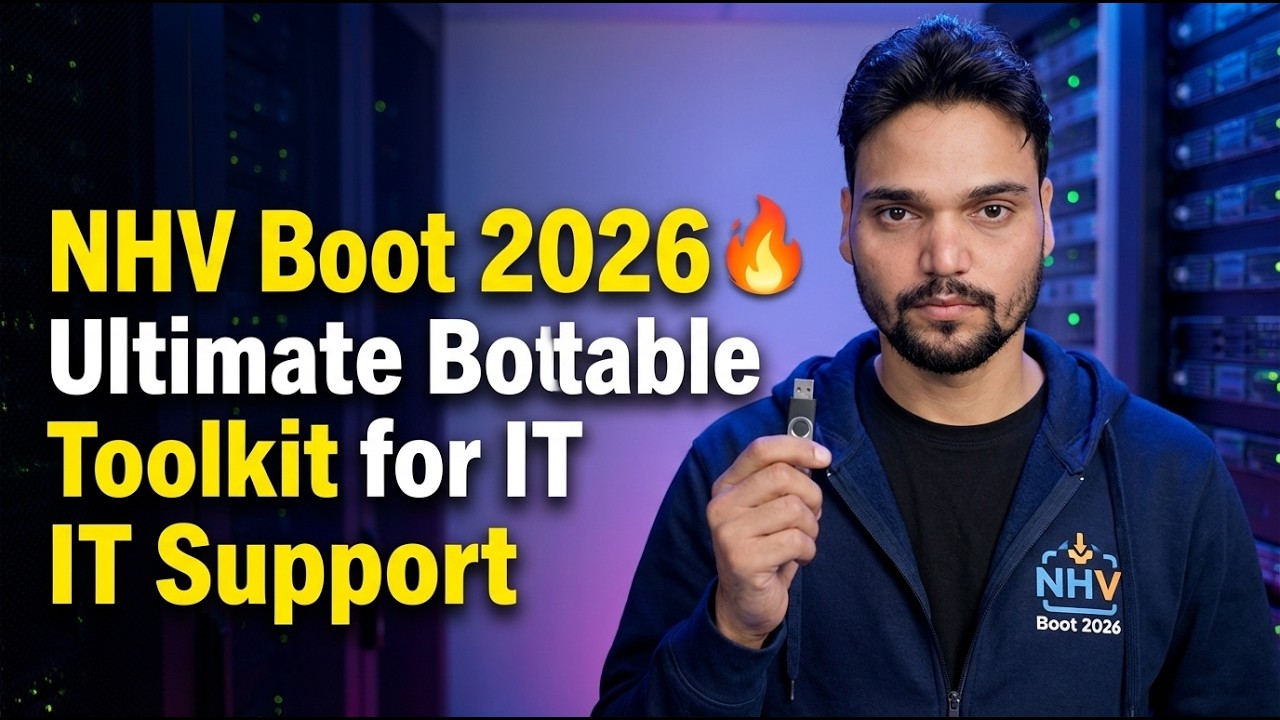
NHV Boot 2026 🔥 Ultimate Bootable Toolkit for IT Support
NHV Boot 2026 is the Extreme edition of the well-known WinPE bootable rescue toolkit: one USB that boots almost any PC into Win11PE or Win10PE, fully loaded with the repair, backup and recovery tools an IT support technician reaches for first.
📑Chapters
- What NHV Boot is — the WinPE bootable toolkit for IT support
- Extreme edition features — Win11PE, Win10PE, UEFI and Legacy boot
- Safe download from the official site — nhvboot.com
- Creating the NHV Boot bootable USB
- First boot tour of Win11PE and Win10PE
- The repair jobs this WinPE toolkit does best
📋 Overview & Step-by-Step Guide
What NHV Boot 2026 Is
NHV Boot is a bootable rescue toolkit built on WinPE (Windows Preinstallation Environment). Instead of loading the Windows installed on the PC, it boots its own lightweight Windows environment straight from a USB drive — so you can work on a machine whose own system will not start. The 2026 release is the Extreme edition, and it carries two environments: Win11PE (64-bit) for modern machines and Win10PE for older or low-spec hardware.
The Extreme edition boots on both standards — UEFI and Legacy — and is built to recognise modern hardware out of the box, including NVMe drives on Intel 11th/12th generation and AMD 5000-series machines. It is also light enough to run on machines with as little as 2 GB of RAM, which is why technicians keep it as their everyday carry toolkit.
Download NHV Boot 2026 Safely from the Official Site
Download the toolkit only from its official website, nhvboot.com, and pick the current NHV Boot 2026 Extreme release. The official site is the safe source the video points to — the package there is the one the developer publishes and keeps updated.
Create the Bootable USB
Connect a USB drive of at least 4 GB — keep in mind that creating the boot drive erases everything on it, so back up anything you need first. Using the creation method provided with the official NHV Boot package, write the toolkit to the USB so it supports both UEFI and Legacy booting. When the process finishes, the USB is a self-contained rescue drive: the WinPE environments and the full toolset live on it, and nothing needs to be installed on the PCs you will repair.
Boot the PC from the USB
Plug the NHV Boot USB into the PC you want to repair, restart it and open the one-time boot menu (the exact key depends on the brand — commonly F12, F11, F9 or Esc). Select the USB drive — the UEFI entry on modern machines — and the NHV Boot menu appears. From the menu, choose the environment that fits the machine: Win11PE (64-bit) for current hardware, or Win10PE for older PCs and machines with very little RAM. The boot itself is fast, and the desktop loads with drivers for LAN, WiFi, touchpad and sound already recognised on most machines.
First Boot Tour of Win11PE and Win10PE
Inside WinPE you get a familiar, modern desktop — this is the first-boot tour part of the video. The interface is clean and consistent across Win11PE and Win10PE, the built-in WiFi connection screen is quick to use, and networking (LAN + WiFi) works right inside the rescue environment, so you can go online, share data over the network, or even take remote support through tools like AnyDesk and AeroAdmin without ever booting the installed Windows. All the rescue software is organised on the desktop and menus, kept updated to the latest versions by the developer.
The Repair Jobs This Toolkit Does Best
This is where NHV Boot earns its place in an IT support kit. Because it runs independently of the installed system, it handles the jobs you simply cannot do from inside a broken Windows:
Rescue and reinstall: back up or restore a full Windows system image, and install Windows with automatic NVMe driver support on new Intel and AMD machines. Disk work: complete hard drive management — partitioning, disk and partition recovery, and health testing. Data: recover deleted or lost files, and read and write even macOS APFS and Linux Ext4 partitions. Access recovery: unlock a BitLocker drive using its password or recovery key, and regain access to a PC locked by a forgotten sign-in. All of it runs from the one USB, on old and new machines alike — which is why the video presents NHV Boot 2026 as an ultimate bootable toolkit for IT support.
🏷️Topic Search Variables & Keywords
🎙️ Full Transcript — tap to expand
Step-by-Step Troubleshooting Guide & Solutions — NHV Boot 2026 🔥 Ultimate Bootable Toolkit for IT Support. On-screen demonstration by Technical Anshu....
(transcript ends here on the source page)
❓ Frequently Asked Questions
Is this tutorial 100% free to follow?
Yes! All guides and methods demonstrated by Technical Anshu use free, legal, and educational resources.
Can beginners follow this guide?
Absolutely! Every step is demonstrated on-screen with detailed instructions so anyone can follow along easily.
Where can I ask questions if I get stuck?
Leave a comment directly on the YouTube video, and our community and Technical Anshu will help you out.
🚀 Watch the Full Tutorial on YouTube
🚀 Watch the full step-by-step video tutorial on YouTube: https://www.youtube.com/watch?v=lpU4PMdi1LM
Subscribe to Technical Anshu for IT support, Windows troubleshooting, and server management.
▶️ Watch Full Video