Motherboard Kharab Hai Ya Nahi? Complete Testing Method Explained
PC dead, fans spinning with no display, or random shutdowns? Do not buy a motherboard yet. This is the complete testing method technicians use — symptom, cheap impostors, power supply, minimal boot, swaps — ending in a verdict you can trust.
📑Chapters
- Four failures that all get called "PC is dead" — and why each one points at different suspects
- Safety first — the power supply rules that outrank every test
- The cheap impostors: CMOS battery, front-panel wires, RAM seating and case shorts
- Proving the power supply — swap test, rail voltages, and why the paperclip test is not a verdict
- Minimal boot: board, CPU and one RAM stick — then one swap at a time
- Reading beep codes and debug LEDs while you test
- The verdict — what evidence actually convicts a motherboard, and the repair-versus-replace decision
📋 Overview & Step-by-Step Guide
Name the Symptom Before Touching Anything
Four different failures get called the same words — "PC is dead" — but they point at different suspects, so separate them first. Absolutely nothing (no fan, no light, no sound) starts with power delivery and the case power switch itself. Fans spin but nothing on screen means power exists and POST is failing — memory, graphics, CPU seating, board. Beeps or flashing LEDs mean the board is alive and talking; read the code before changing anything, it is the cheapest diagnosis you will ever get. Starts, then dies or restarts points at heat, a PSU weakening under load, or a short — note how long it survives, because that timing is evidence.
Write the symptom and the timing on paper. Half of all wrong parts purchases happen because the symptom quietly changed during testing and nobody noticed. The rule of the whole method: the motherboard is convicted last, by elimination, never first by suspicion.
Safety Rules Before You Start
Motherboard testing happens near mains electricity, so these boundaries matter more than the steps. Work with the power cord unplugged, then press the case power button once to drain leftover charge before touching parts. Touch a metal part of the case before handling the board or RAM — static discharge kills quietly and leaves no marks. On laptops, disconnect the internal battery before reseating anything, and never probe a swollen battery.
Clear the Cheap Impostors First
Before any part is suspected, spend ten minutes on the faults that imitate a dead board almost perfectly. First, the CMOS battery: a dead CR2032 can stop a board from POSTing or make it forget every setting — replace it (it costs almost nothing) and clear CMOS by the method in your board's manual. Second, everything plugged in: a shorted USB drive, a faulty front-panel header, even a damaged case power button can hold a healthy board silent. Disconnect all USB devices and front-panel wires, then start the board by briefly bridging the power-switch pins with a screwdriver, carefully, as the manual shows.
Third, RAM seating: remove every stick and refit one, firmly, in the slot the manual names for single-stick use — more no-display cases end here than anywhere else. Fourth, if the board was recently installed, check for a misplaced standoff touching the back of the board — a classic self-inflicted short. If the PC wakes during this stage, the board was never faulty; skipping this stage is the most expensive shortcut in PC repair.
Prove the Power Supply — Do Not Assume It
A PSU can spin fans and light LEDs while delivering voltages too weak or too dirty to POST a board. Lights are not proof; only two things count. The swap: connect a known-good PSU of equal or higher wattage — if the PC POSTs, the original PSU is guilty no matter how alive it looked. The meter: with a multimeter, healthy rails sit within about 5 percent of nominal — roughly 11.4 to 12.6 V on the 12 V rail, 4.75 to 5.25 V on 5 V, and 3.14 to 3.47 V on 3.3 V. A rail far outside that band under load condemns the PSU.
The paperclip test — bridging the green PS_ON wire to a black ground wire on the disconnected 24-pin plug — only proves the PSU can start and spin its own fan; it says nothing about running a board, so treat it as a first hint, never a verdict. Also check that the 4-pin or 8-pin CPU power connector is seated: a board with main power but no CPU power shows fans and no POST, and gets misdiagnosed as dead every week.
Minimal Boot, Then One Swap at a Time
Now strip the system to the smallest thing that can POST: motherboard, CPU with cooler, one known-good RAM stick, the proven PSU, and display output — ideally the board's own graphics output if the CPU has one. No drives, no graphics card, no USB devices. This is often done with the board out of the case on its box, which also removes case shorts from the story. If it POSTs now, add parts back one at a time — the part that kills it is the culprit, and the board is innocent.
If it does not POST, swap the RAM stick, then try each slot; a single dead slot with the board working elsewhere is still board evidence, so note it. If a spare compatible CPU exists, swap it last — CPUs fail rarely, which is exactly why they are tested last, not never. At every step, read the beep codes or debug LEDs (boards label them CPU, DRAM, VGA and BOOT): a code that changes when you remove the RAM proves the board is alive and executing POST. Keep notes per step — the swap matrix, which swap produced which result, is what turns observations into a verdict.
The Verdict — When the Board Is Truly Guilty
Call the motherboard faulty only when the evidence lines up: a proven PSU, the impostors cleared, minimal boot still failing with known-good RAM (and the CPU swapped too, if one was available) — plus at least one piece of positive board evidence. Positive evidence means visible damage that matches the symptom: bulged or leaking capacitors, scorch marks, a burnt smell near the VRM area, or one dead slot or port group with everything else proven. Negative evidence means every other suspect was swapped or cleared and the fault stayed with the board through all of it.
🏷️Topic Search Variables & Keywords
🎙️ Full Transcript — tap to expand
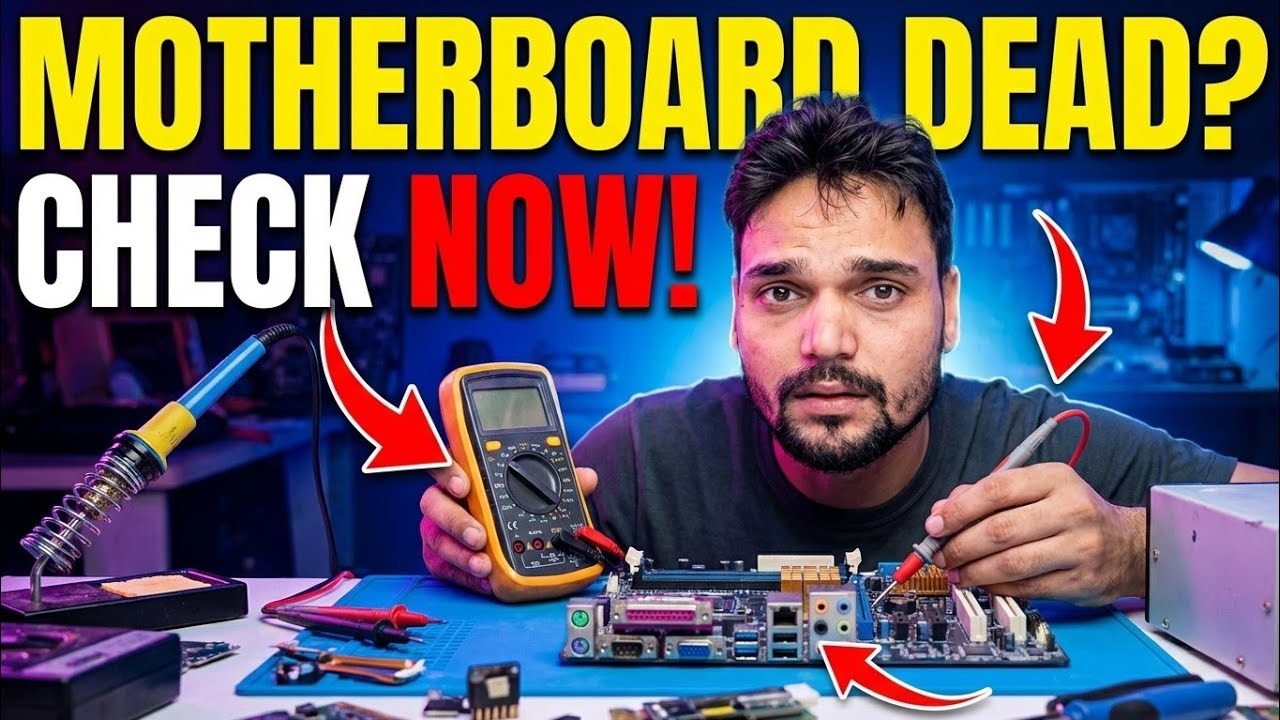
Step-by-Step Troubleshooting Guide & Solutions - MOTHERBOARD DEAD? CHECK NOW!. On-screen demonstration by Technical Anshu.
PC dead, fans spinning with no display, or random shutdowns? Do not buy a motherboard yet. This is the complete testing method technicians use — symptom, cheap impostors, power supply, minimal boot, swaps — ending in a verdict you can trust.
(transcript ends here on the source page)
❓ Frequently Asked Questions
Is this tutorial 100% free to follow?
Yes! All guides and methods demonstrated by Technical Anshu use free, legal, and educational resources.
Can beginners follow this guide?
Absolutely! Every step is demonstrated on-screen with detailed instructions so anyone can follow along easily.
Where can I ask questions if I get stuck?
Leave a comment directly on the YouTube video, and our community and Technical Anshu will help you out.
🚀 Watch the Full Tutorial on YouTube
🚀 Watch the full step-by-step video tutorial on YouTube: https://www.youtube.com/watch?v=IMNf7RMlaC0
Subscribe to Technical Anshu for IT support, Windows troubleshooting, and server management.
▶️ Watch Full Video