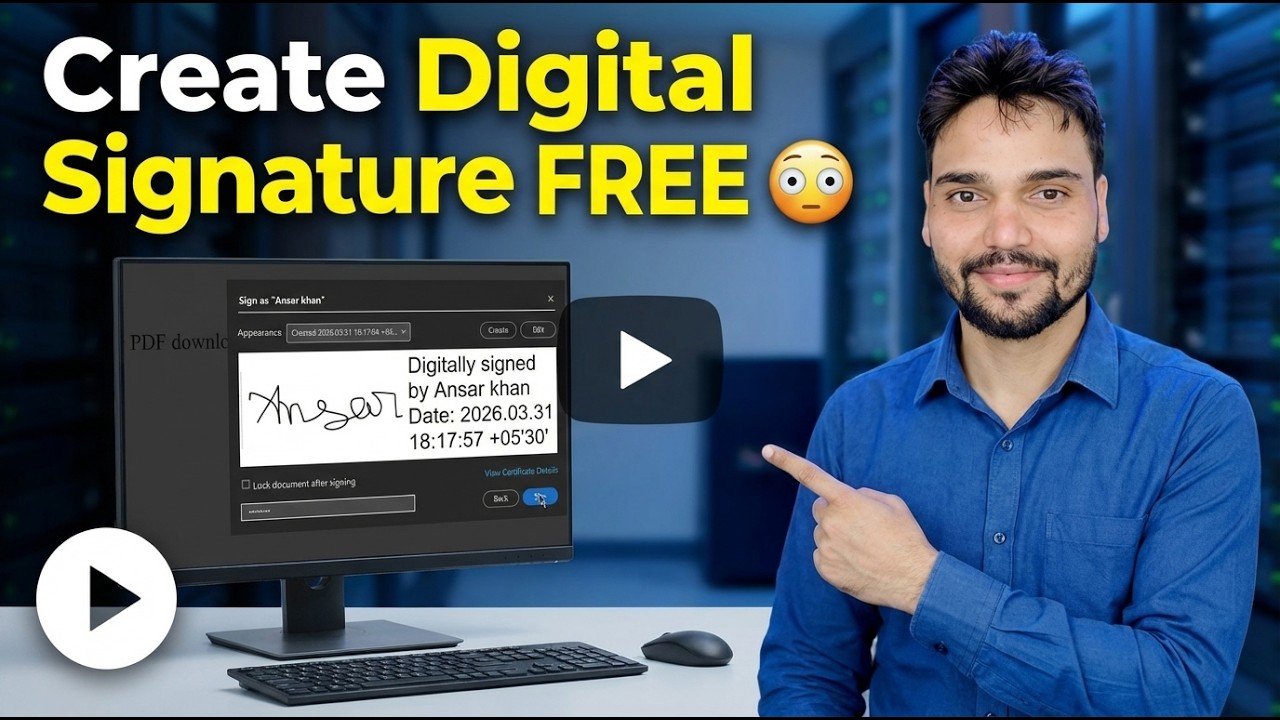
Create Digital Signature FREE 😳 Sign Any PDF in Seconds!
Sign any PDF in seconds, completely free — create your signature once, place it on the document, add the date and save a signed copy. One honest line first: the free route creates a signature image, not a DSC digital signature, and this page keeps the two clearly separate.
📑Chapters
- What the free route really creates — an electronic signature, not a certificate
- Making the signature once — draw it, type it, or photograph your paper signature
- Opening the PDF and placing the signature on the right page
- Adding the date and saving the signed copy with a new name
- Checking the signed file page by page before sending it
- When the free signature is enough — and when only a DSC will be accepted
📋 Overview & Step-by-Step Guide
Know What the Free Route Creates
Every free signing route — a PDF reader on your PC, a browser-based sign tool, or an app on your phone — ends at the same place. The tool takes your signature as a mark: you draw it, type it, or photograph it. That mark is then placed onto the PDF page, positioned and sized where a signature belongs, and the file is saved.
Under India's IT Act, this is an electronic signature in the broad sense — a mark you applied to show your agreement. It shows your sign, and for everyday documents that is usually what matters. What it does not carry is mathematics: there is no certificate inside the file, nothing locks the content after signing, and anyone holding the file can copy the signature picture out of it.
Create Your Signature Once
Make the signature one time, carefully — you will reuse it on every document. You have three ways: draw it slowly with your mouse or finger until it looks like your real sign; type your name in a handwriting-style font; or write it on plain white paper and photograph it straight, in good light, so the image is clean and sharp.
Open the PDF in the Signing Tool
Before anything else, read the full document. A placed signature looks as committed as a pen signature — the speed of this method is not a reason to skip reading. Then open the PDF in the signing tool and jump straight to the page and the line where the signature belongs.
Place and Size the Signature
Place the signature on the signature line and size it to sit inside the signature box or on the line. A signature floating over printed text looks careless and raises questions with whoever checks the form. Keep it the size a pen signature would naturally be on that page.
Add the Date and Save a Signed Copy
If the form has a date field next to the signature, fill it in — many rejections are about the missing date, not the sign itself. Then save the file with a new name, for example form-signed.pdf, so the original unsigned file stays untouched in your records.
Check the Signed PDF Before Sending
Open the saved file and check every page before you send it. Confirm the signature sits on the right page and the right line, the date is filled in, and nothing shifted while saving. Only then send the signed copy — and send the signed file, not the unsigned original by mistake.
Free Signature or DSC — Pick the Right One
The practical test is one question: is a human going to read this, or is a portal going to verify it? Humans read signature images happily. Portals verify certificates — and no image will pass a verification check, no matter how neat it looks.
The free signature is the right tool for everyday paperwork: office leave and joining forms, delivery and receipt acknowledgements, applications to private companies, school and college forms, and internal approvals. A DSC is genuinely needed for government and compliance work: MCA company filings, income tax and GST related signing where specified, e-tenders, EPFO and patent or trademark filings, and any form whose instructions say the words digital signature.
🏷️Topic Search Variables & Keywords
🎙️ Full Transcript — tap to expand
Step-by-Step Troubleshooting Guide & Solutions - Create Digital Signature FREE. On-screen demonstration by Technical Anshu.
Create a signature for any PDF free - what the free route really makes, how the signing steps work, and the honest difference between a signature image and a DSC digital signature.
(transcript ends here on the source page)
❓ Frequently Asked Questions
Is this tutorial 100% free to follow?
Yes! All guides and methods demonstrated by Technical Anshu use free, legal, and educational resources.
Can beginners follow this guide?
Absolutely! Every step is demonstrated on-screen with detailed instructions so anyone can follow along easily.
Where can I ask questions if I get stuck?
Leave a comment directly on the YouTube video, and our community and Technical Anshu will help you out.
🚀 Watch the Full Tutorial on YouTube
🚀 Watch the full step-by-step video tutorial on YouTube: https://www.youtube.com/watch?v=K_Tf6OExHXU
Subscribe to Technical Anshu for IT support, Windows troubleshooting, and server management.
▶️ Watch Full Video