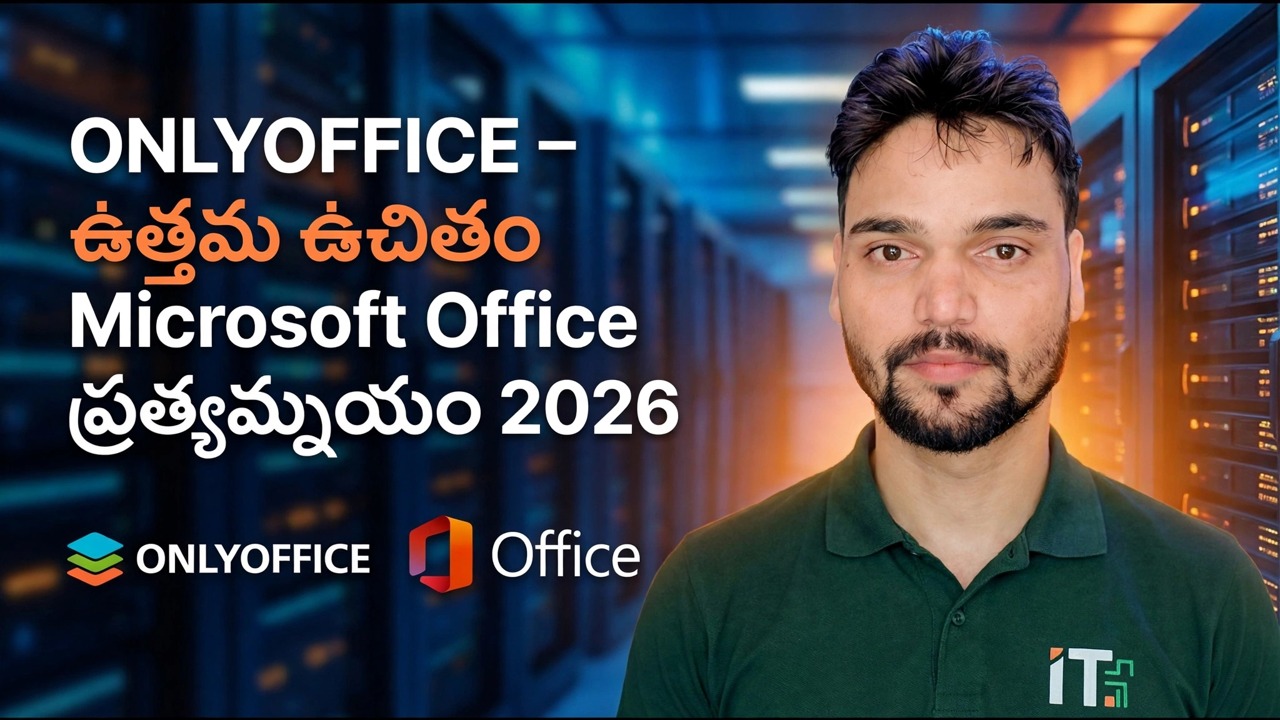
ONLYOFFICE: 2025లో ఉత్తమమైన ఉచిత Microsoft Office ప్రత్యామ్నాయం | సమీక్ష
00:00 ONLYOFFICE free alternative to Microsoft Office
00:02 What is ONLYOFFICE and why use it
00:07 Microsoft Office–like interface overview
00:09 Word, Excel, PowerPoint and PDF compatibility
00:24 Download ONLYOFFICE for Windows
00:50 Start ONLYOFFICE installation🎙️ తెలుగు Key Notes & Transcript
హాయ్ గాయ్స్, అన్సార్ ది సైడ్. ఒకవేళ మీరు Microsoft Officeకి బతలాగా వేరేది ఏదైనా యూస్ చేయాలనుకుంటే, మీరు ONLYOFFICE యూస్ చేయొచ్చు. ఇందులో కూడా మీకు Microsoft లాంటి ఇంటర్ఫేసే వస్తుంది. అలాగే మీరు ఇందులో మీ Excel షీట్స్, PowerPoint మరియు Word ఫైల్స్ని PDFతో సహా చాలా ఈజీగా యూస్ చేసుకోవచ్చు. మరి దీన్ని ఎలా డౌన్లోడ్ చేసుకోవాలి, అలాగే ఎలా ఇన్స్టాల్ చేసుకోవాలి? అనేది మనము రాబోయే వీడియోలలో స్టెప్ బై స్టెప్ చూద్దాం. ఈ ONLYOFFICE ఇన్స్టాల్ చేసుకోవడానికి మీరు చేయాల్సిందల్లా Chrome ఓపెన్ చేసి ONLYOFFICE ఫర్ Windows అని టైప్ చేసి ఎంటర్ ప్రెస్ చేయాలి. అప్పుడు అన్నింటికంటే పైన వచ్చే ఫస్ట్ లింక్ని ఓపెన్ చేయాలి. ఇక్కడ ఇది దాదాపు అందరి ఆపరేటింగ్ సిస్టమ్స్కి అందుబాటులో ఉంటుంది. కాబట్టి మనం కేవలం Windows కోసం క్లిక్ చేసి ఇక్కడి నుంచే ఇన్స్టాల్ చేసుకోవచ్చు. మీ Windows వెర్షన్ కోసం. అప్పుడు మీ ముందుకు రెండు ఆప్షన్స్ వస్తాయి, మీకు EXE కావాలా లేక MSI కావాలా అని. కాబట్టి మీరు వాటిలో ఏదో ఒక దానిపై క్లిక్ చేయొచ్చు. సో మనం దీనిపై జస్ట్ క్లిక్ చేసి డౌన్లోడ్ చేసుకుంటాము. ఇక డౌన్లోడ్ చేసుకున్న తర్వాత దానిపై డైబిల్ క్లిక్ చేయాలి, అప్పుడు ఇన్స్టాలేషన్ ప్రాసెస్ వస్తుంది. సో మనం జస్ట్ Yes పైన ప్రెస్ చేయాలి, Ok చేయాలి, Next చేయాలి, అలాగే ఇక్కడ. I accept పైన క్లిక్ చేసి, Next చేయాలి. ఆ తర్వాత Next చేసి ఒకసా...
📋 Overview & Step-by-Step Guide
00:02 What is ONLYOFFICE and why use it
00:07 Microsoft Office–like interface overview
00:09 Word, Excel, PowerPoint and PDF compatibility
00:24 Download ONLYOFFICE for Windows
00:50 Start ONLYOFFICE installation
01:11 Accept terms and complete setup
01:18 Launch ONLYOFFICE after installation
01:37 Create documents using ONLYOFFICE
2025లో ఉత్తమమైన ఉచిత Microsoft Office ప్రత్యామ్నాయాన్ని వెతుకుతున్నారా? 💻
ఈ వీడియోలో, మేము ONLYOFFICEని పరిశీలిస్తున్నాం, ఇది MS Office మరియు Google Workspaceకి సమానమైన శక్తివంతమైన, పూర్తిగా ఉచిత ఆఫీస్ సూట్!
✅ Word, Excel, మరియు PowerPoint ఫైళ్ళను సృష్టించండి మరియు ఎడిట్ చేయండి
✅ Microsoft Office ఫార్మాట్లతో 100% అనుకూలంగా ఉంటుంది
✅ ఆఫ్లైన్ + క్లౌడ్ యాక్సెస్ అందుబాటులో
✅ Windows, macOS, మరియు Linux వినియోగదారులకు పరిపూర్ణం
చివరివరకు చూడండి, ONLYOFFICEని డౌన్లోడ్, ఇన్స్టాల్, మరియు ఉపయోగించడాన్ని స్టెప్-బై-స్టెప్గా నేర్చుకోండి!
🔥 డబ్బు ఆదా చేసి, ప్రొఫెషనల్-గ్రేడ్ టూల్స్ను ఆనందించండి — అన్నీ ఉచితంగా!
#OnlyOffice #FreeOfficeSuite #MicrosoftOfficeAlternative #BestFreeSoftware #Office2025 #MSOfficeAlternative #OpenSourceSoftware #Windows11Tools #ProductivityApps #TechGuide2025
❓ Frequently Asked Questions (తెలుగు)
Is this tutorial 100% free to follow?
Yes! All guides and methods demonstrated by Technical Anshu use free, legal, and educational resources.
Can beginners follow this guide?
Absolutely! Every step is demonstrated on-screen with detailed instructions so anyone can follow along easily.
Where can I ask questions if I get stuck?
Leave a comment directly on the YouTube video, and our community and Technical Anshu will help you out.