How to Create Hyper-V in Windows 🔥 | Virtual Machine Setup Tutorial
Hyper-V Windows Tutorial | Create Virtual Machine in Windows
How to Enable Hyper-V in Windows 11 | Hyper-V Setup
Windows Virtualization Tutorial | Create a VM Using Hyper-V
Microsoft Hyper-V Virtual Machine Setup | Windows IT Tutorial
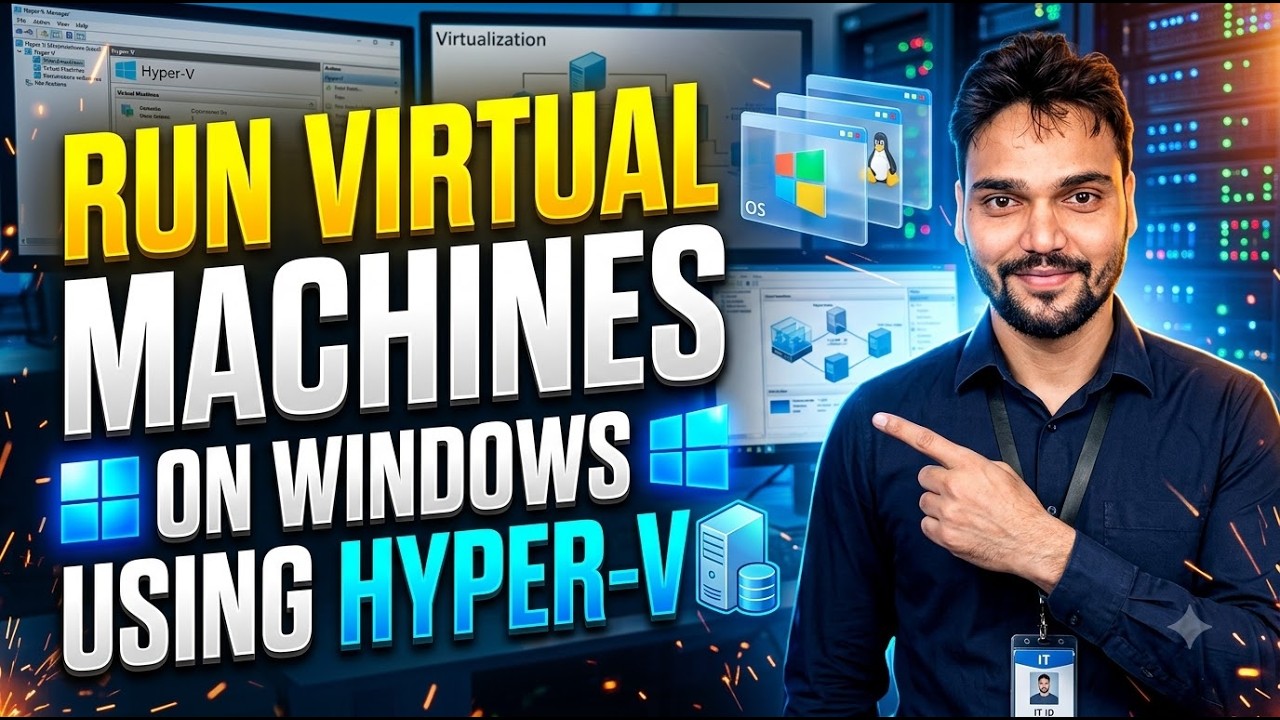
Want to run a virtual machine directly on Windows? In this video, I show you how to set up Hyper-V in Windows and create a virtual machine for testing and learning.
🔥 **What you'll learn:**🎙️ हिन्दी Key Notes & Transcript
You use Windows every day, but do you know there is a complete virtual data server built right inside Windows? So, in today's video, we're going to learn how to set up Hyper-V. using which you can run any operating system yourself right inside it, just like you do in VMware, just like you do in VirtualBox, or just like you do in ESXi. Both have different. scenarios, but they all do the exact same job of virtualization. So, in today's video, we're going to learn all about Hyper-V. Let's check it out. First of all, your. system should be capable enough, with around 8 GB or more RAM so that it can easily handle two operating systems at the same time. the one you are currently using and the one you are going to install. Alright? Because these things consume a lot of RAM, and you need to have free RAM available. Your CPU needs to be good. for processing, and you must have enough hard disk space. Alright? So, right now we have everything we need. But one thing we definitely require is that virtualization. must be enabled in our BIOS. Alright? To check that, just right-click here on your taskbar, and you'll see Task Manager. Alright? After that. you'll go to the Performance tab, and if yo...
📋 Overview & Step-by-Step Guide
How to Enable Hyper-V in Windows 11 | Hyper-V Setup
Windows Virtualization Tutorial | Create a VM Using Hyper-V
Microsoft Hyper-V Virtual Machine Setup | Windows IT Tutorial
Want to run a virtual machine directly on Windows? In this video, I show you how to set up Hyper-V in Windows and create a virtual machine for testing and learning.
🔥 **What you'll learn:**
✅ How to enable Hyper-V in Windows
✅ Hyper-V setup and configuration
✅ How to create a virtual machine
✅ Configure virtual CPU, RAM and virtual disk
✅ Install an operating system inside a VM
✅ Basic Hyper-V settings for IT labs
💻 Hyper-V is useful for IT administrators, Windows testing, networking labs and learning server virtualization.
🔗 **Microsoft Hyper-V Documentation:**
https://learn.microsoft.com/en-us/windows-server/virtualization/hyper-v/
⚠️ Note: Hyper-V availability depends on your Windows edition and hardware. Client Hyper-V is available on supported Windows Pro, Enterprise and Education editions, not standard Windows Home installations. Hardware virtualization must be enabled in BIOS/UEFI.
Subscribe to technicalanshu.com for Windows tutorials, virtualization, networking, Windows Server and practical IT guides.
#HyperV #Windows11 #VirtualMachine #HyperVTutorial #Virtualization #technicalanshu
❓ Frequently Asked Questions (हिन्दी)
Is this tutorial 100% free to follow?
Yes! All guides and methods demonstrated by Technical Anshu use free, legal, and educational resources.
Can beginners follow this guide?
Absolutely! Every step is demonstrated on-screen with detailed instructions so anyone can follow along easily.
Where can I ask questions if I get stuck?
Leave a comment directly on the YouTube video, and our community and Technical Anshu will help you out.