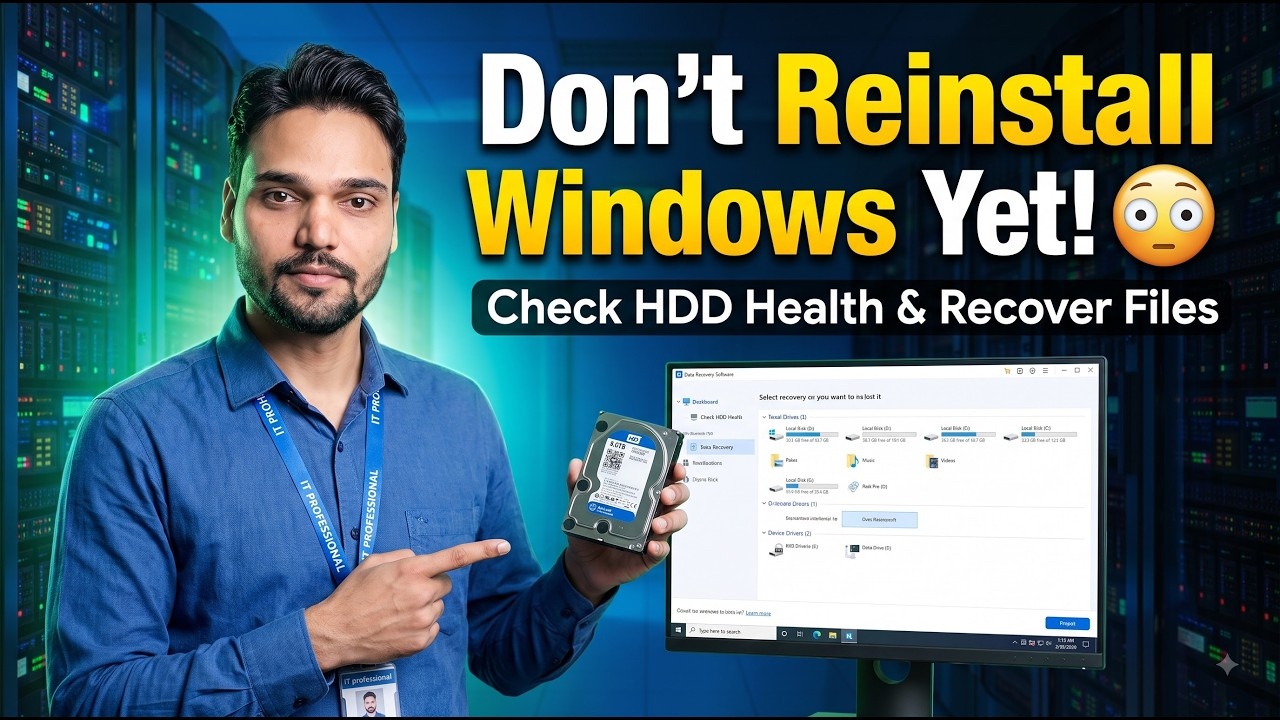
Check HDD Health - Find Bad Sectors Before Failure 🚨
00:00 How to test HDD health & performance
00:05 Common HDD problems (slow PC, noise, boot issue)
00:09 Why HDD testing is important
01:15 Using Hard Disk Sentinel (surface test explained)
01:43 Understanding test results (change HDD or not)
01:50 Early signs of HDD failure & data loss warning🎙️ English Key Notes & Transcript
Hey guys, I'm Ansar, and if your Windows laptop or computer keeps restarting unexpectedly, it doesn't necessarily mean your RAM is failing or your system is broken. The real issue might actually be with your hard disk. It could be a traditional computer hard drive, a laptop hard drive, an NVMe SSD, or even just a USB flash drive. So how do we test whether our hard disk is healthy or dying, or if there's a problem with the pen drive? Let's find out in today's video. So let's get started right away. Whichever hard drive is causing trouble, you just need to connect it to your computer. After that, go ahead and open up your Chrome browser. And then just search for Hard Disk Sentinel and click on it. Next, we'll click on the download button, and you have the option to buy the paid version or use some of the free versions available. So you can easily go ahead and download those free options as well. Once the download is finished, we just need to install it normally. Or if you happened to download the portable version instead, you can just go ahead and open it right away. After opening it up, you'll see an interface that looks like this. Now, we've connected one hard drive that actually h...
📋 Overview & Step-by-Step Guide
00:05 Common HDD problems (slow PC, noise, boot issue)
00:09 Why HDD testing is important
01:15 Using Hard Disk Sentinel (surface test explained)
01:43 Understanding test results (change HDD or not)
01:50 Early signs of HDD failure & data loss warning
In this video, I'll show you how to check and test your HDD (Hard Disk Drive) to find out if it has errors, bad sectors, or performance issues - using free and easy tools! 💻🧠
Whether your PC is slow, making clicking sounds, or showing boot errors, this guide will help you diagnose and test your hard drive's health step-by-step.
📘 Topics Covered:
✅ How to test HDD health using built-in Windows tools
✅ Check bad sectors with Command Prompt (CMD)
✅ Test HDD performance and SMART status
✅ Best free software to check HDD health (CrystalDiskInfo / Sentinel HDD)
✅ Tips to prevent hard drive failure
💡 Works for Windows 10, 11, and Linux systems.
📂 Commands Used (Windows CMD):
chkdsk C: /f /r
wmic diskdrive get status
Hard Disk Sentinel
❓ Frequently Asked Questions (English)
Is this tutorial 100% free to follow?
Yes! All guides and methods demonstrated by Technical Anshu use free, legal, and educational resources.
Can beginners follow this guide?
Absolutely! Every step is demonstrated on-screen with detailed instructions so anyone can follow along easily.
Where can I ask questions if I get stuck?
Leave a comment directly on the YouTube video, and our community and Technical Anshu will help you out.